Someone Copied Your YouTube Video? How to Use the Copyright Match Tool and Request Removal
Some people download other creators’ videos and upload them to their own channels to steal the views. Once your channel is monetized, YouTube shows you these copies in the Copyright section of YouTube Studio. If you’re not monetized yet, you can still submit a removal request yourself. Here’s how both work.
The Copyright section in YouTube Studio
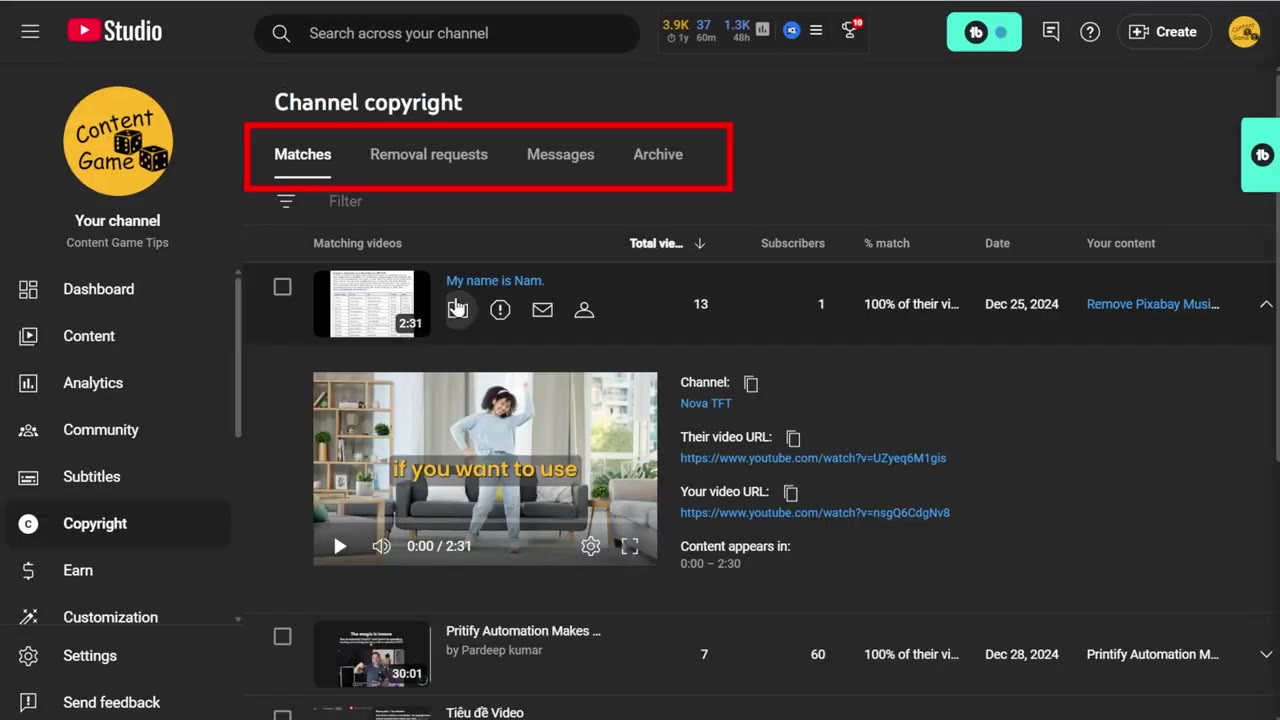
Open YouTube Studio and click Copyright in the left menu. The first time, read the guidelines and agree to start using the tool. Monetized channels see four tabs: Matches, Removal requests, Messages and Archive. Channels that aren’t monetized see only the removal request option, so they need to find the copied video themselves.
Check the matches first
The Matches tab lists every video YouTube found that uses your content. Before you request a removal, watch the video: using part of your content to create something new can be fair use. Check the views and subscribers of the other channel (a video with zero views may not be worth your time), how much of your video was used, the upload date and which of your videos was copied.
The tools under each match
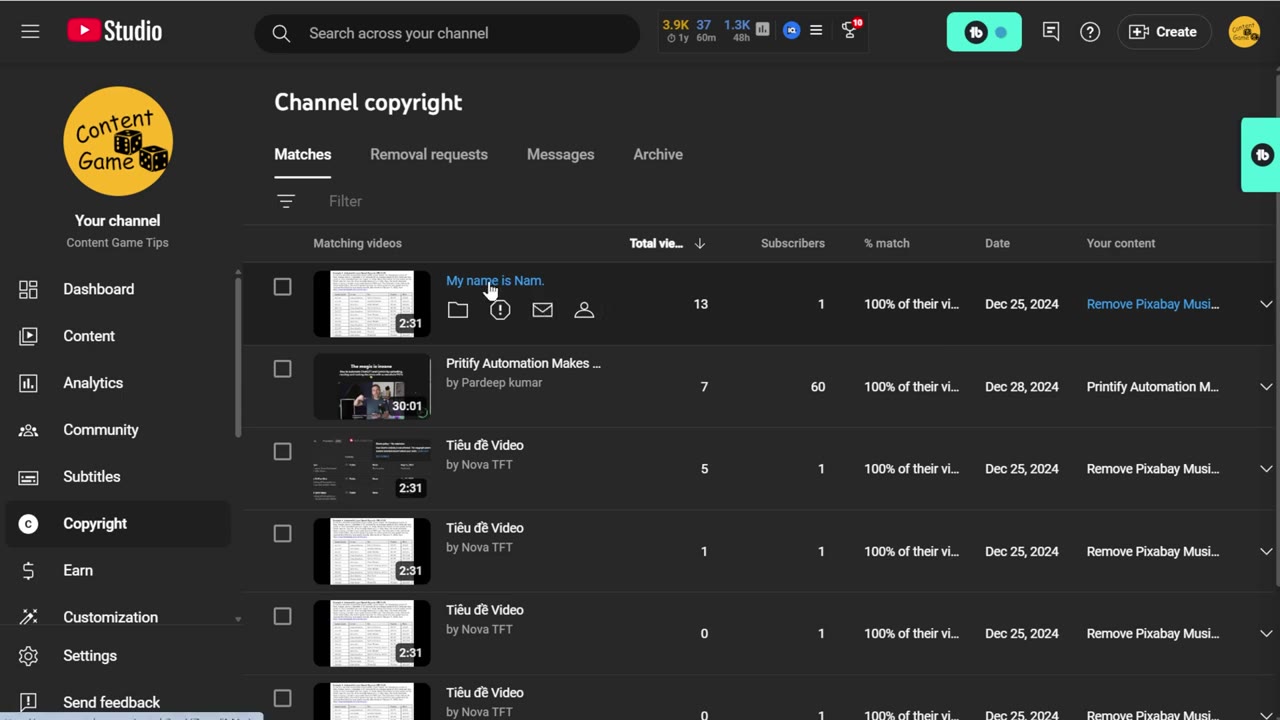
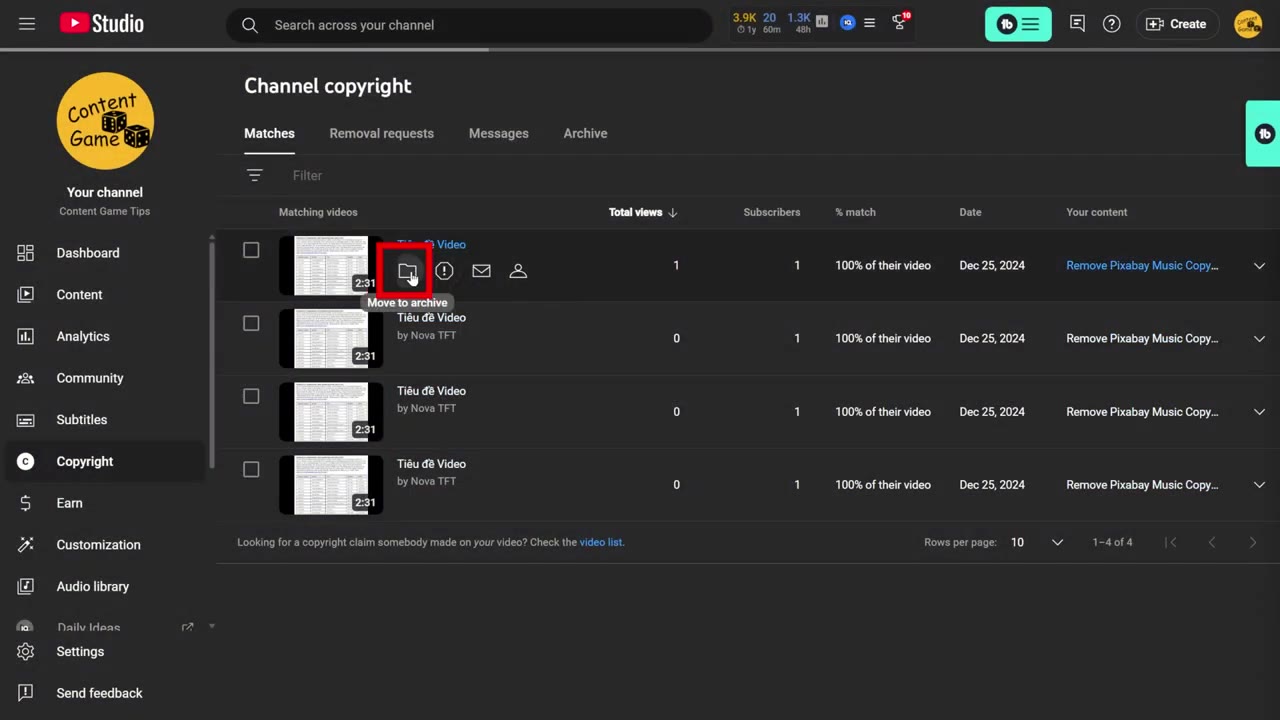
Under each match you can move it to the Archive (if it’s fair use or your own channel), open the removal request, contact the channel with a ready-made email so they remove it themselves without a strike, or watch the copied video on YouTube.
Submit a removal request
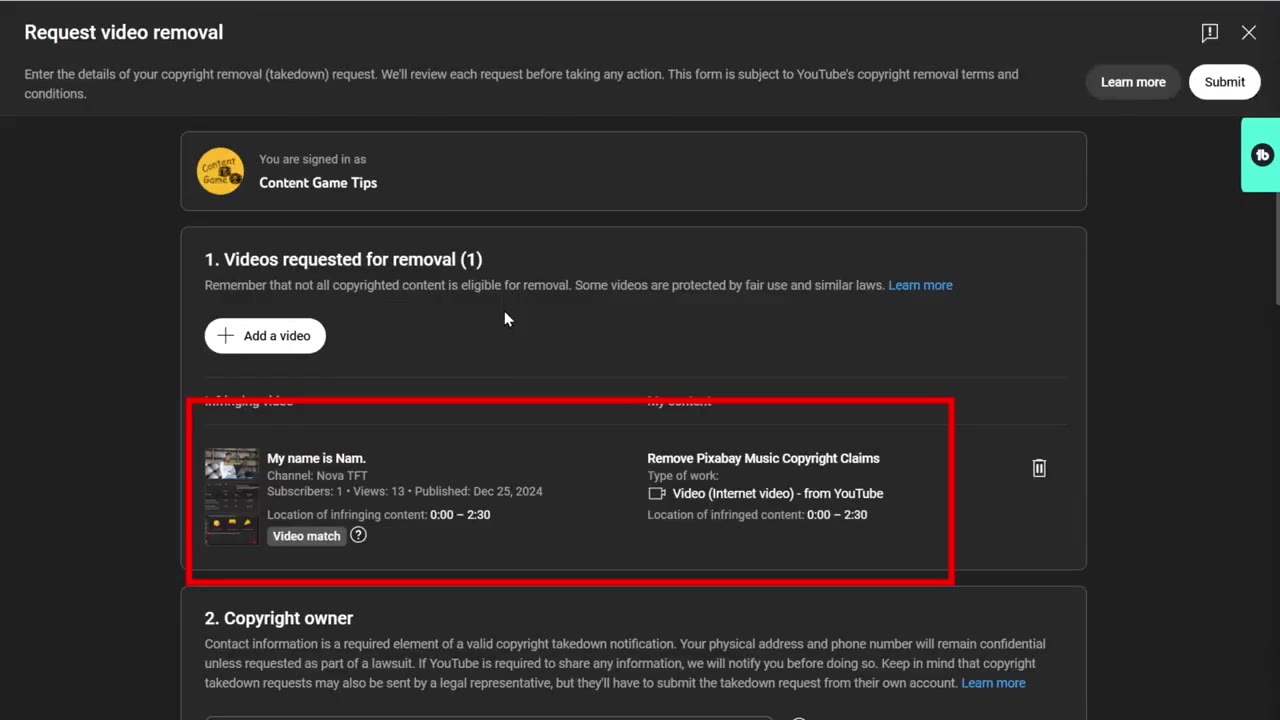
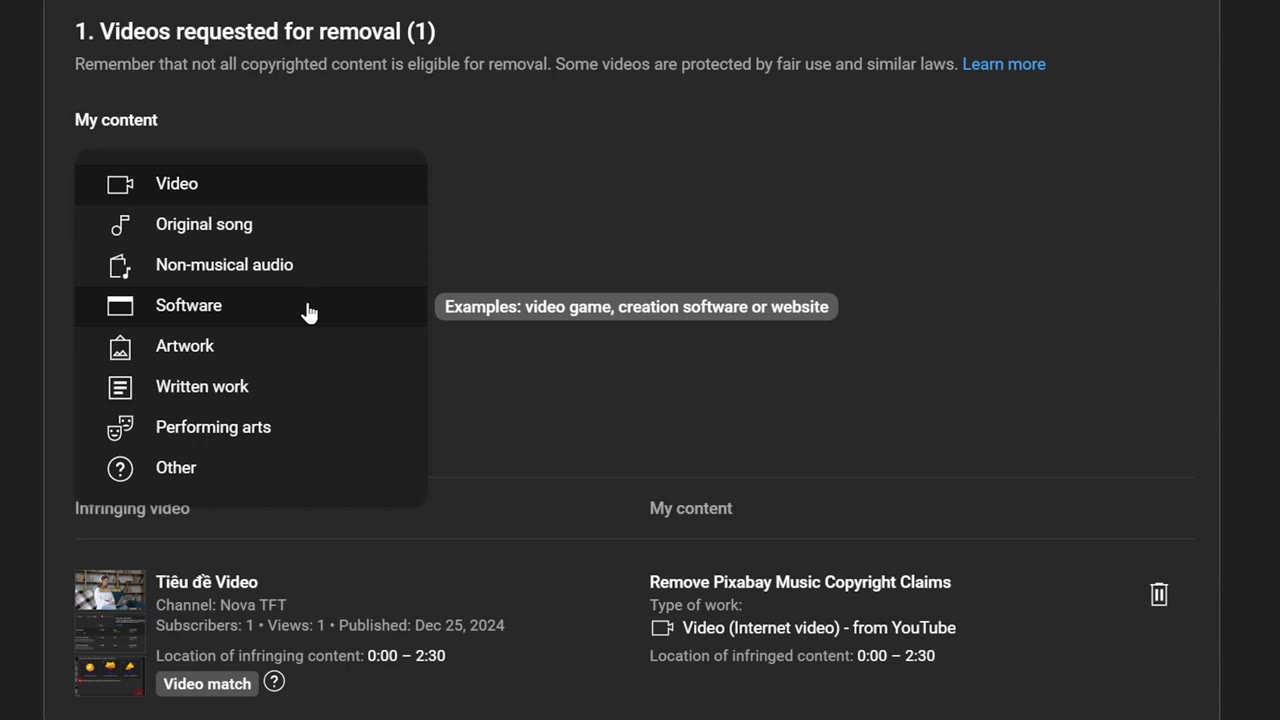
Click the removal request button. Monetized channels get the matched video already filled in. Otherwise click Add a video and fill in your content:
- Type of work: a video, or other content you own like music, artwork or written work (a blog post or a book).
- For a video, choose the subcategory and where it’s stored: your YouTube channel, another channel you manage, or outside YouTube.
- Add the URL of your original video.
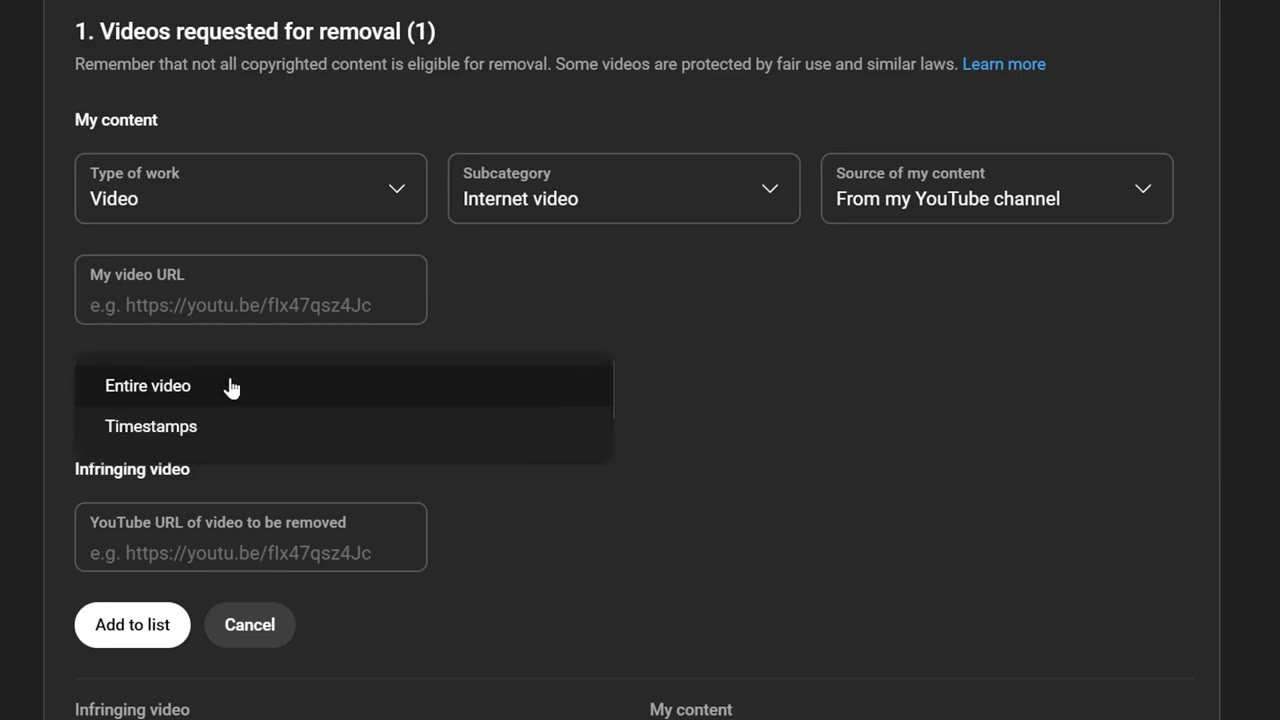
- Location of infringing content: choose Entire video, or timestamps for the part that was copied.
- Add the URL of the copied video and add it to the list.
Copyright owner details
Choose whether the request is for you or a client, then fill in the copyright owner name (the channel name works), phone, relationship to the content (owner), country and address. YouTube says the phone and address are not shared with the other channel, but your primary email is.
Removal options and signature
Choose between a 7-day notice, which gives the uploader time to remove the video and avoid a strike, or a standard request that removes it right away and can give them a copyright strike. Three strikes can shut a channel down. The 7-day notice is a fair choice when someone tried to make something new but didn’t change enough.
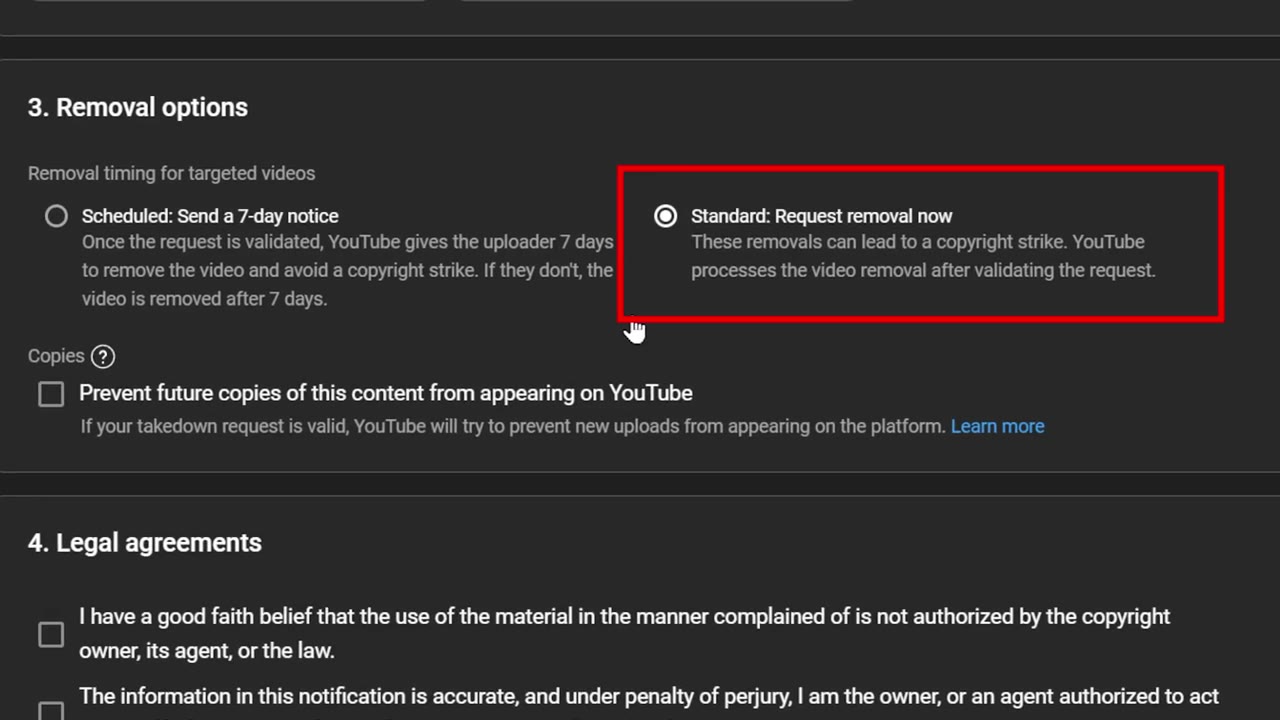
Then read and check the legal agreements and sign with your full legal name. Only submit a request when you’re sure the content was copied, since abusing the tool can get you in trouble. Click Submit. YouTube saves most details, so the next request is much faster.
Track your requests
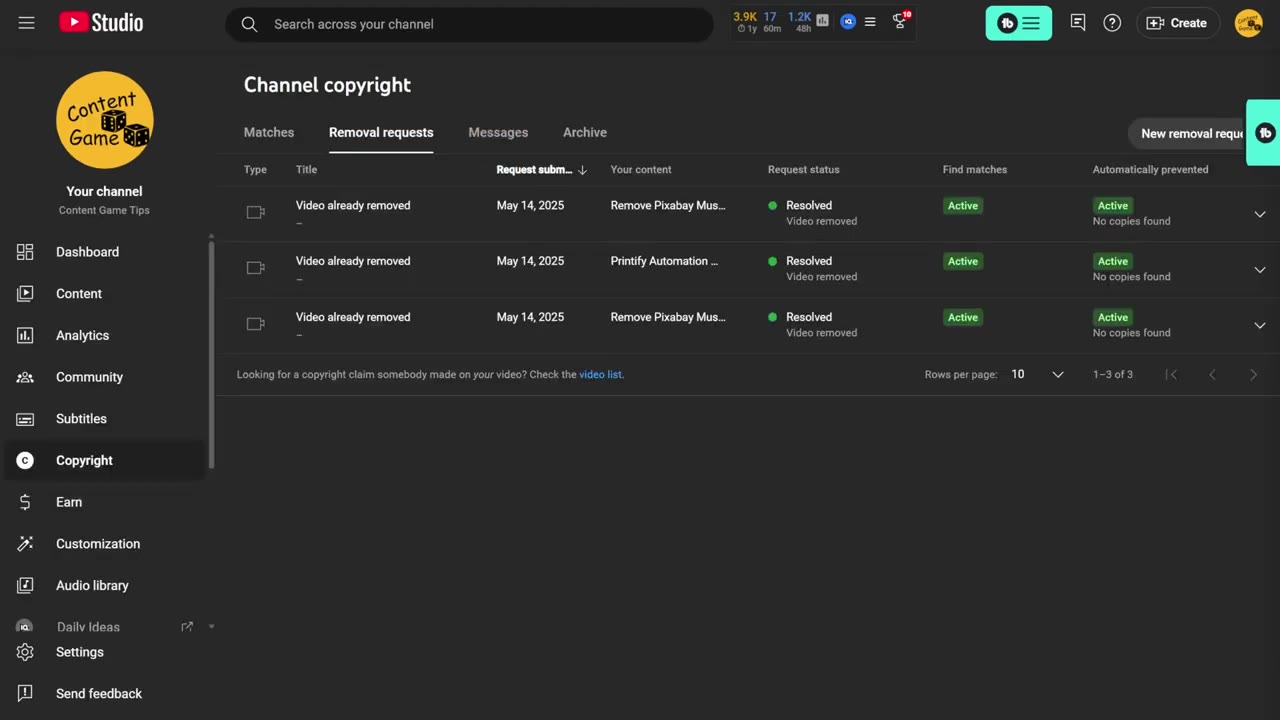
The Removal requests tab shows every request and its status. The Messages tab shows messages you sent, and the Archive holds matches you chose not to remove, where you can still message, request removal or move them back.
More: the full YouTube monetization guide.
Keep learning
This guide is part of the complete guide: YouTube Channel Guide.
Free download: get the New YouTube Channel Checklist, every step on one page.