How to Contact YouTube Creator Support (YouTube Partner Program)
One of the best benefits of the YouTube Partner Program is that you can contact a real person on the YouTube team about problems with your channel. Here’s how.
Step 1: Find Creator Support in the Earn tab
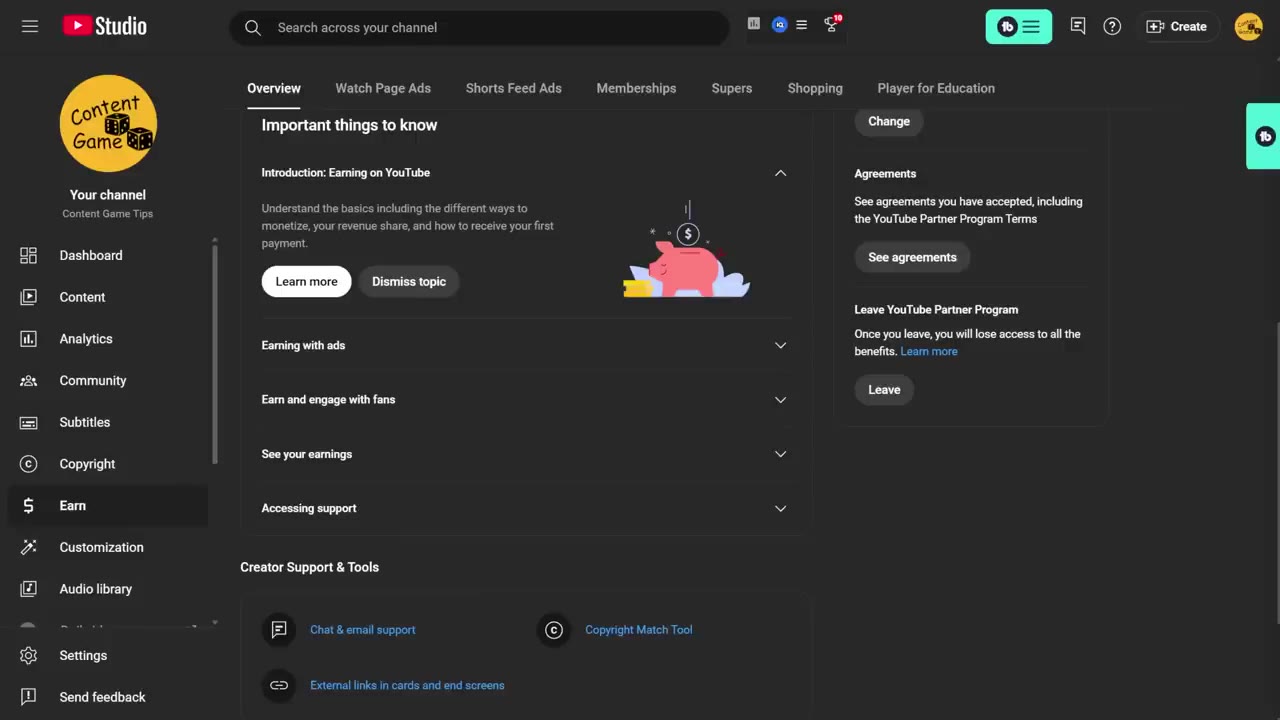
Open the Earn tab in YouTube Studio for the monetized channel, scroll down to Creator Support & Tools and click Chat & email support.
Step 2: Describe your problem
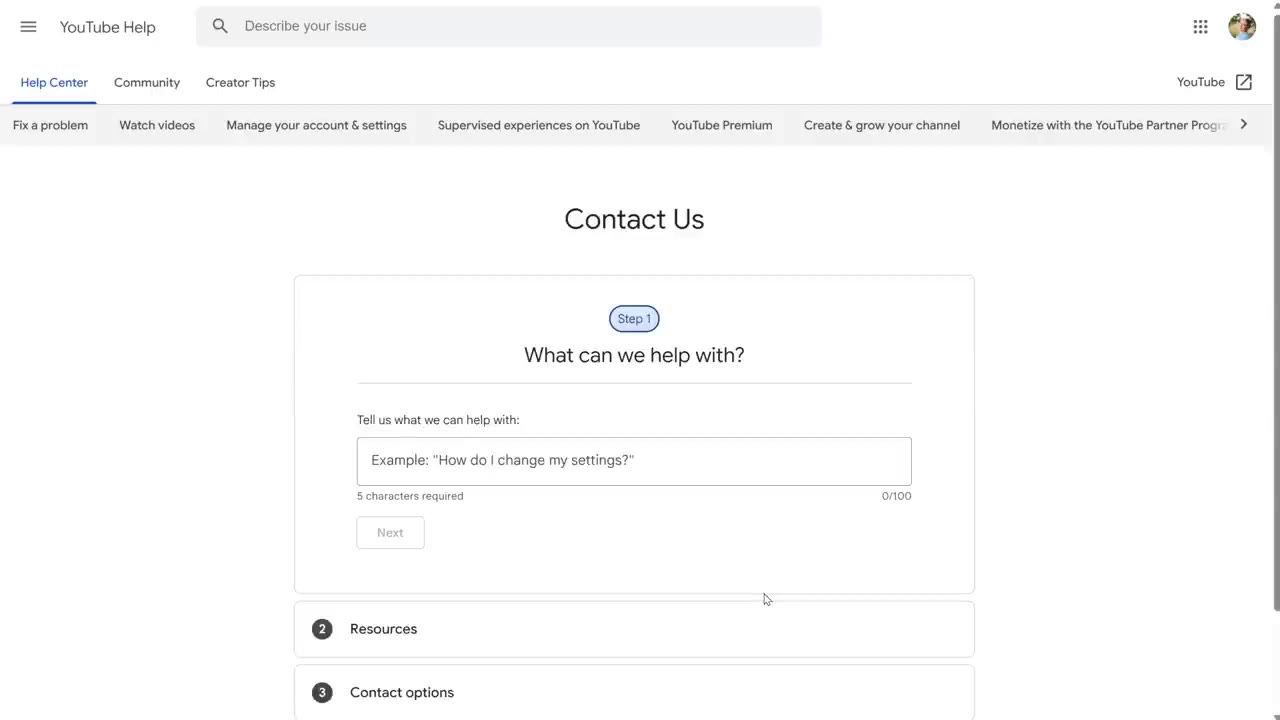
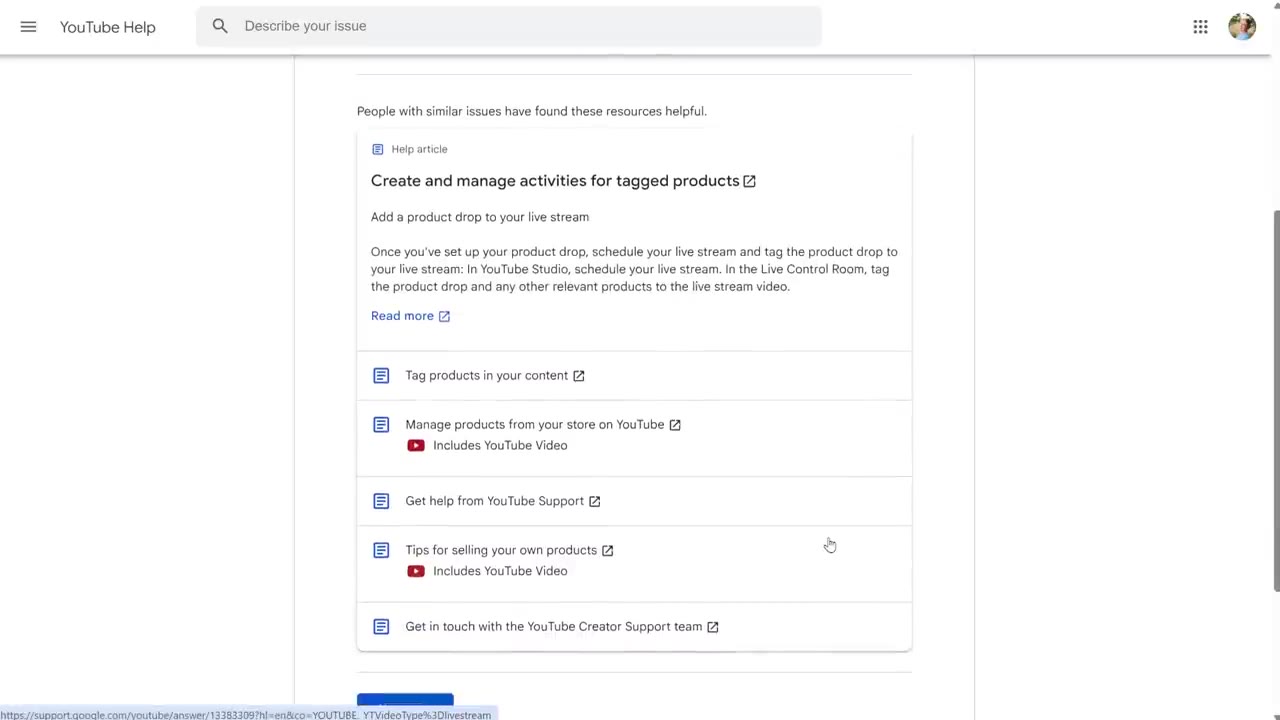
Write your question. YouTube first shows help articles that may answer it. Read them, because most questions are answered there.
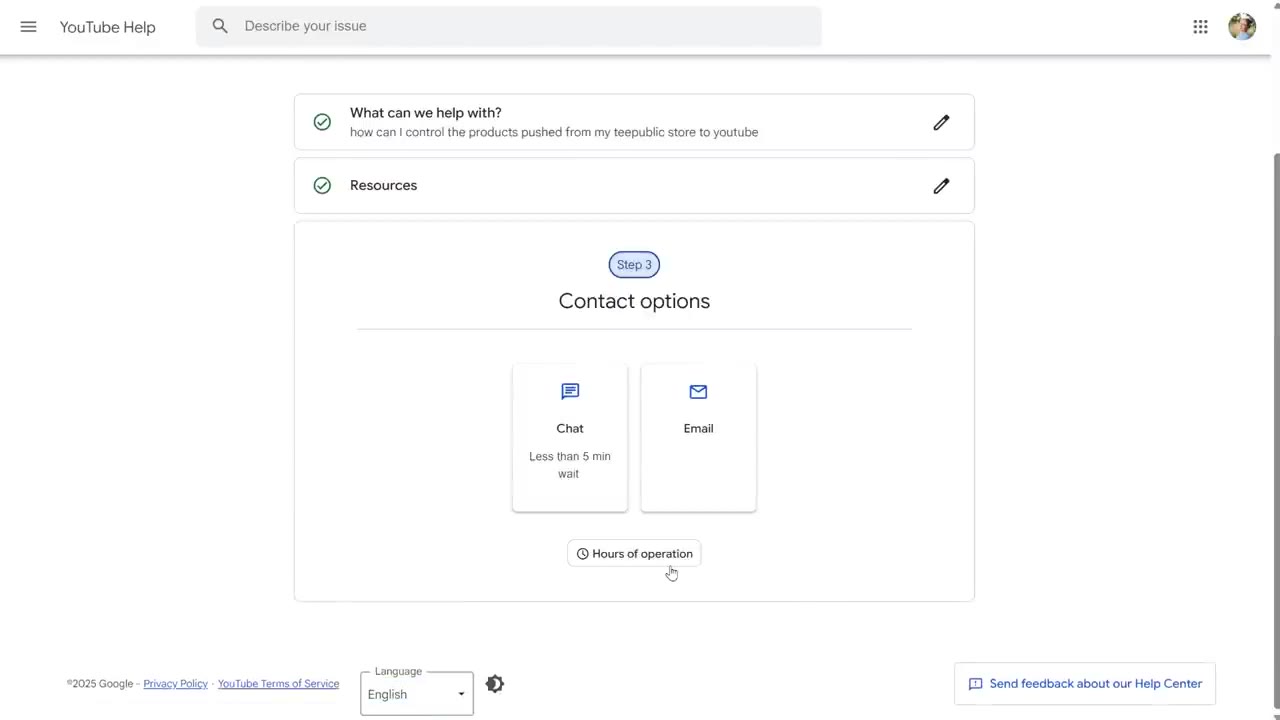
Step 3: Chat or email
Choose chat for a fast answer or email if you’re not in a hurry. Fill out the short form with your channel URL and the details, then start the chat or send the email.
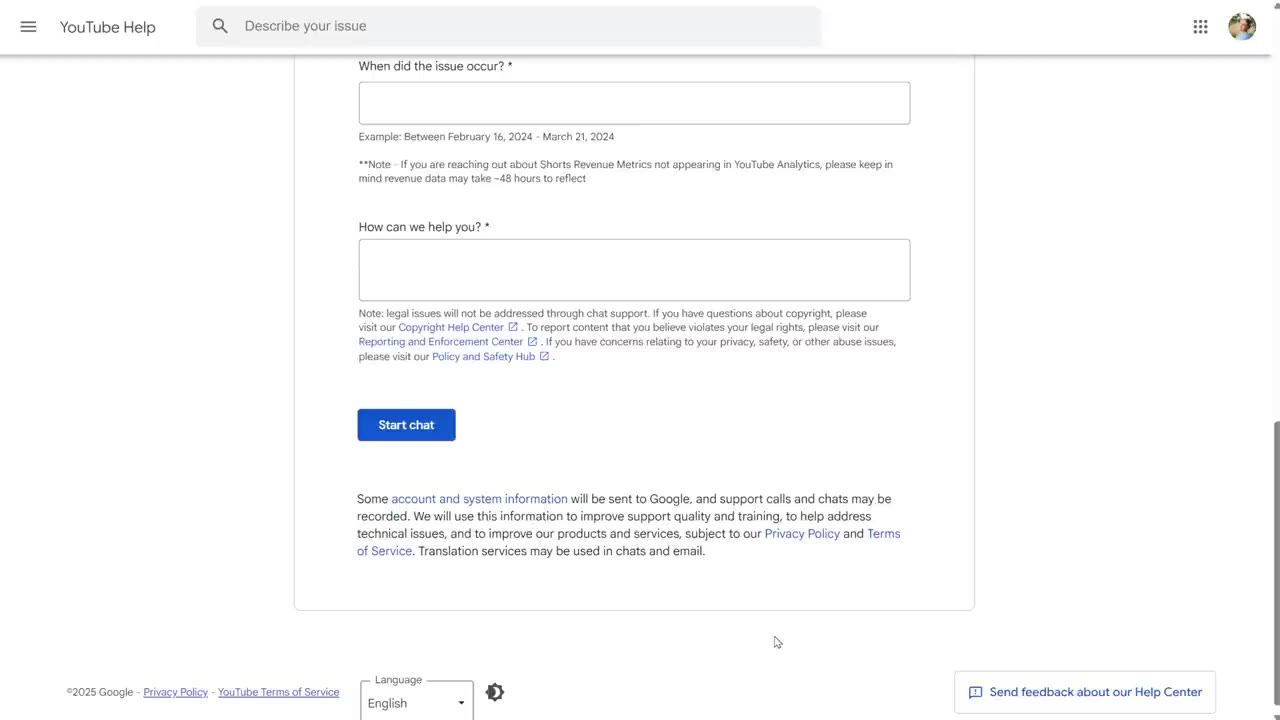
The answers are quick, but the agent doesn’t always know the answer, and waiting for a manager takes time. For personal issues like payments, the chat is very useful.
More: the full YouTube monetization guide.
Keep learning
This guide is part of the complete guide: YouTube Channel Guide.
Free download: get the New YouTube Channel Checklist, every step on one page.