How Pinterest Board Sections Work: Add, Move Pins, Reorder and Merge
Sections let you split one Pinterest board into smaller topics. All the pins stay on the same board, but they’re much easier to browse. Here’s everything you can do with them.
Create a section
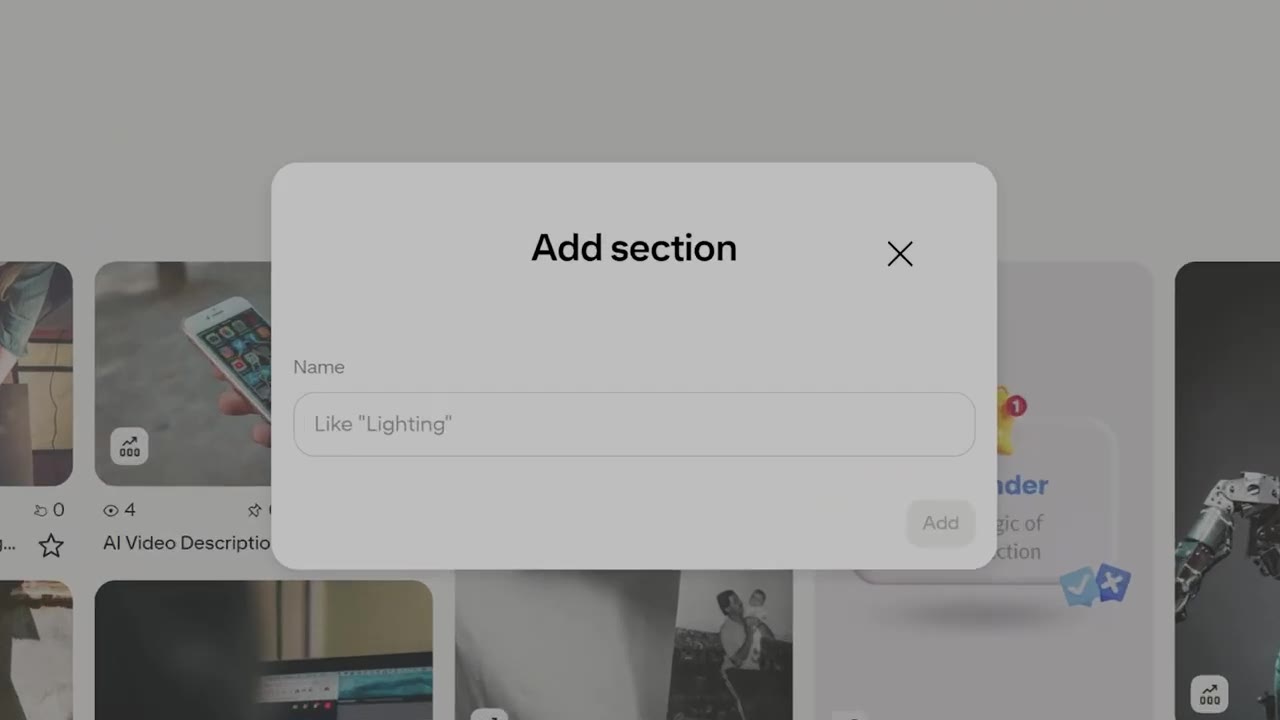
Open the board, click Add section, give it a name and save.
Move one pin to a section
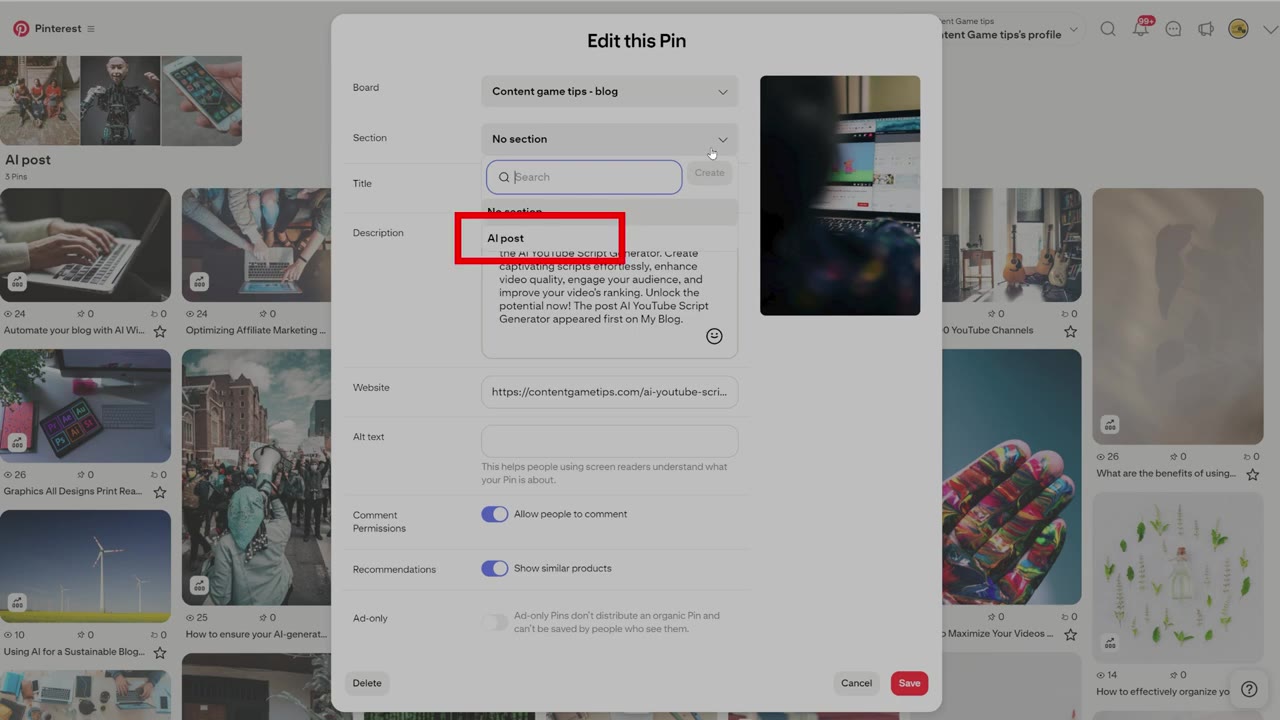
Click the pin and use the section option to choose where it goes. You can also type a new name and click Create to make a section right there.
Move many pins at once
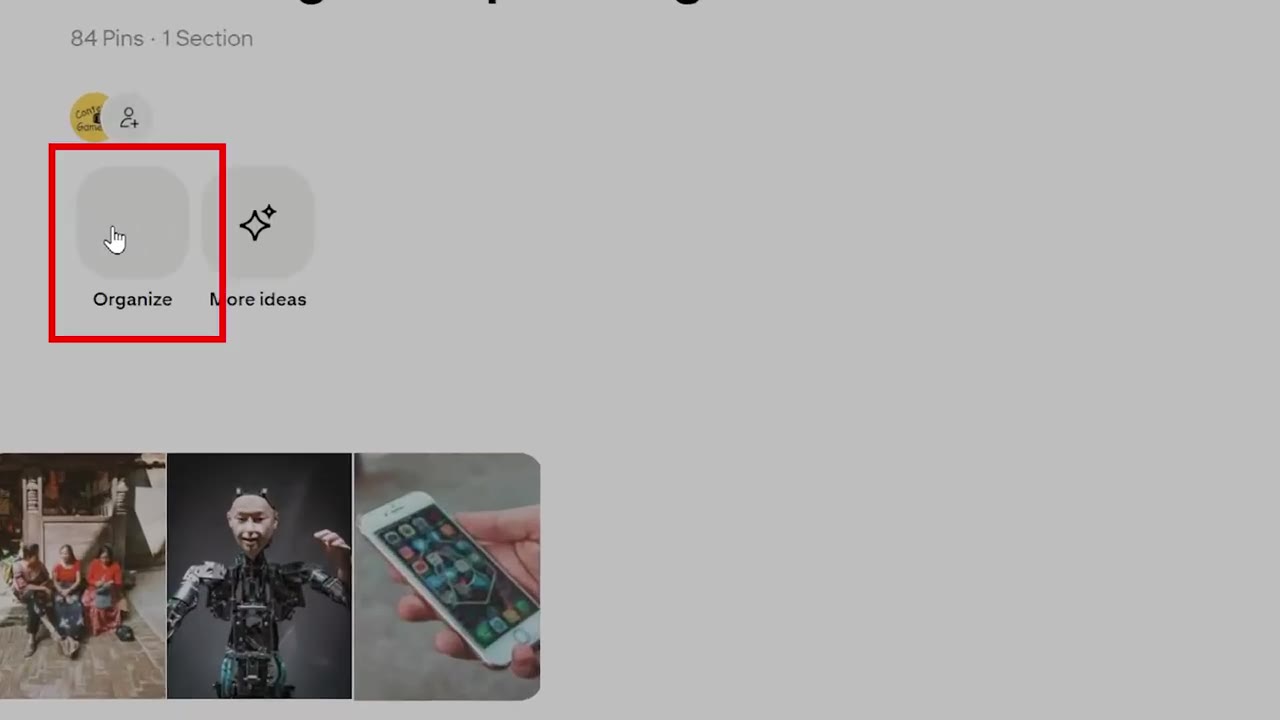
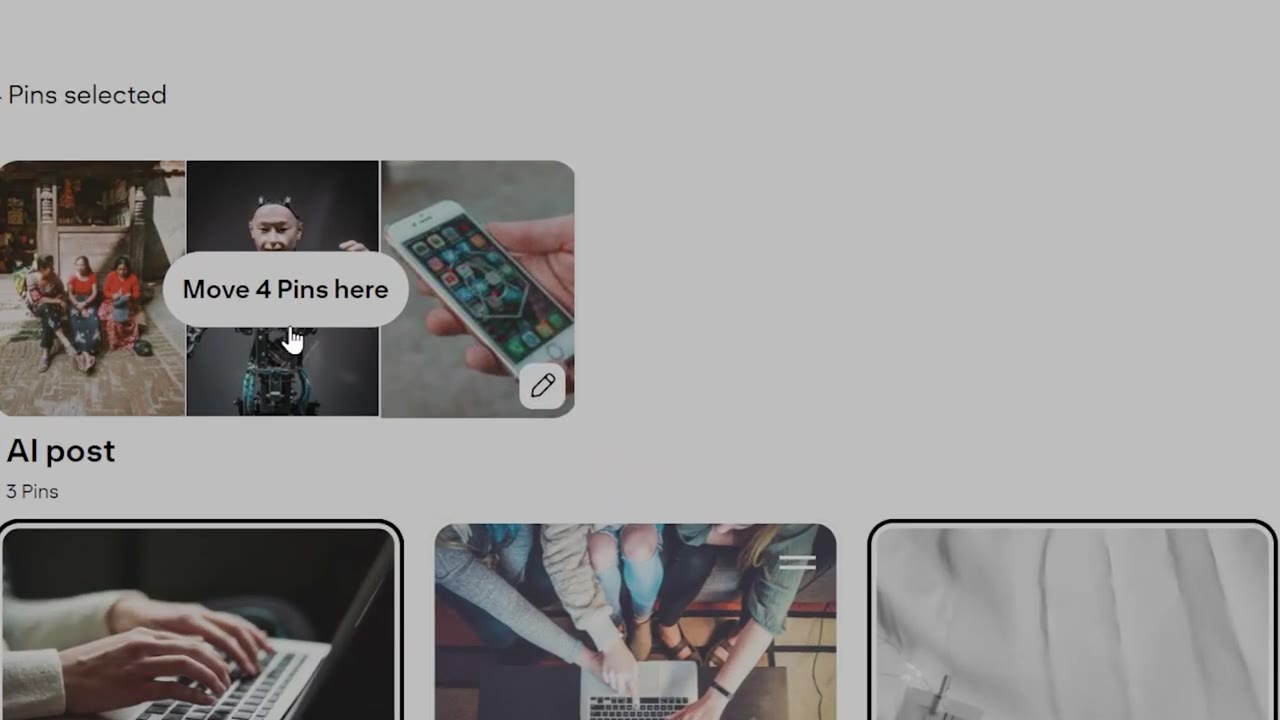
Click Organize, select the pins, hover over the section and click to move them. The images may take a minute to appear in the section.
Reorder pins and sections
Drag pins to reorder them inside a section, the same way you do on the board. You can also drag a whole section to a new place.
Merge two sections
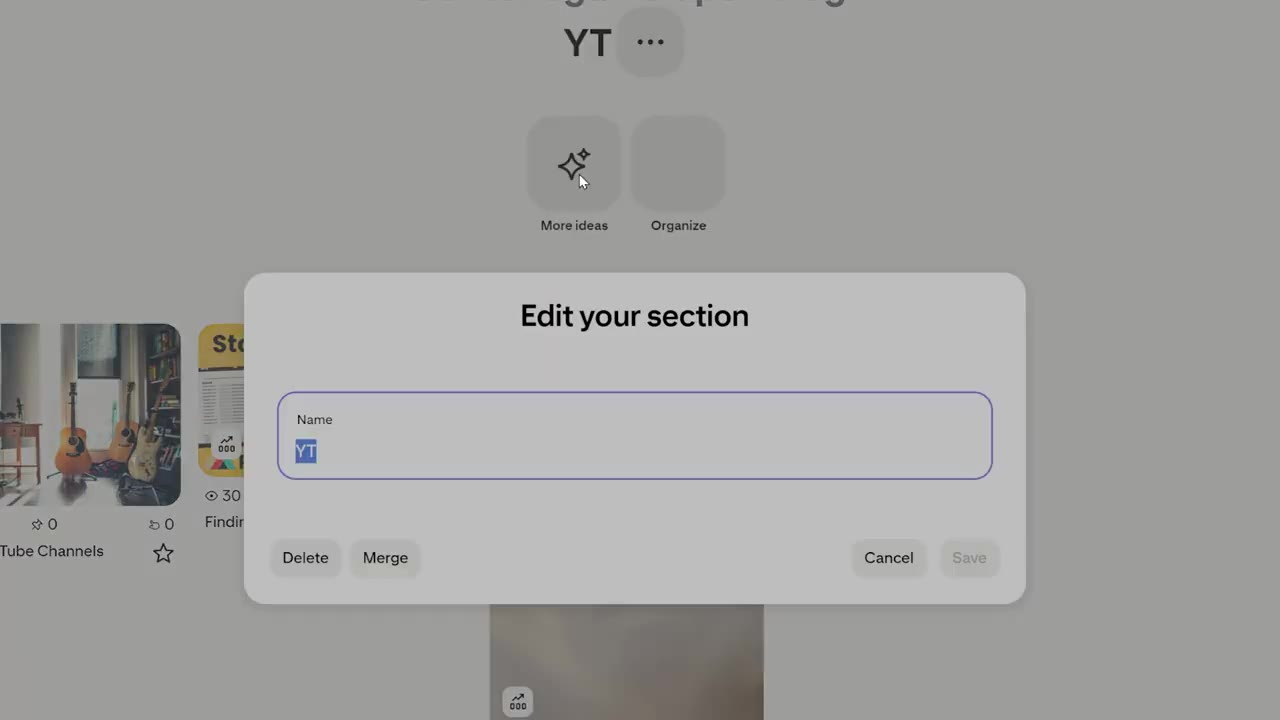
Open a section, click the menu, choose Edit and then Merge, and pick the section to combine it with. All the pins move over.
More: how to organize Pinterest boards.
Keep learning
This guide is part of the complete guide: Pinterest and Social Media Guide for Creators.