Printful Full Tutorial 2026: From Design to Your WooCommerce Store
All my Printful tutorials in one video: one hour, from the first design to a working store. I connect Printful to my WooCommerce store and make real products from my children’s book: T-shirts, a jigsaw puzzle, stickers, team hats and a tote bag. You’ll also see all the ways to make mockups, and what you really earn after shipping, taxes and fees.
Every part below has the time it starts in the video, and a link to the shorter video or the written guide for that part, if you want just one product.
Part 1 (0:00) – Connect Printful to WooCommerce and make your first T-shirt
I install the Printful plugin, connect Printful to my WooCommerce store, and create my first T-shirt from a design I made in Canva: print quality, colors, mockups, the details and the price.
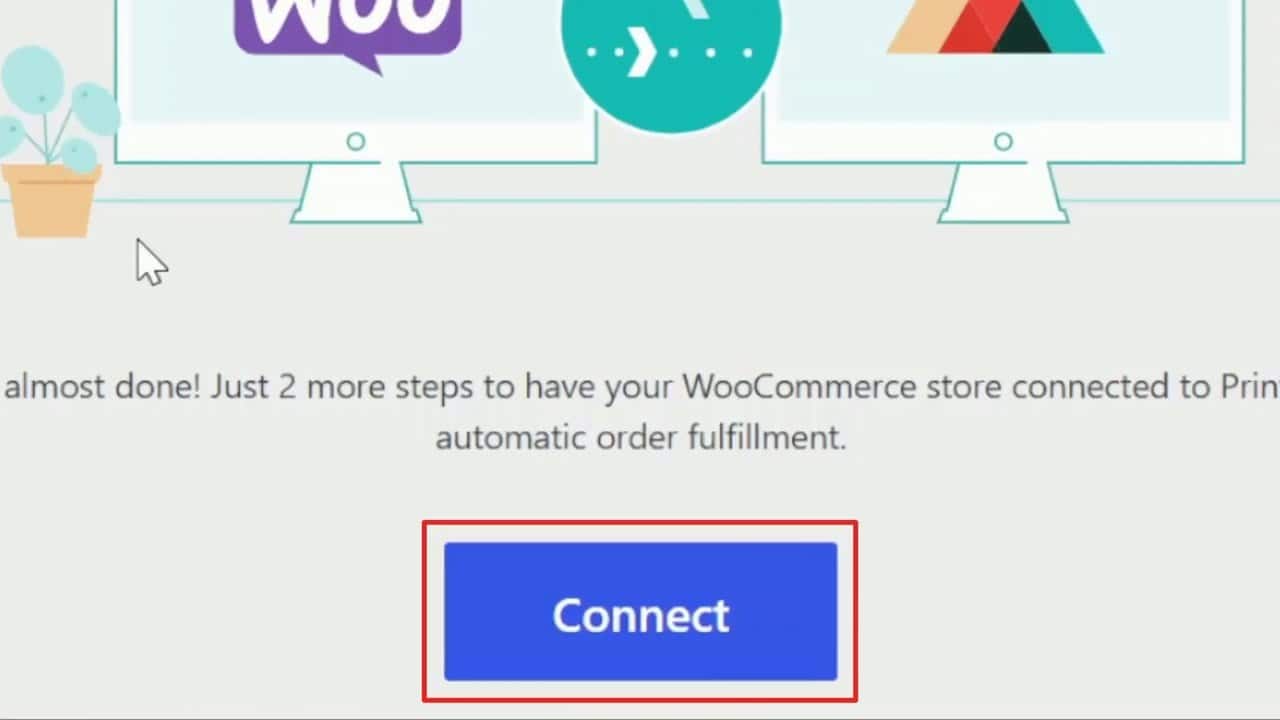
Read the step-by-step guide with screenshots or watch this part as its own video.
Part 2 (5:12) – One design for every shirt color
Two T-shirt designs from my book’s main characters, made in Adobe Express so each one works on light shirts and on dark shirts. One file for every shirt color. I colored the pencil drawings with AI first, then added the shirts to my store with Printful.
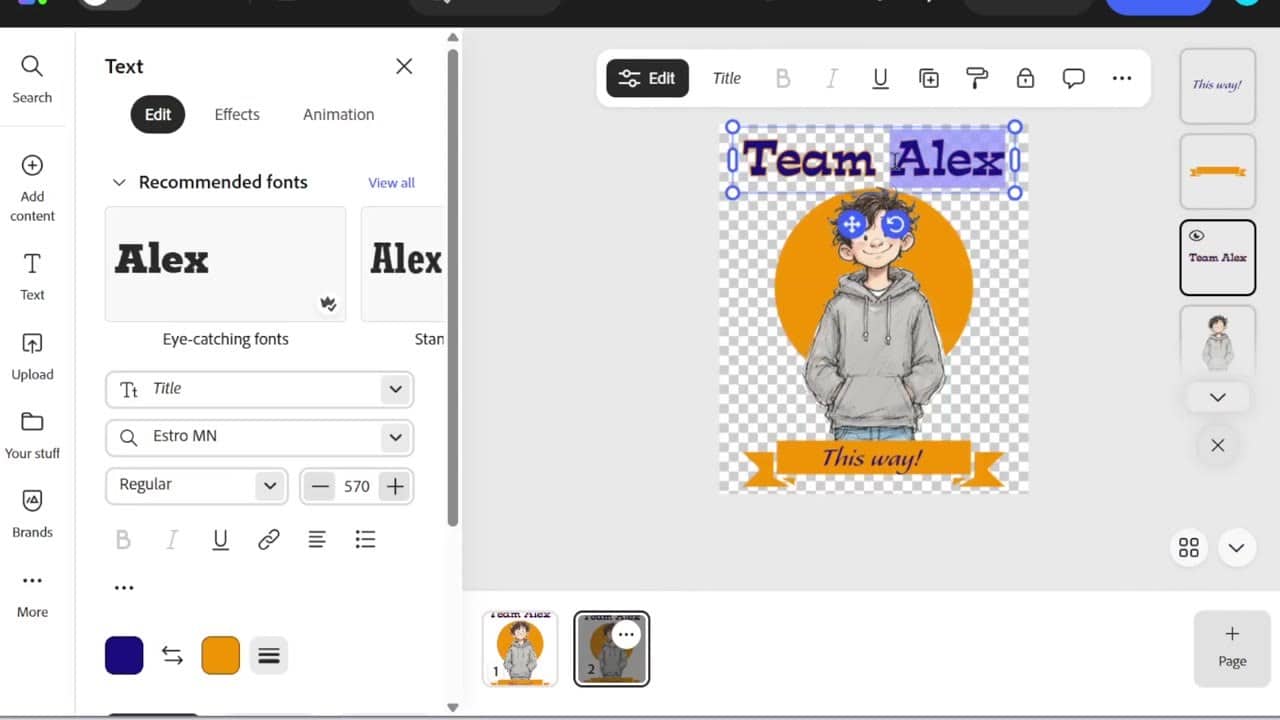
Read the step-by-step guide with screenshots or watch this part as its own video.
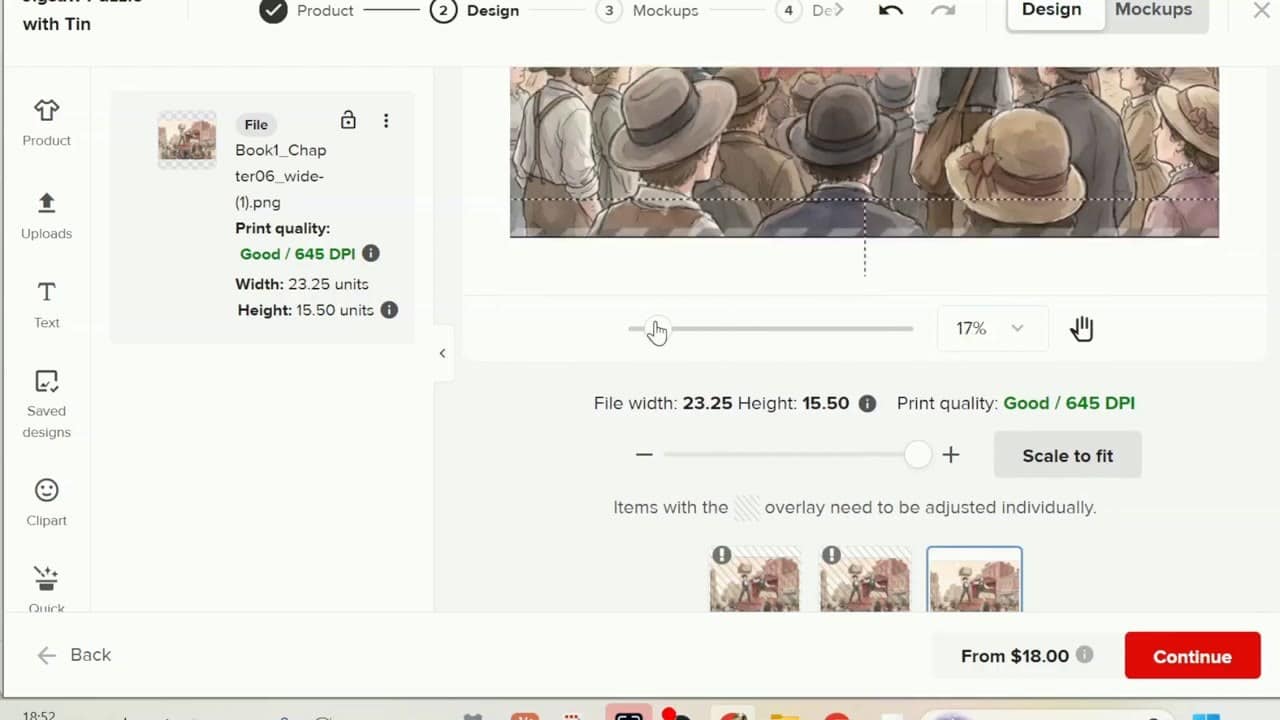
Part 3 (14:54) – A jigsaw puzzle from a picture
I turn a picture from my book into a jigsaw puzzle: which picture works as a puzzle, how to download a big enough print file, which puzzle sizes fit kids, and which puzzle ships outside the USA.
Watch this part as its own video
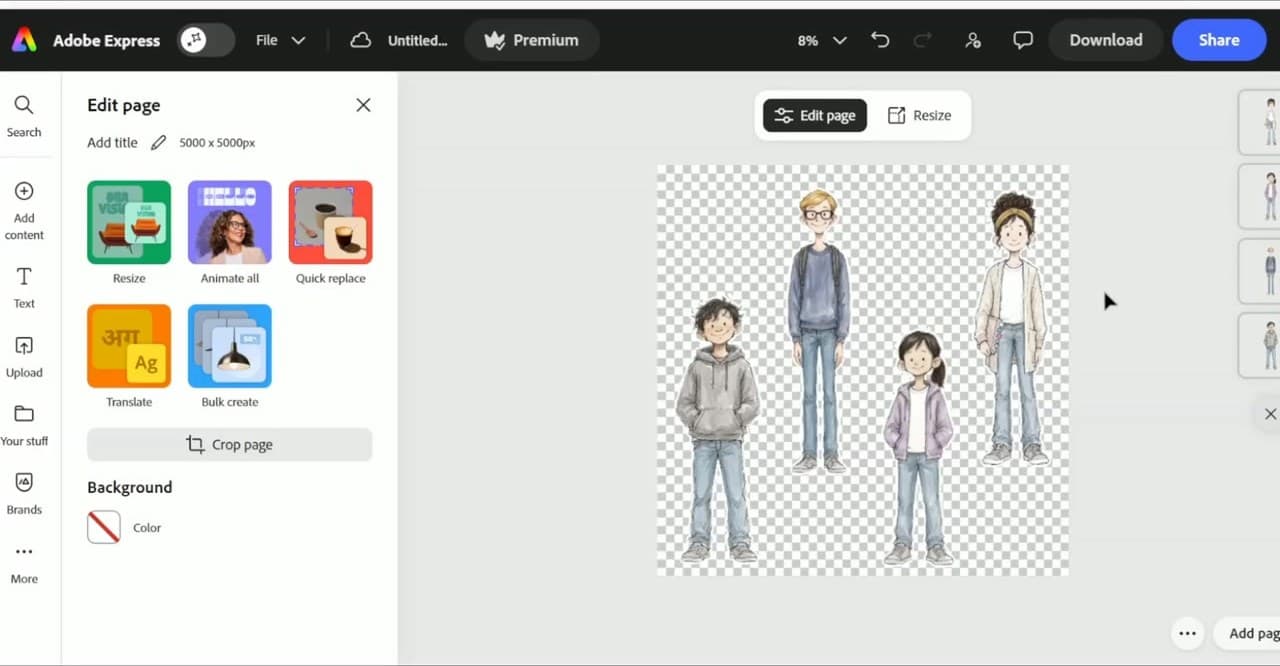
Part 4 (19:39) – Stickers, product templates and Printful shipping
A sticker sheet with the four kids from my books, designed in Adobe Express and made as a Printful product template. Then shipping: why I charge real shipping instead of giving free shipping on a small product, and the Printful shipping tab in WooCommerce.
Watch this part as its own video
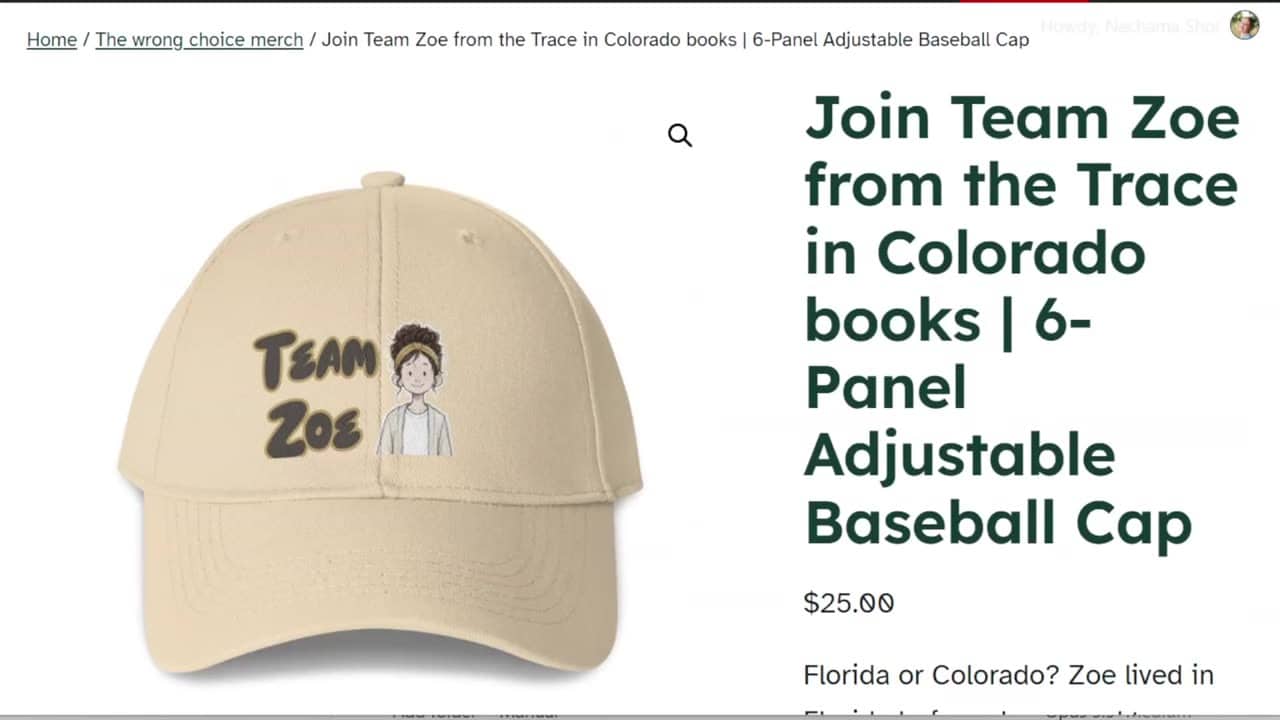
Part 5 (26:03) – Team hats in Canva
Team hats for each kid in the book: knowing the small print area before designing, the outline effect in Canva, watching the seam in the middle of the cap, and why a $25 hat leaves only a few dollars.
Read the step-by-step guide with screenshots or watch this part as its own video.
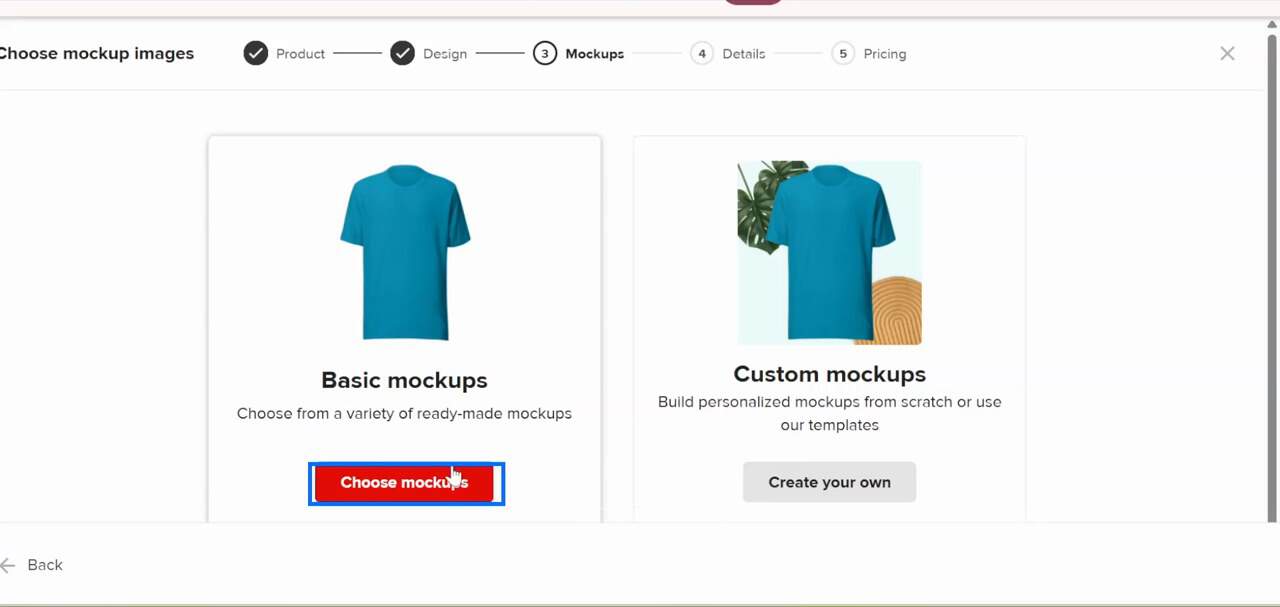
Part 6 (32:05) – All the ways to make mockups
Printful’s basic mockups, downloading them, the Custom Mockup Maker, ready mockups in Canva, and how to give every shirt color its own image in WooCommerce.
Read the step-by-step guide with screenshots or watch this part as its own video.
Part 7 (44:05) – Your real profit: shipping, taxes and fees
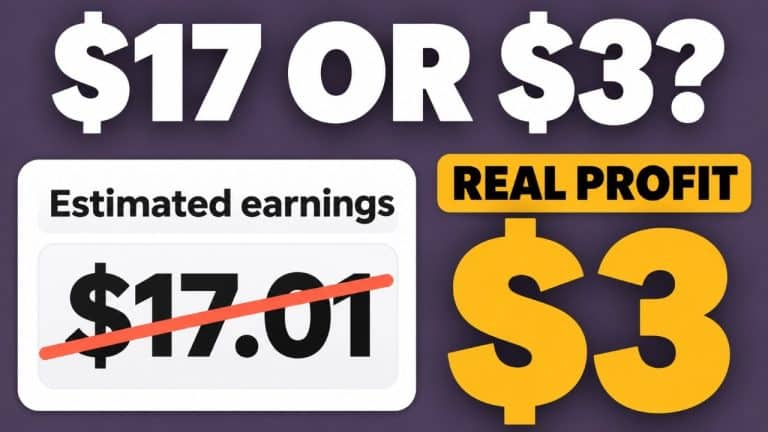
Printful’s “Estimated earnings” is only your price minus the product. Here I show what really comes out of each sale: shipping, taxes, payment fees and currency conversion.
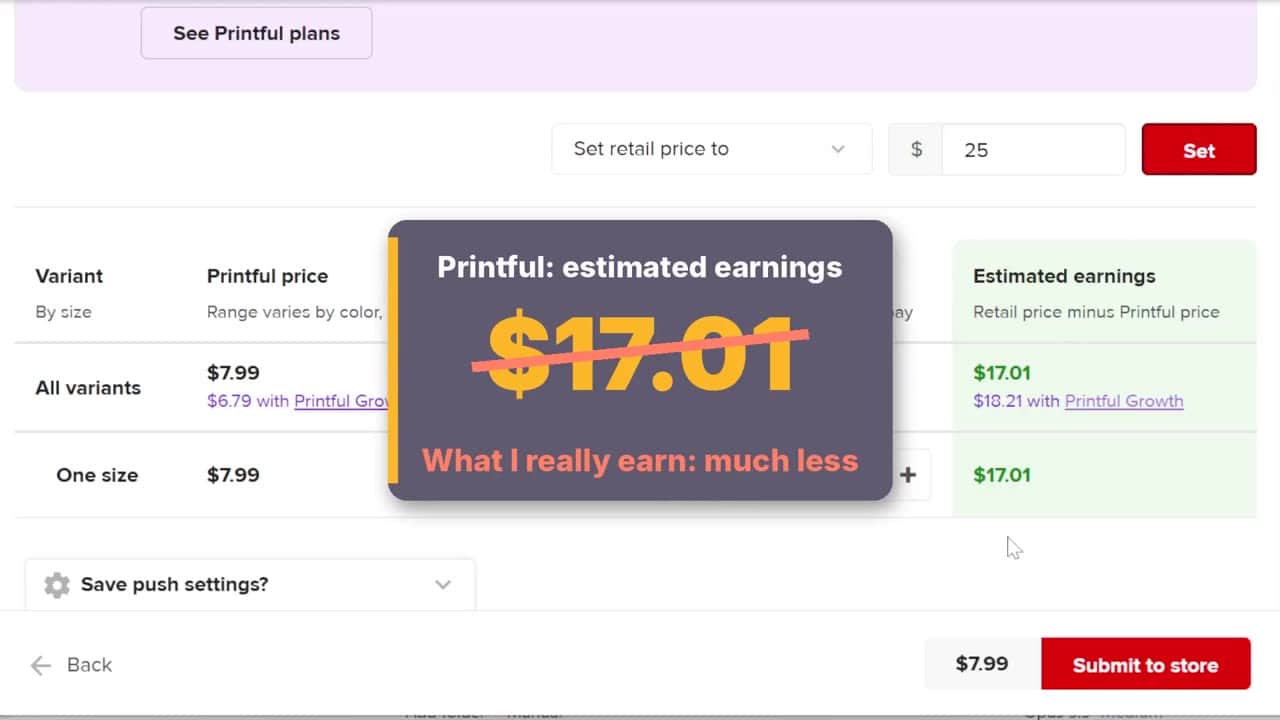
Use my free Printful profit calculator or watch this part as its own video.
Part 8 (52:44) – A tote bag with Adobe Firefly
A pencil-style drawing made in Adobe Firefly, text added in Adobe Express, and a tote bag in Printful. Plus what went wrong in Firefly, how I made the image big enough for print, and the real profit on the bag.
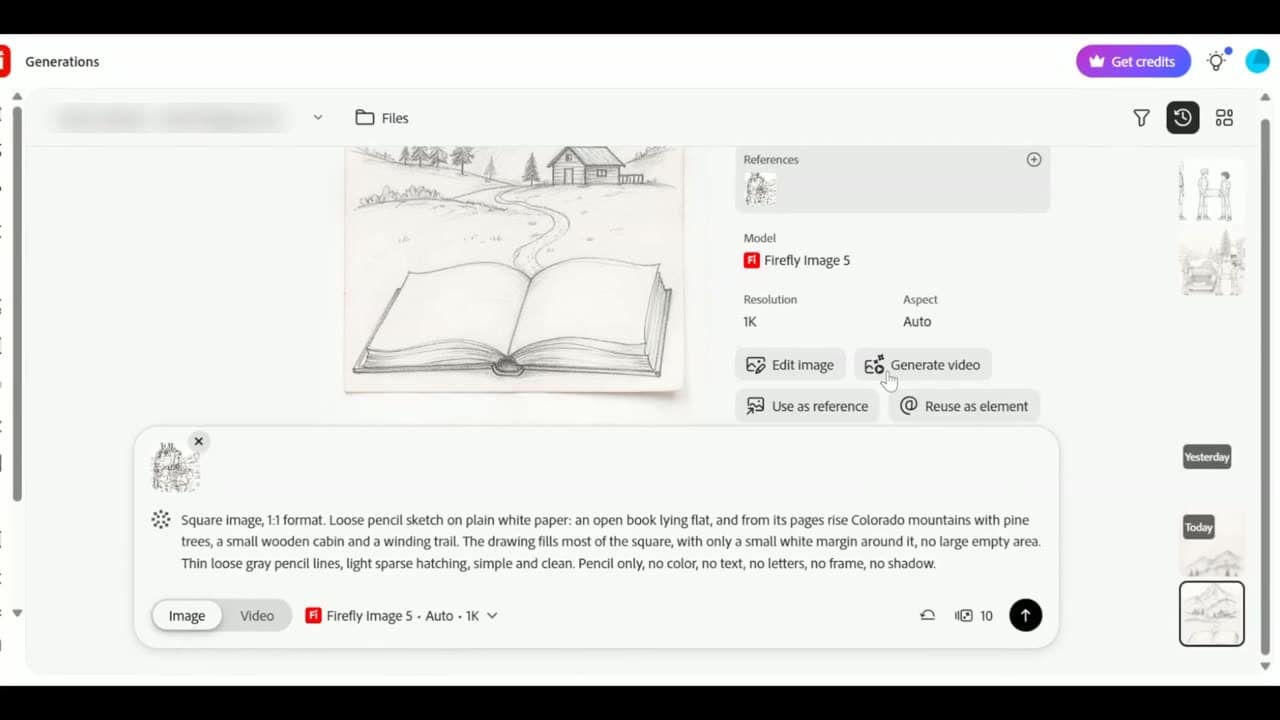
Read the step-by-step guide with screenshots or watch this part as its own video.
Why a book site can sell merch (1:00:05)
At the end I explain why products from your book’s characters make sense: kids choose a team and wear its shirt, and every kid who shows it to friends spreads the word about the book. Watch the book merch idea as its own video.
Free tools for your Printful products
- Printful product checklist and notes: the steps outside Printful, and one place for every product’s print size, costs, real profit and links.
- Printful profit calculator: what you really keep from each sale.
- Print size and DPI checker: is your image big enough to print?
Try Printful here if you want to make your own products.
Some of the links in this post are affiliate links. If you sign up through them I may earn a small commission at no extra cost to you. I only recommend tools I use myself.