Stackable Query Loop and Patterns: Show Custom Post Types on Your WordPress Site
This post contains affiliate links. If you buy through them, I may earn a commission at no extra cost to you.
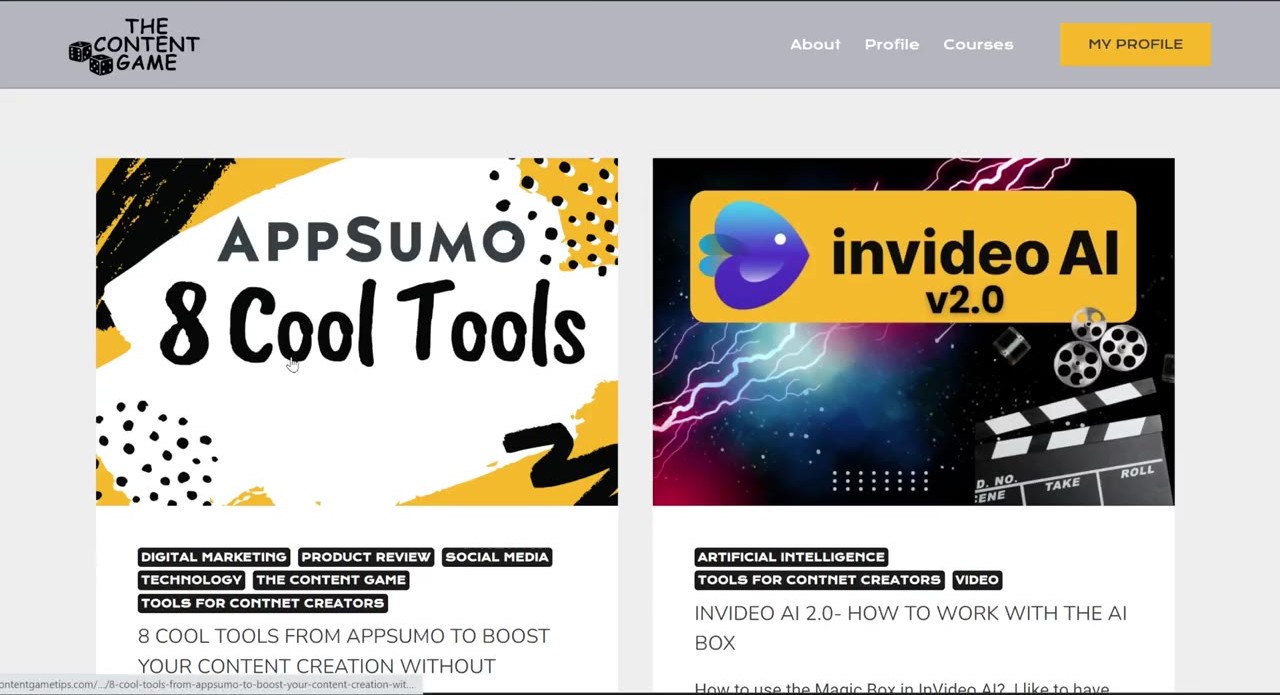
If you keep products, deals or tools as a custom post type in WordPress, you still need a way to show them on your pages. This guide uses Stackable, a block plugin for the WordPress editor, to design a query loop, fill it with dynamic content from your custom fields, and save it as a reusable pattern. You can do similar things with Elementor or Divi, but Stackable works inside the regular block editor.
Start with Stackable
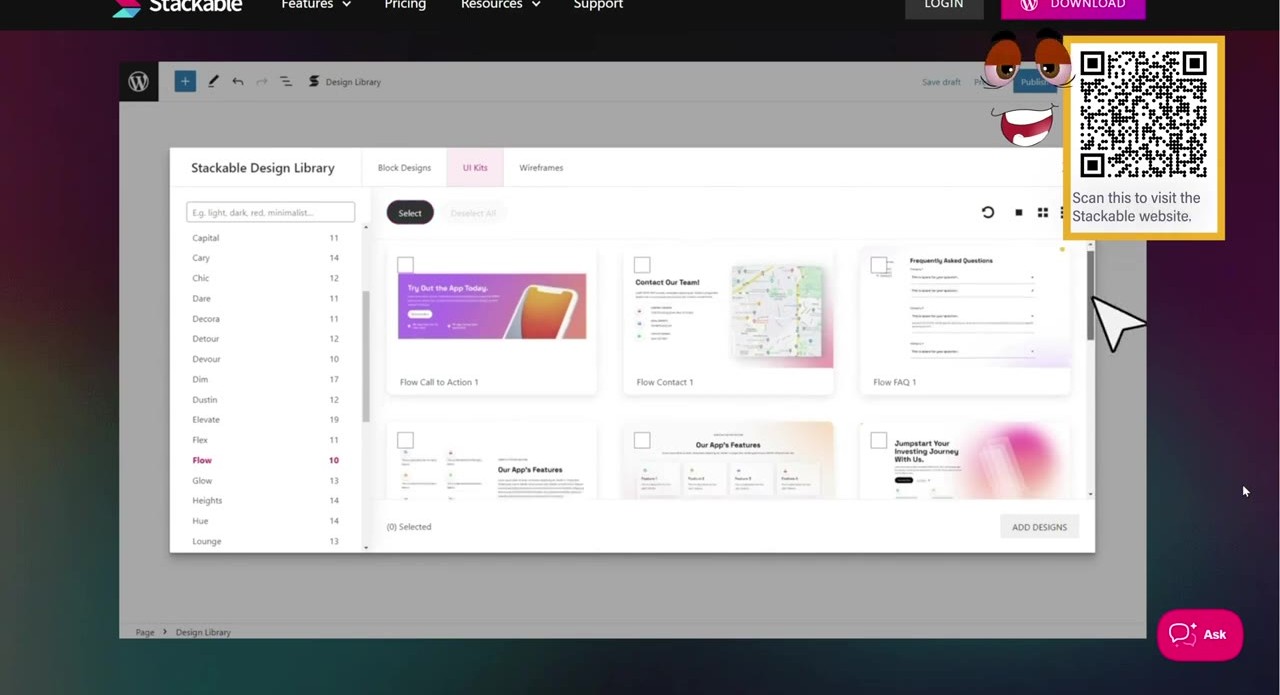
Install Stackable from the plugins screen. It adds extra blocks and a design library to the block editor, and the Premium version adds dynamic content, which is what lets a block read fields from your posts.
Customize the query loop
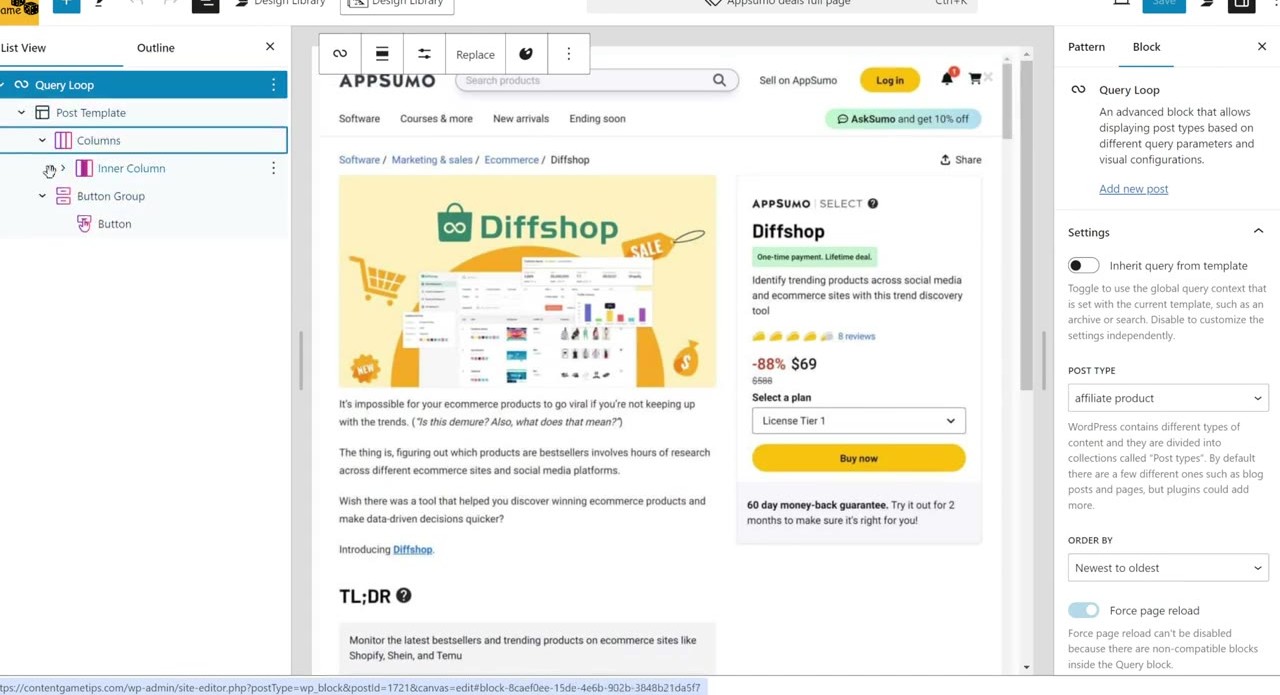
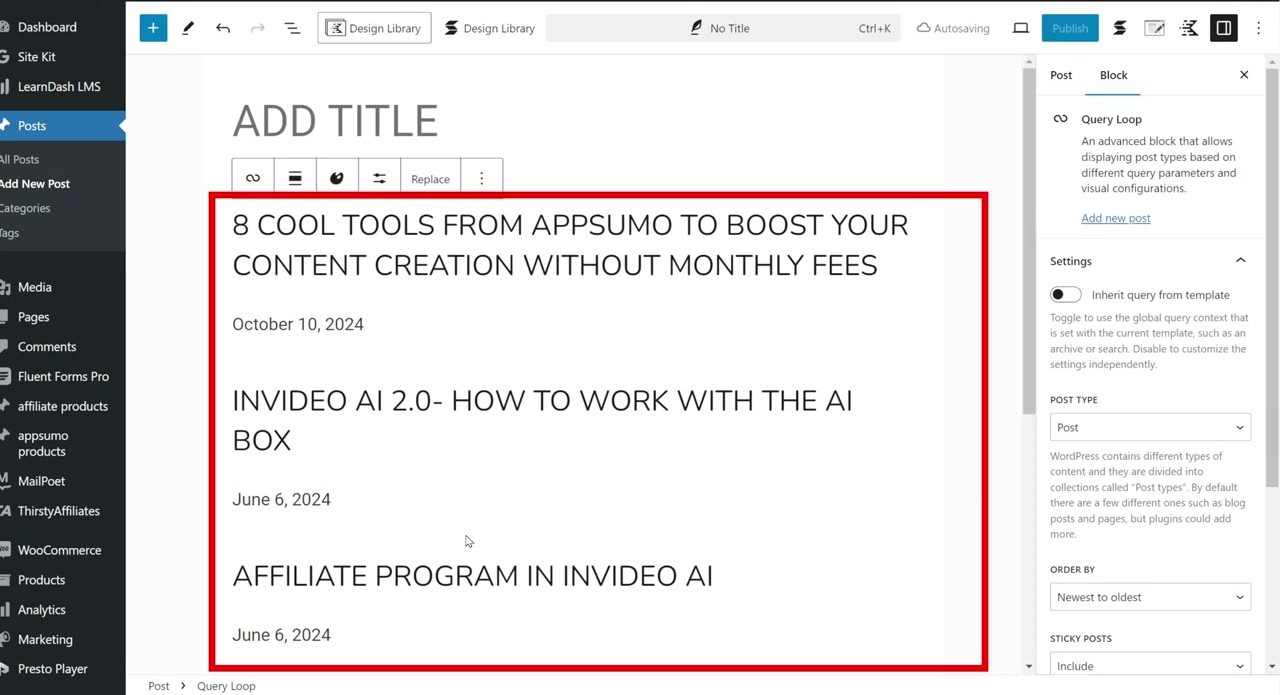
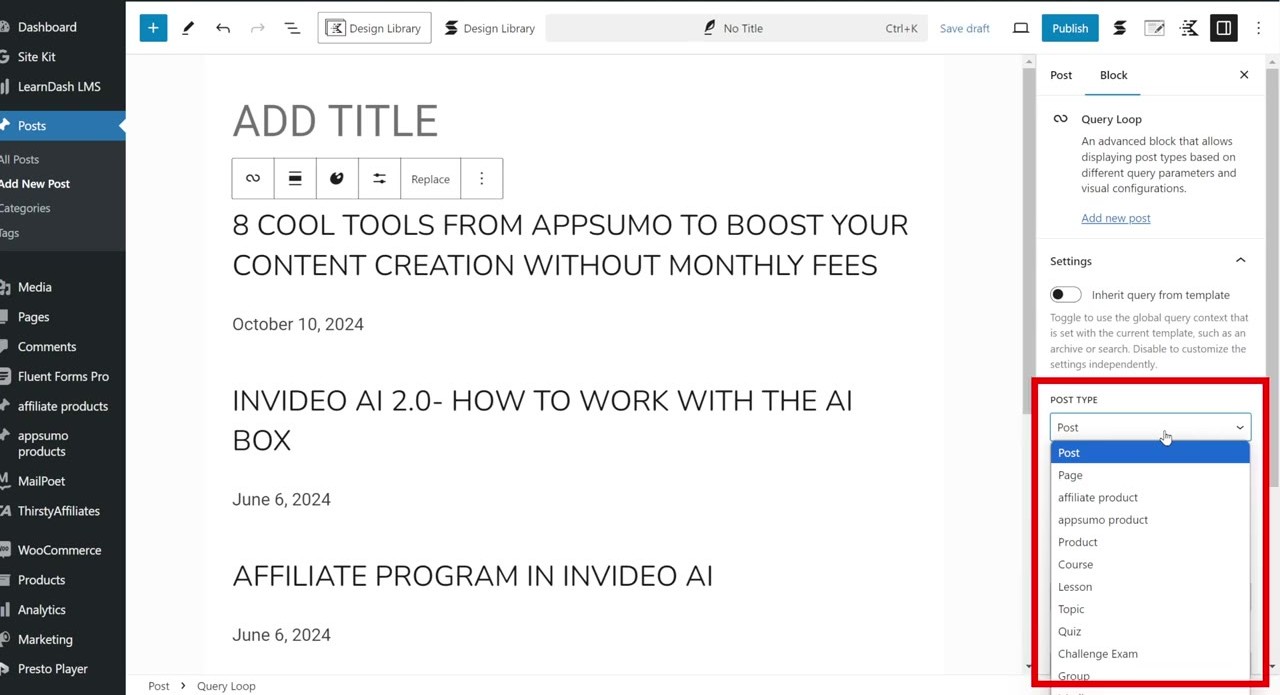
Add a Query Loop block to the page. By default it shows your latest blog posts. In the block settings change the Post type to your custom post type, and set how many items to show and in what order.
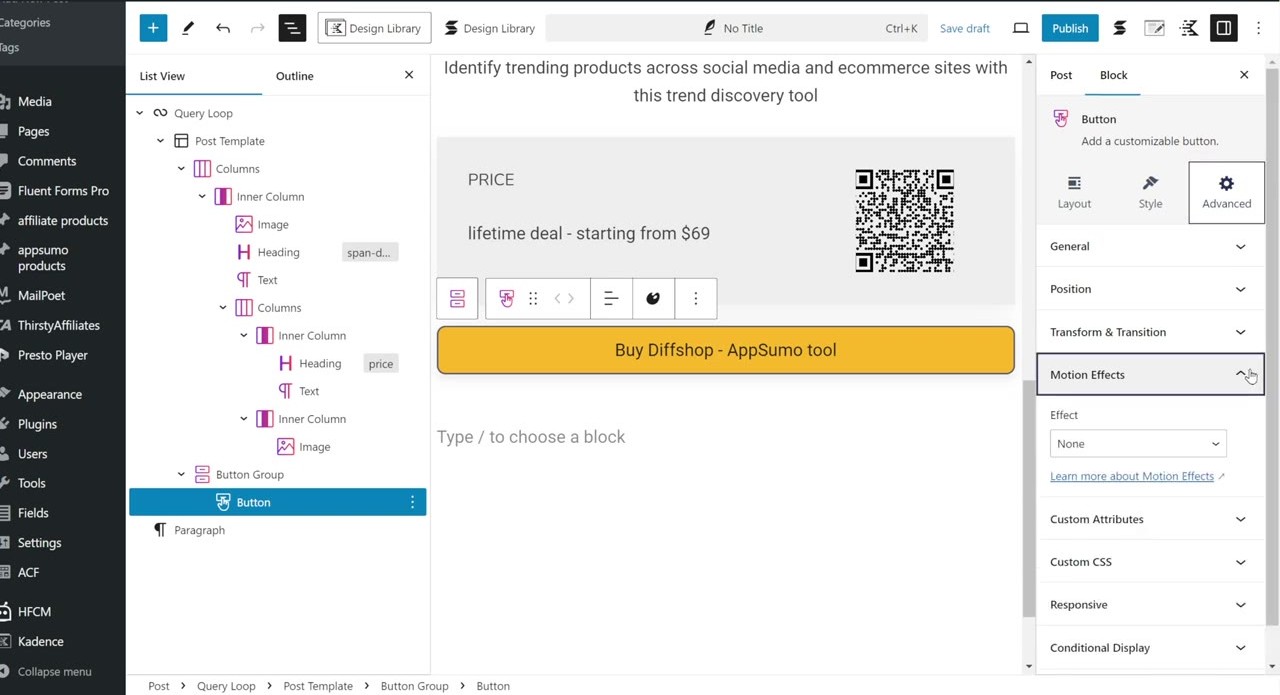
Use the List View on the left to see the blocks inside the loop. Remove what you don’t need, like the date, and add columns, images and buttons to build the card you want.
Add dynamic content fields
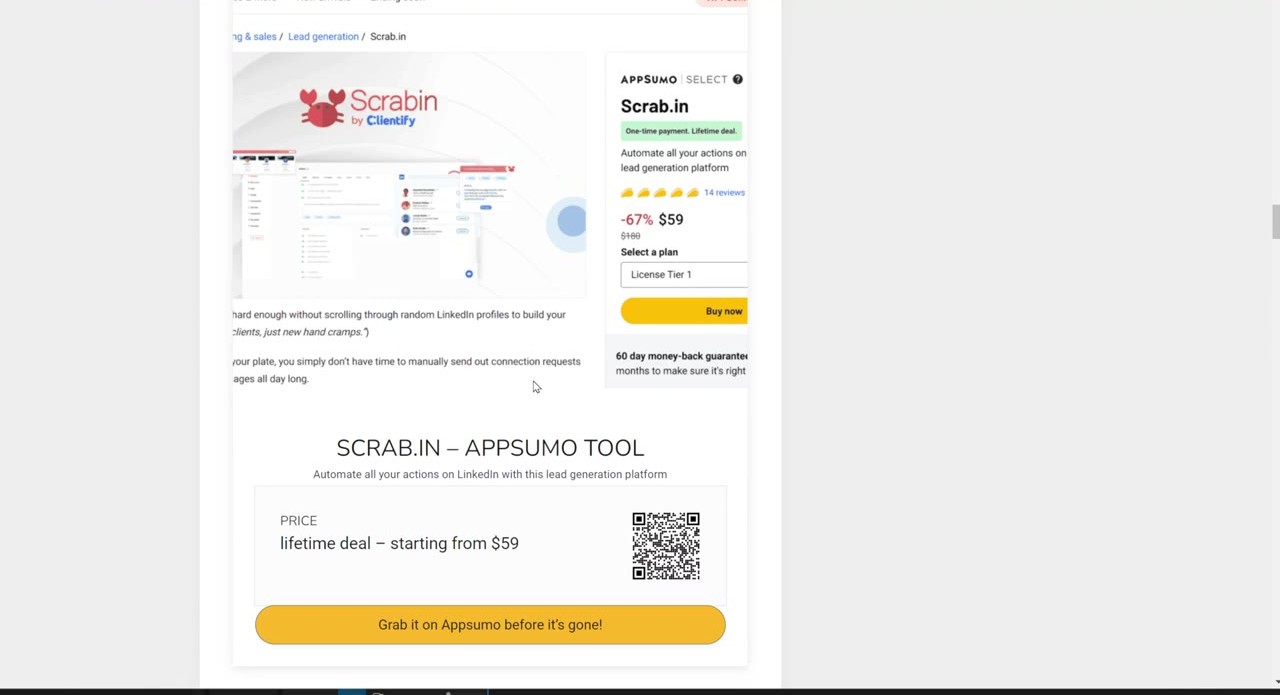
Inside the loop, select a Stackable block such as a heading, image or button, and turn on Dynamic content. Choose the field it should read: the post title, the featured image, a price field or the affiliate link. Each item in the loop now fills in its own data.
Save the design as a pattern
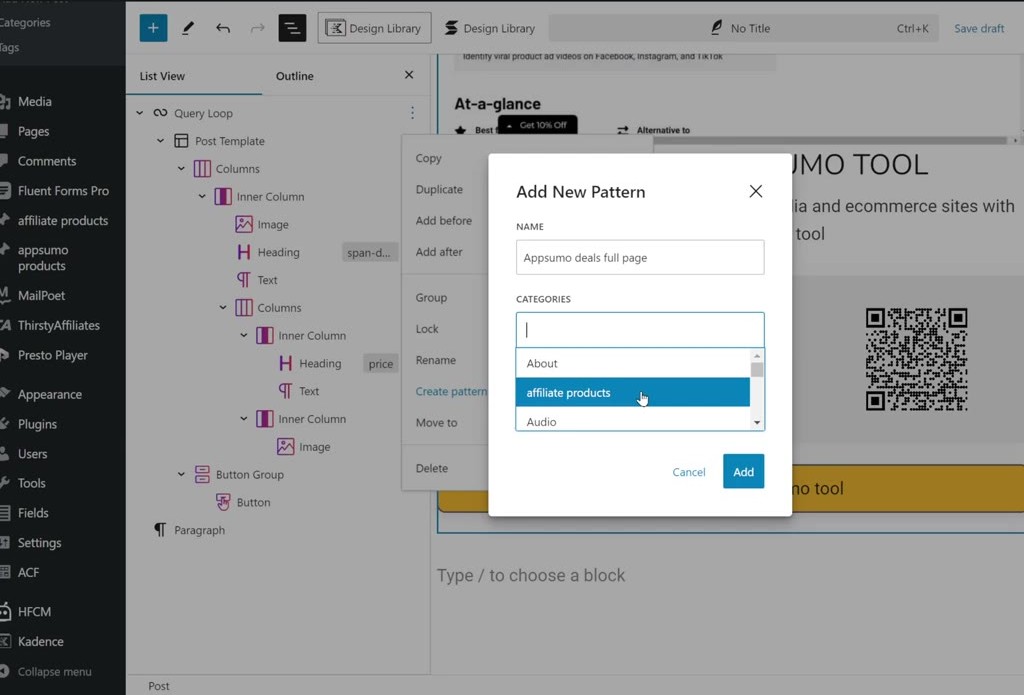
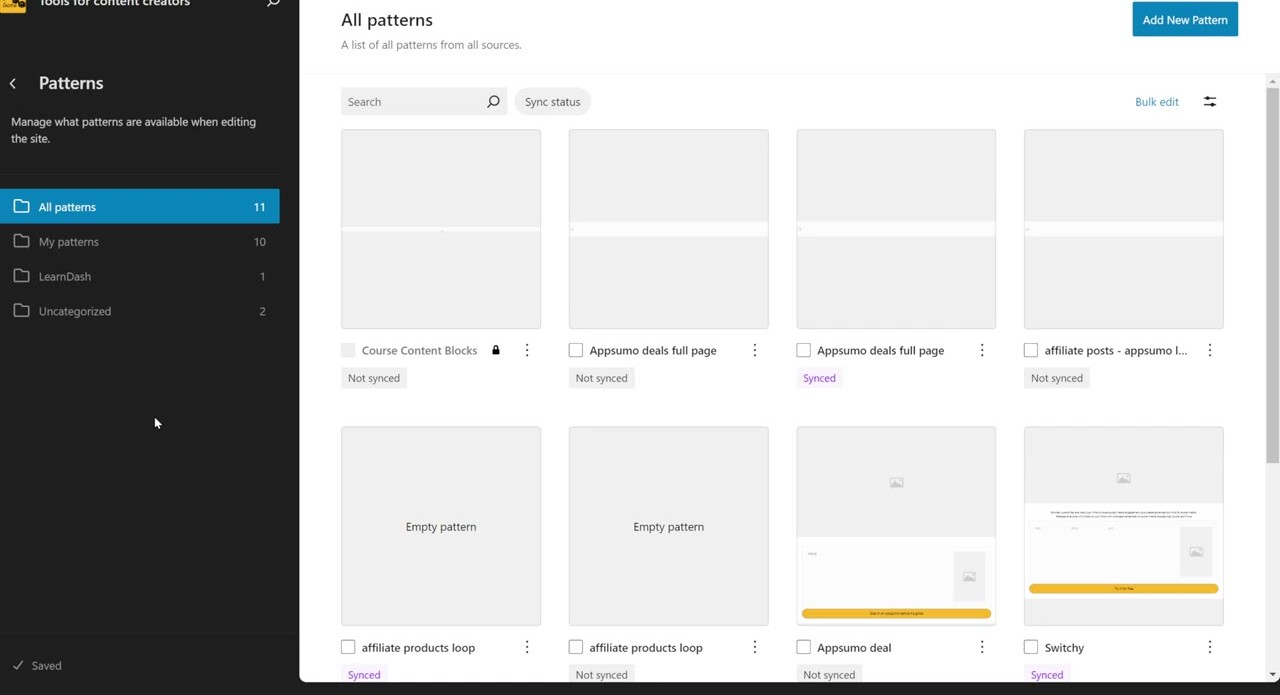
When the card looks right, select the whole group, open the three dots menu and choose Create pattern. Give it a name and a category. Keep it synced if you want every copy to update when you change the design.
Use the pattern in your posts
In any post, open the block inserter, go to Patterns and insert yours. Set which item it should show and the post is ready, without designing the card again.