Printful Branding Options: Packing Slips, Custom Packaging, Inserts and Labels
This post contains affiliate links. If you sign up through them, I may earn a commission at no extra cost to you.
With print on demand, the customer gets a package from a factory, not from you, unless you add your brand. Printful has free branding options and paid ones. Here is what each one does and where to find it. Don’t have an account? Open a free Printful account here.
Where to find branding in Printful
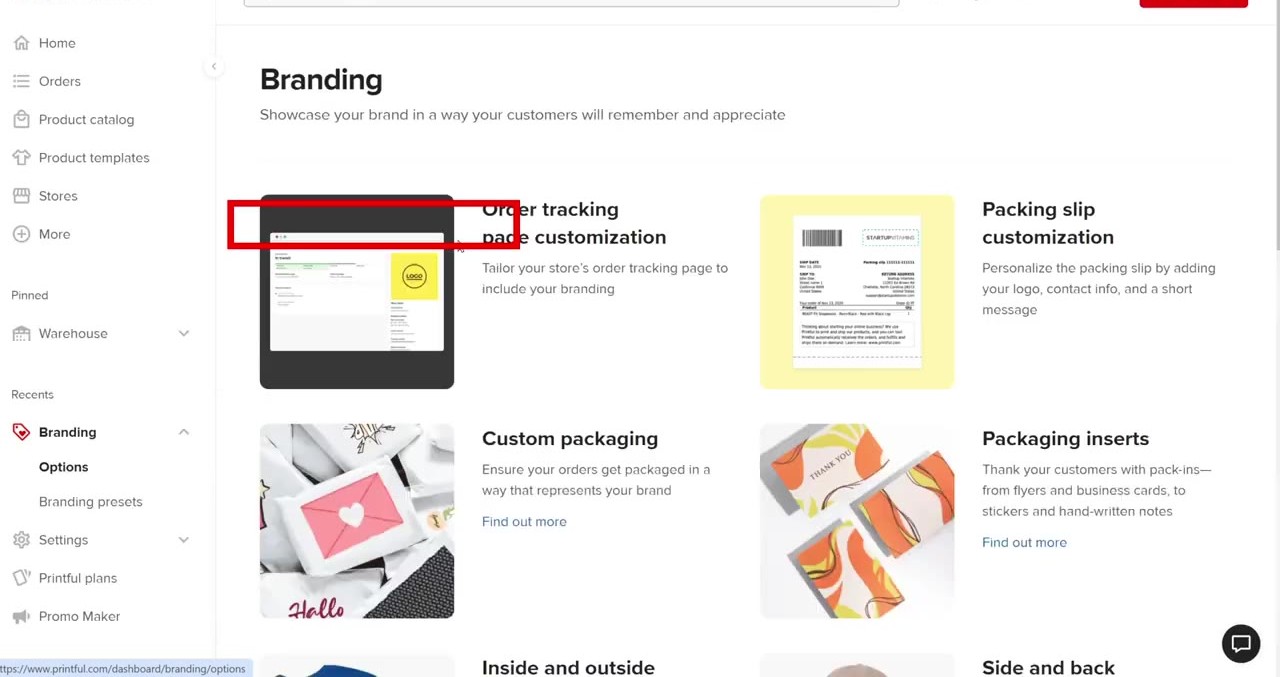
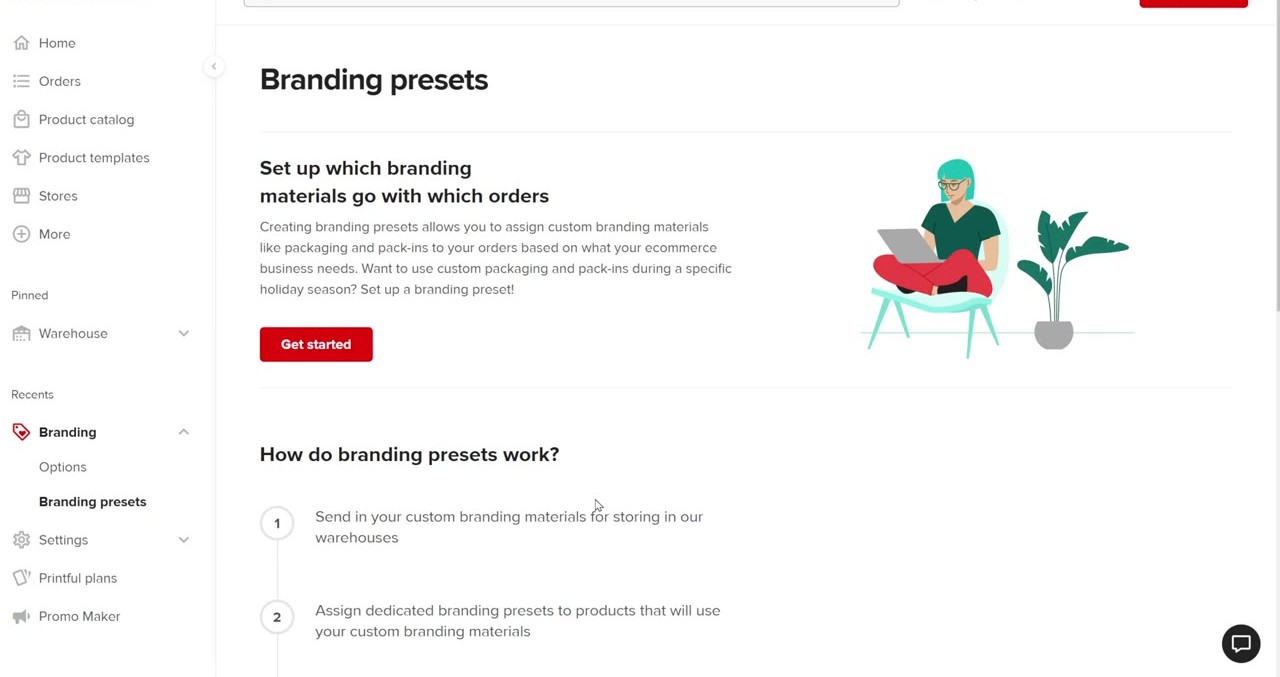
In the Printful dashboard, open Branding in the left menu. You’ll see all the options: order tracking page, packing slip, custom packaging, packaging inserts, inside and outside label printing, and side and back embroidery for hats.
Free: your logo on the packing slip
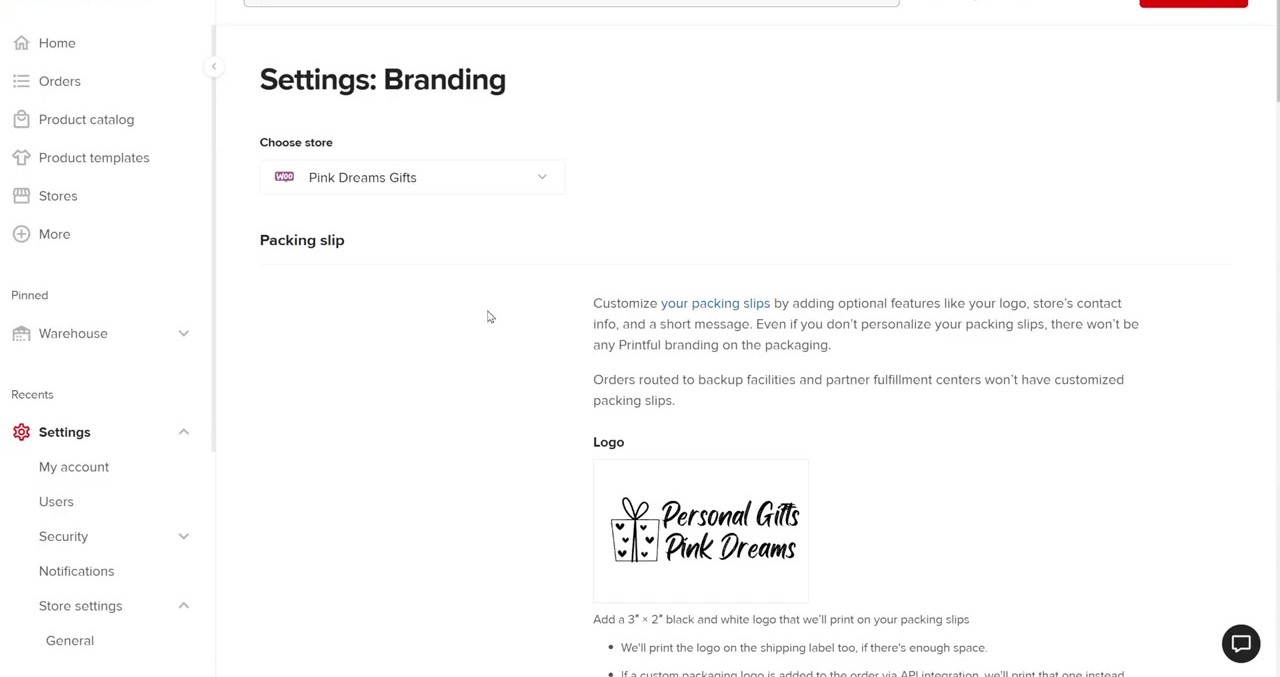
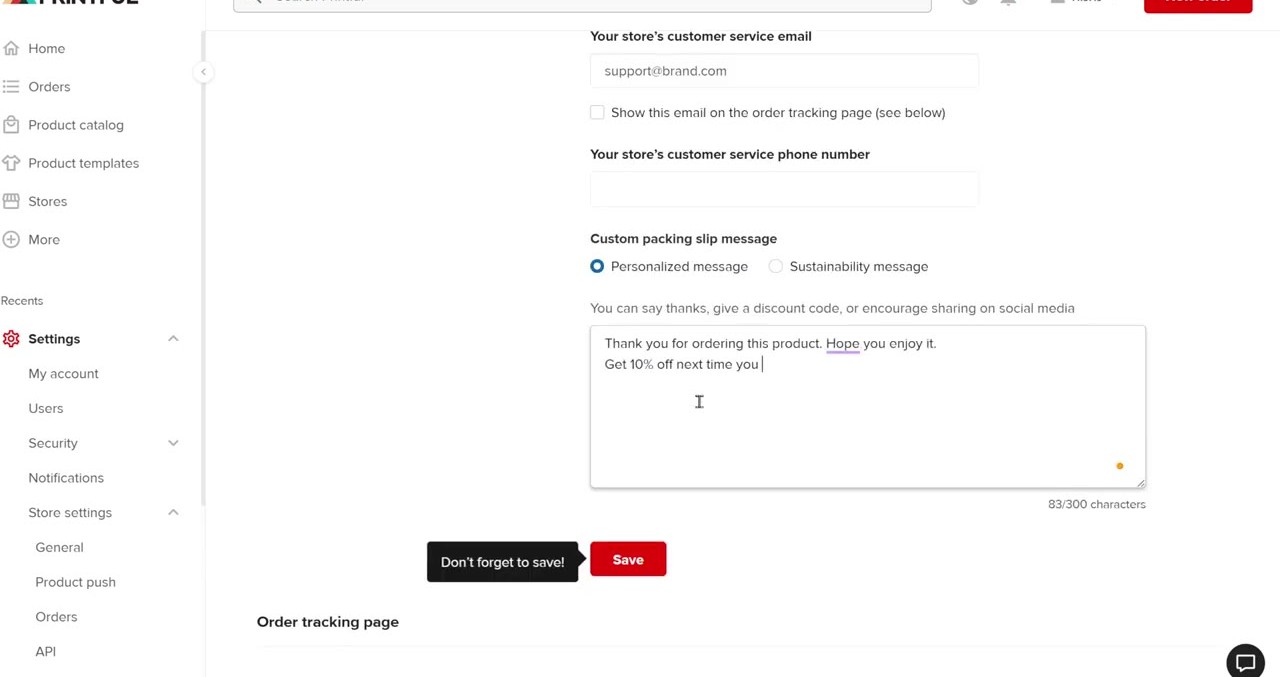
Go to Settings > Branding, choose your store and upload your logo for the packing slip. You can add your customer service email and phone, and a personal message, for example a thank you note with a discount code for the next order.
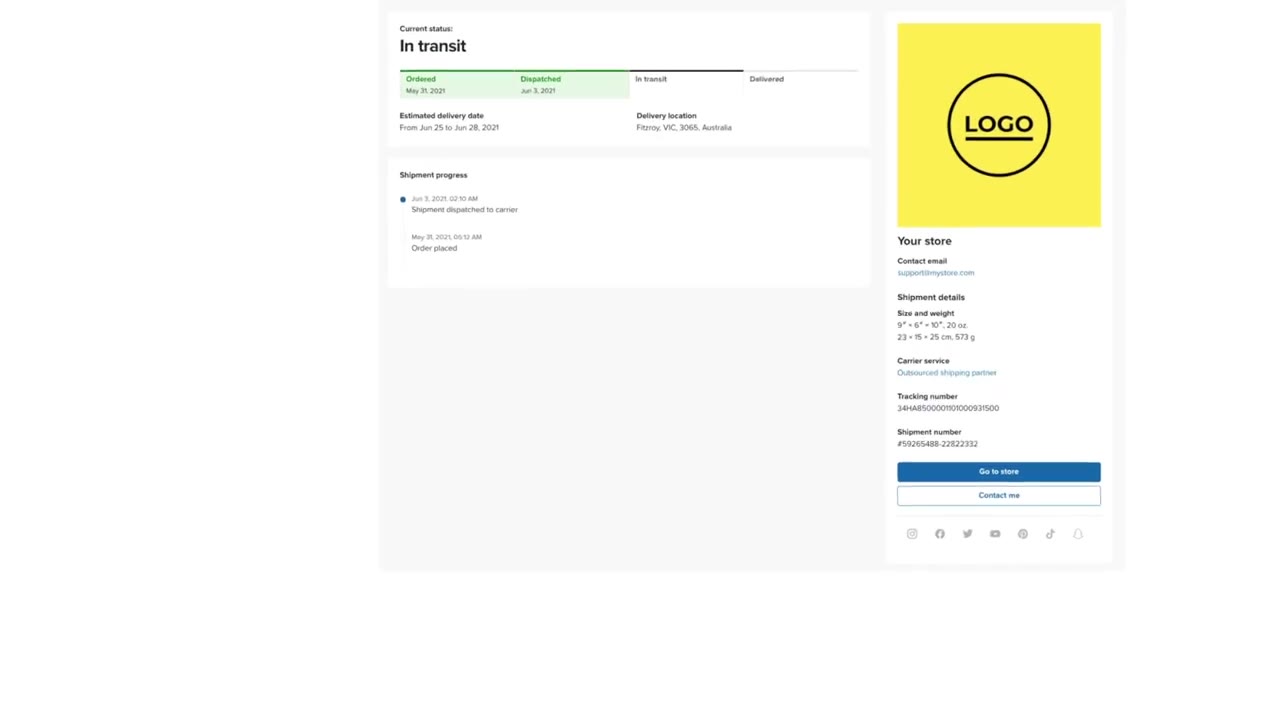
Free: a branded order tracking page
The same settings page lets you brand the tracking page your customers see: your logo, your support email, social media links, a call to action button, and the page language.
Paid: custom packaging and inserts
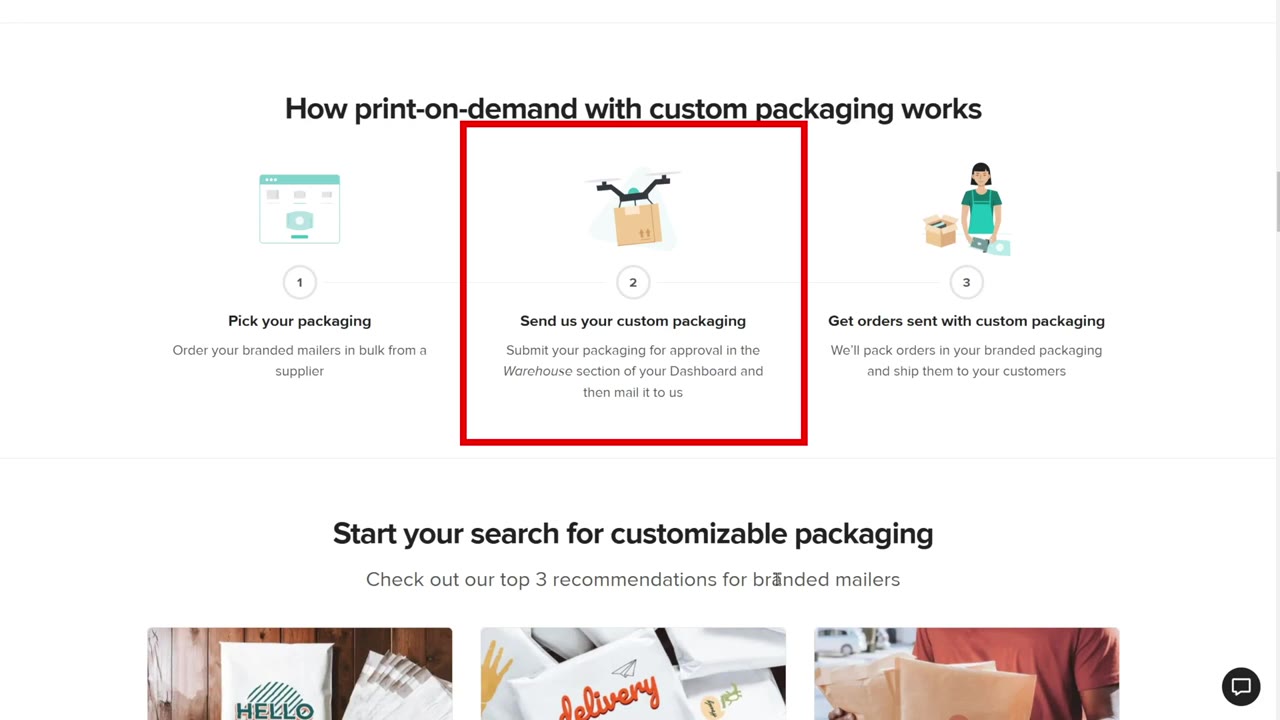
For a real unboxing experience you can use custom mailers. You order them from a packaging supplier, send them to Printful’s warehouse, and Printful packs your orders in them. Storage and fulfillment fees apply, so check the warehouse pricing first.
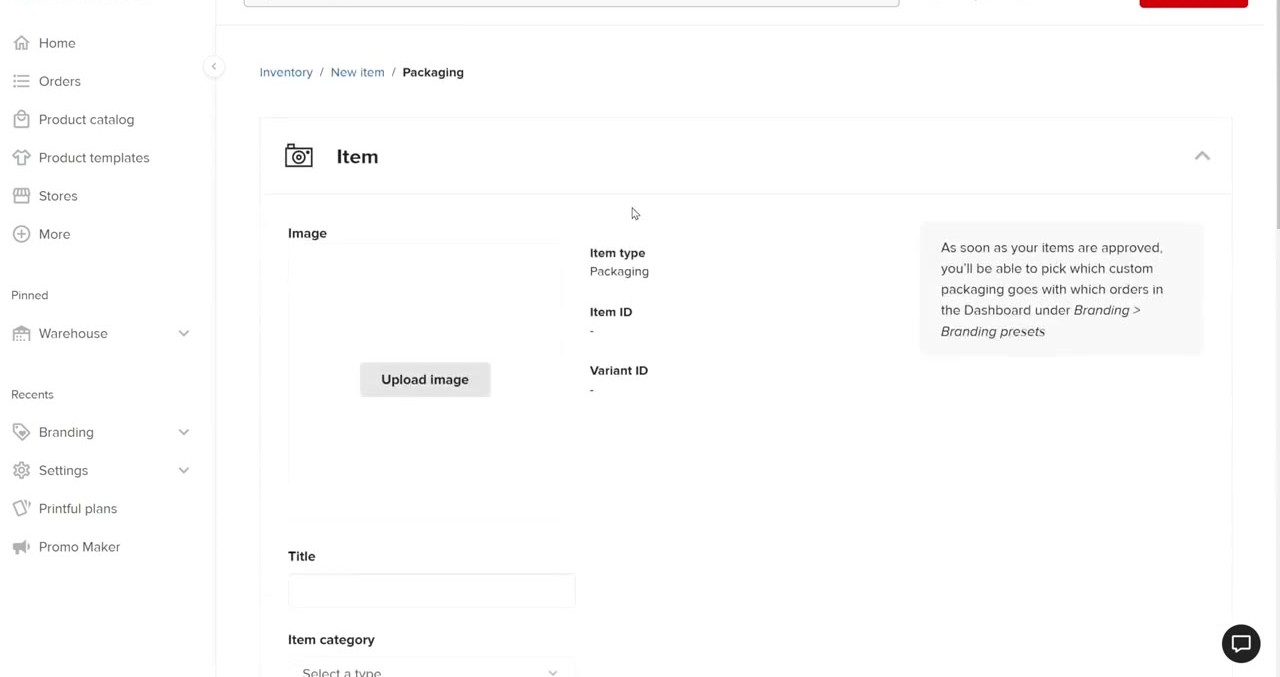
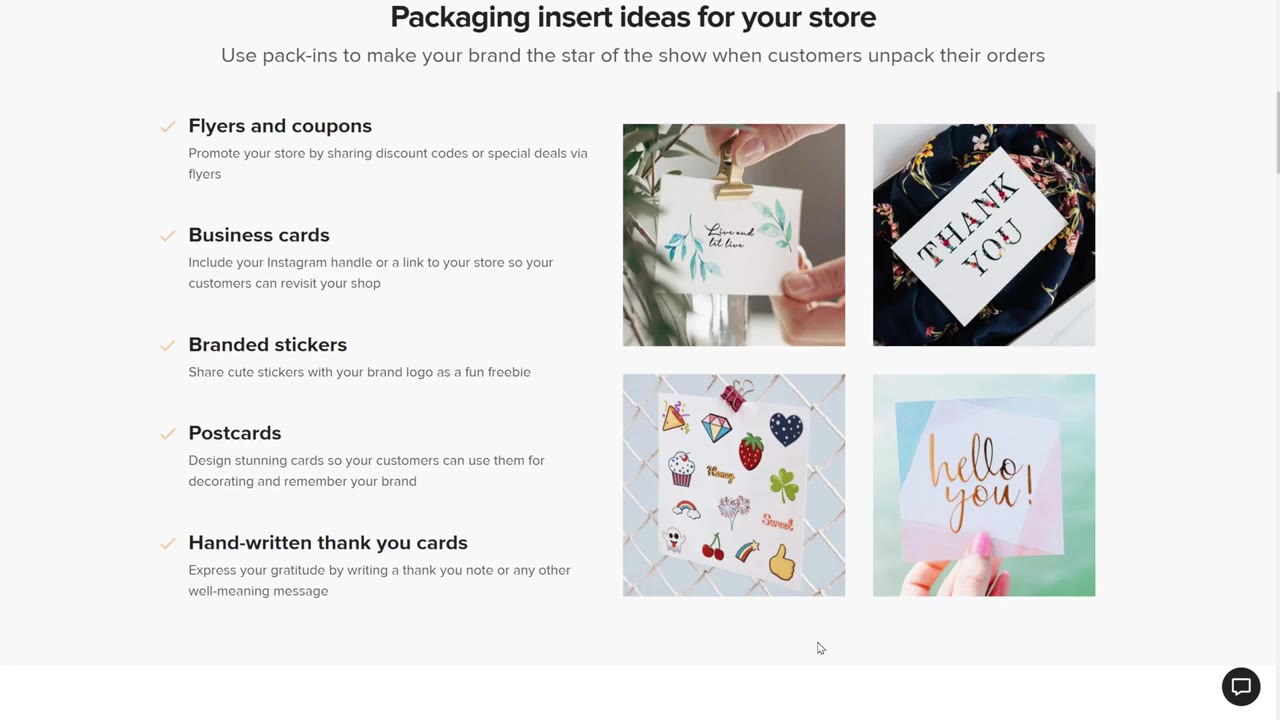
Packaging inserts work the same way: flyers, coupons, business cards, stickers, postcards or handwritten thank you cards that go into each order.
Branding presets let you decide which branding materials go with which orders.
Branding on the product: labels and embroidery
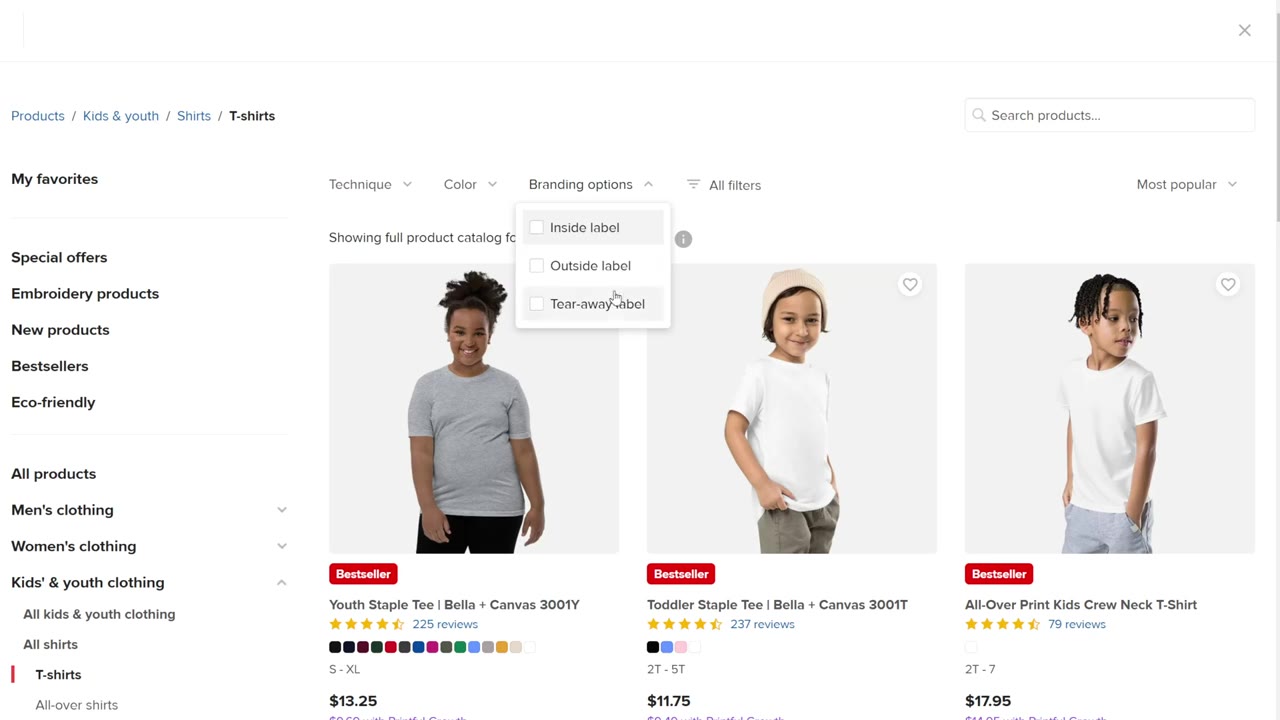
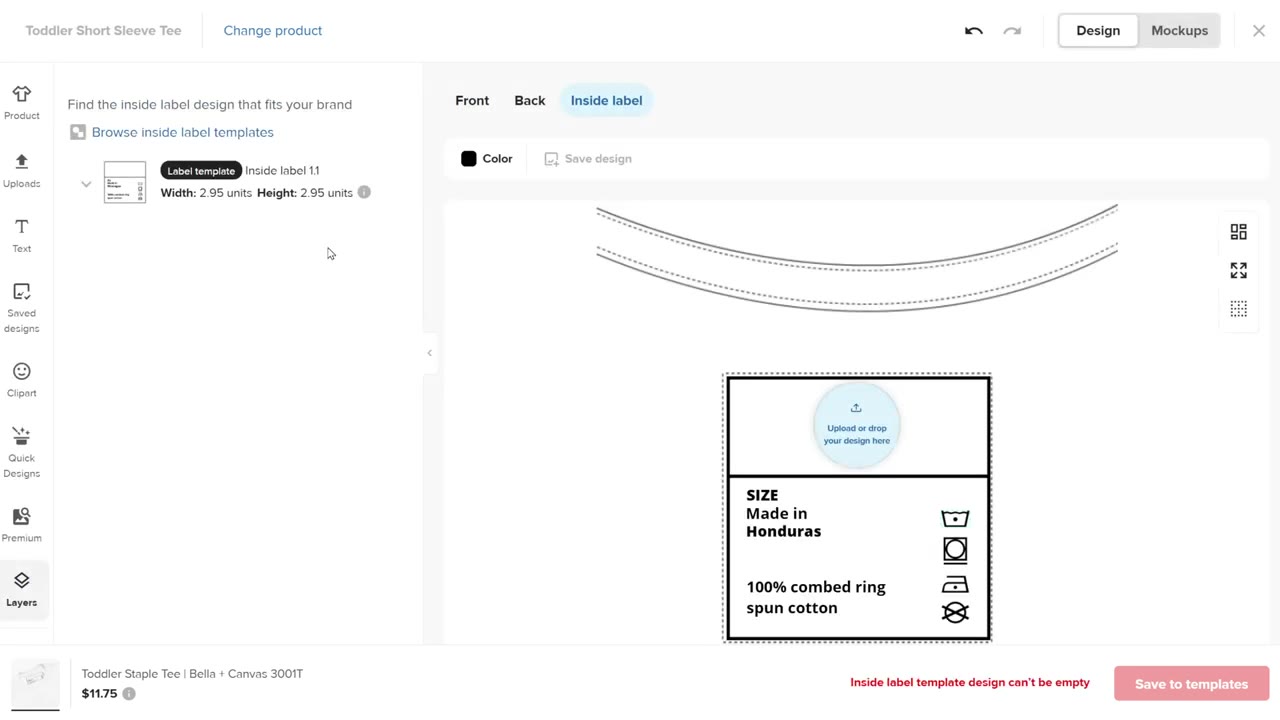
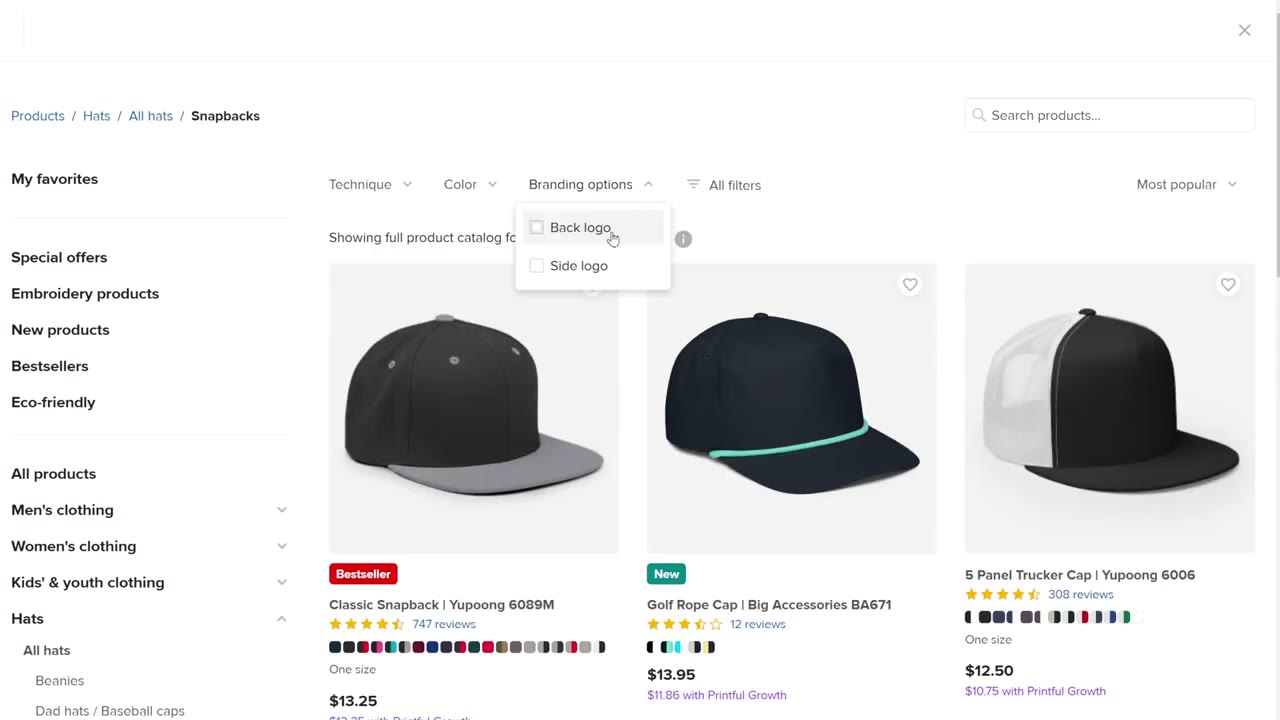
Many products can get an inside label (with your logo, size and care details) or an outside label. In the catalog, use the Branding options filter to find products that support them, then design the label in the design maker. Hats can get a small logo on the side or back.
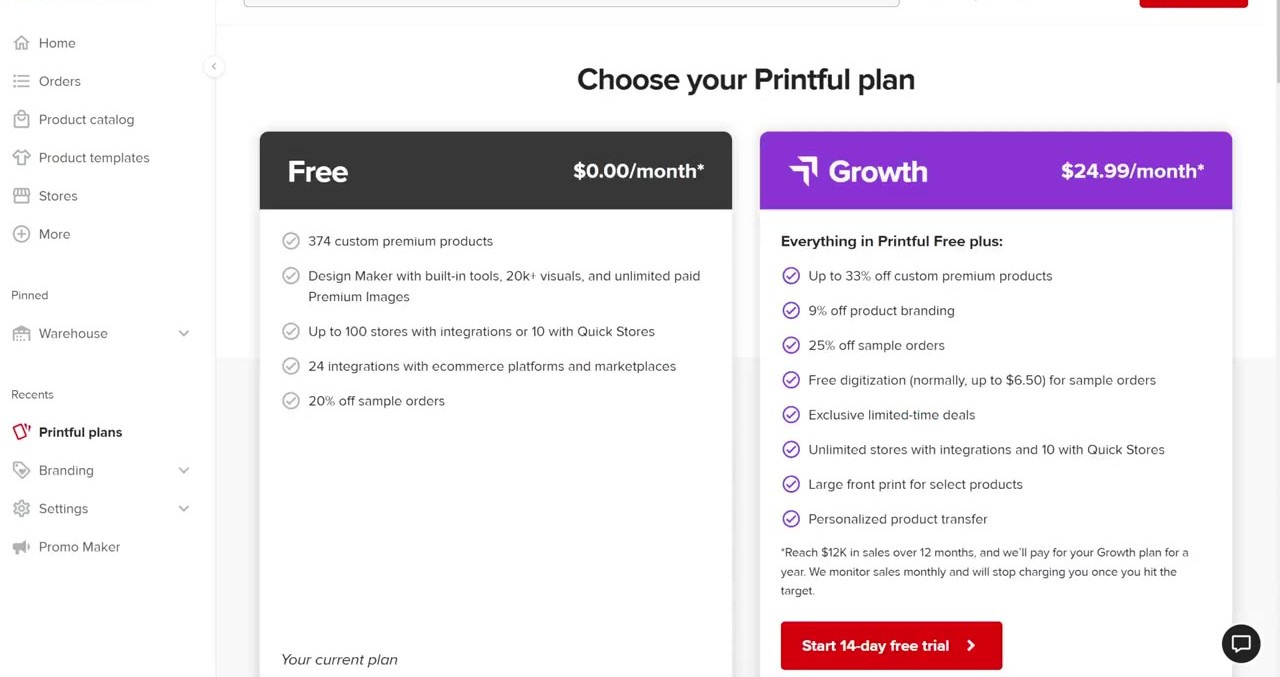
Some branding perks are cheaper or only available on a paid Printful plan, so compare the plans before you decide.
More: all Printful store settings explained, a different label logo for each shirt color, and the free Printful product checklist.
Keep learning
This guide is part of the complete guide: Print on Demand with Printful.