Printful Promo Maker: Create Social Media Promos for Your Products
This post contains affiliate links. If you sign up through them, I may earn a commission at no extra cost to you.
Printful has a free tool for making social media posts about your products, right inside your dashboard. You can start from a template, swap in your own mockups, animate the text and download an image or a short video. Don’t have a Printful account? Sign up for free here.
Find the Promo Maker
In the Printful dashboard, open Promo Maker in the left menu (it may be under More). You can also create a promo straight from a product: on the Product templates page, click the three dots on a template and choose to create a promo.
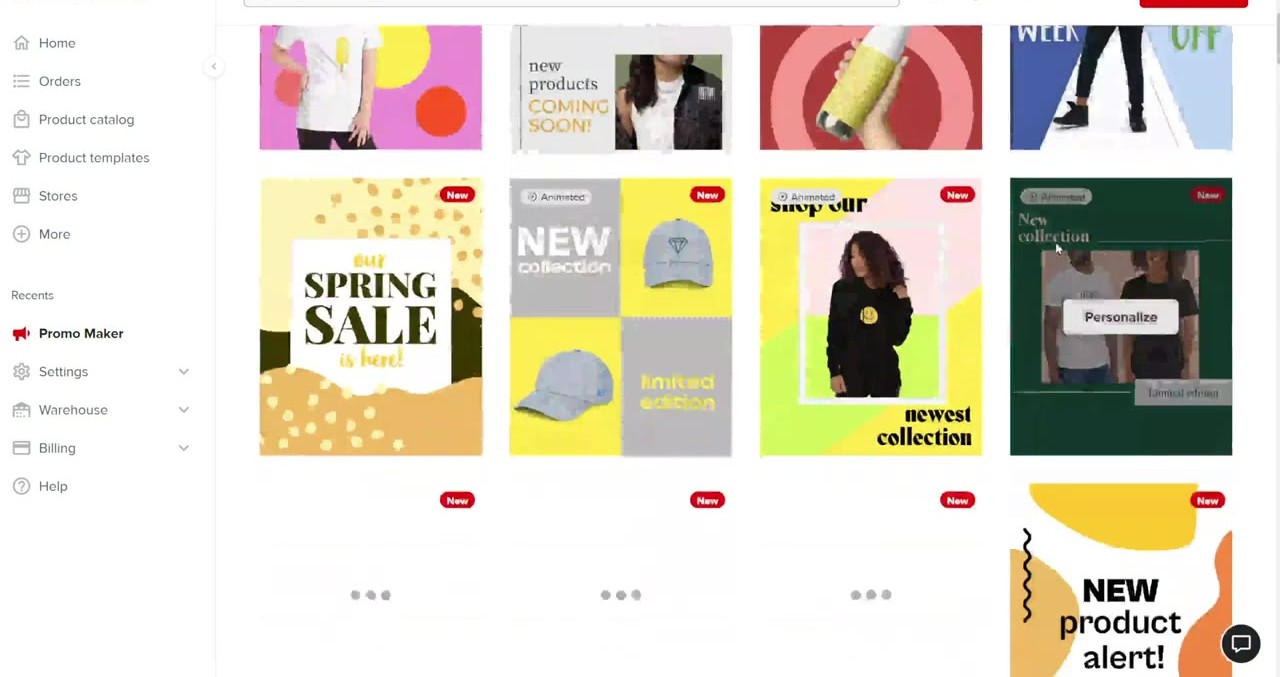
Choose a template or start from scratch
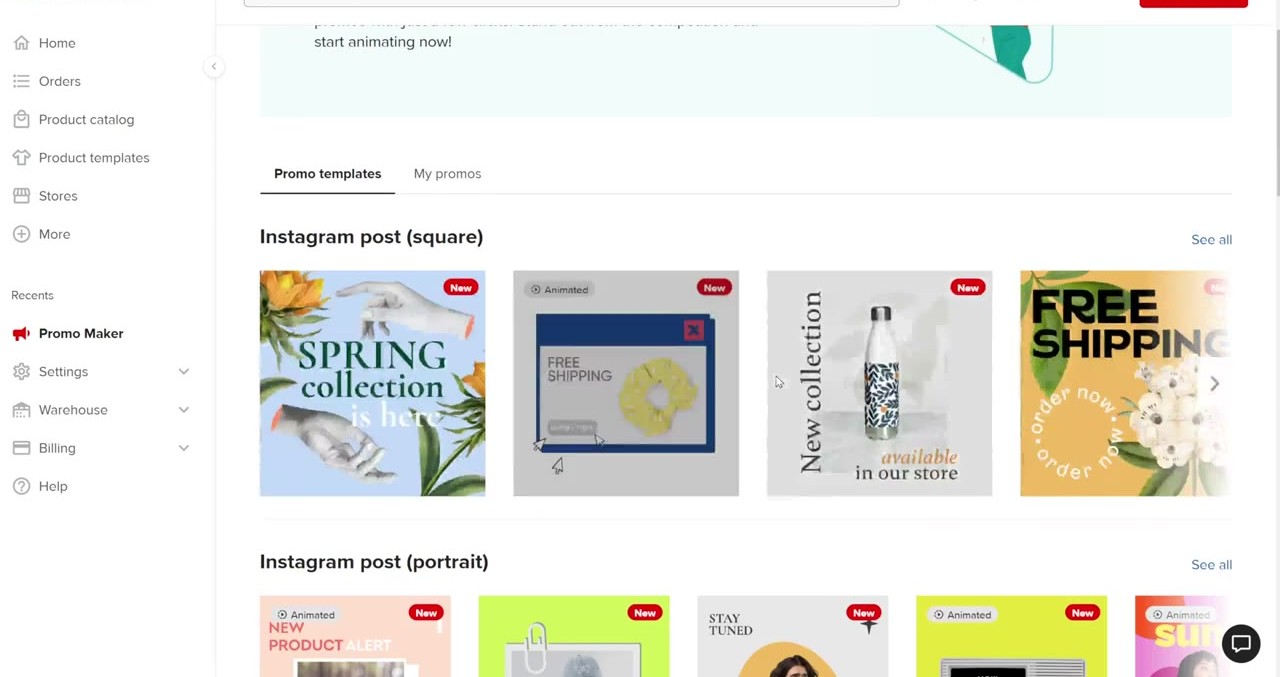
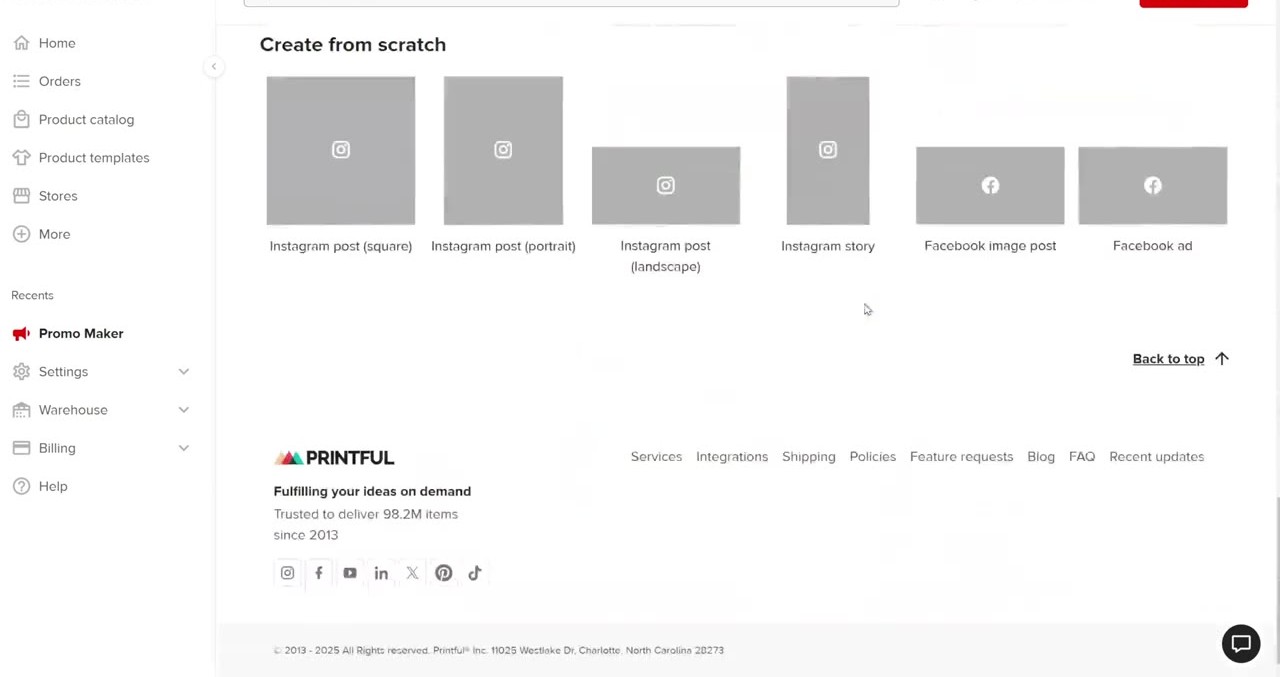
Templates are sorted by format: Instagram post (square or portrait), Instagram story, Facebook image post and more. You can also start with an empty canvas in any of these sizes.
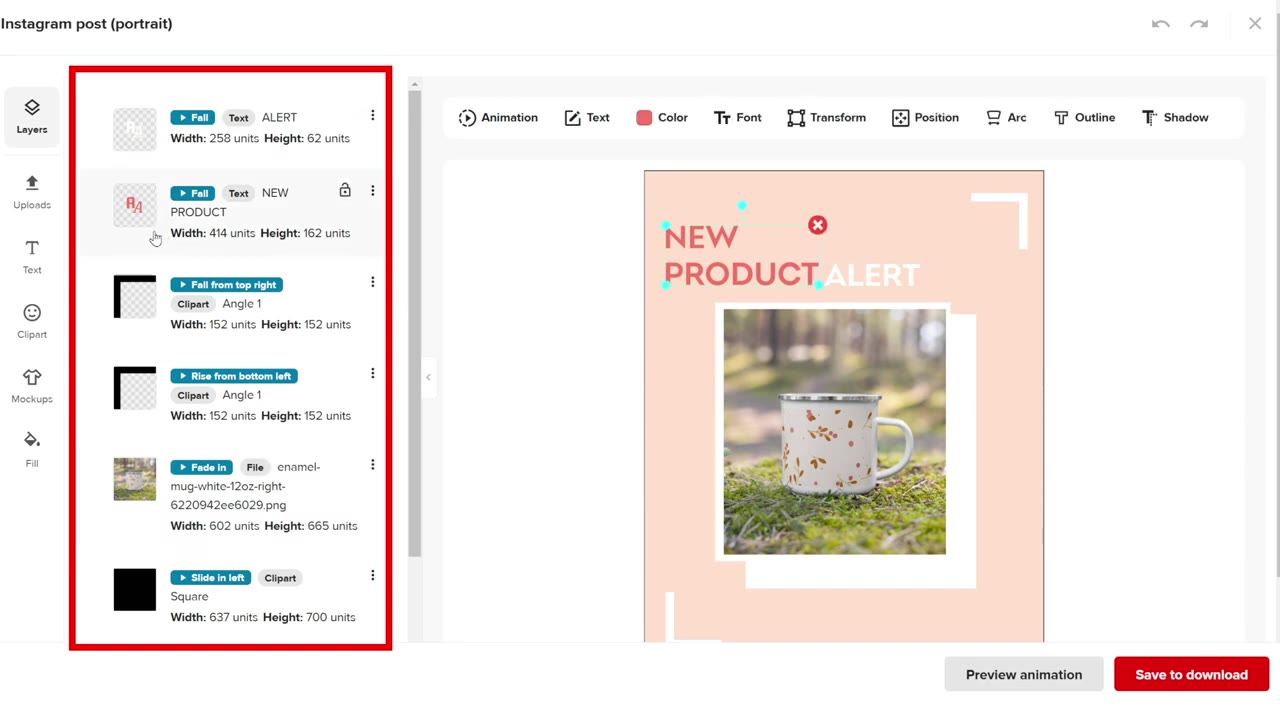
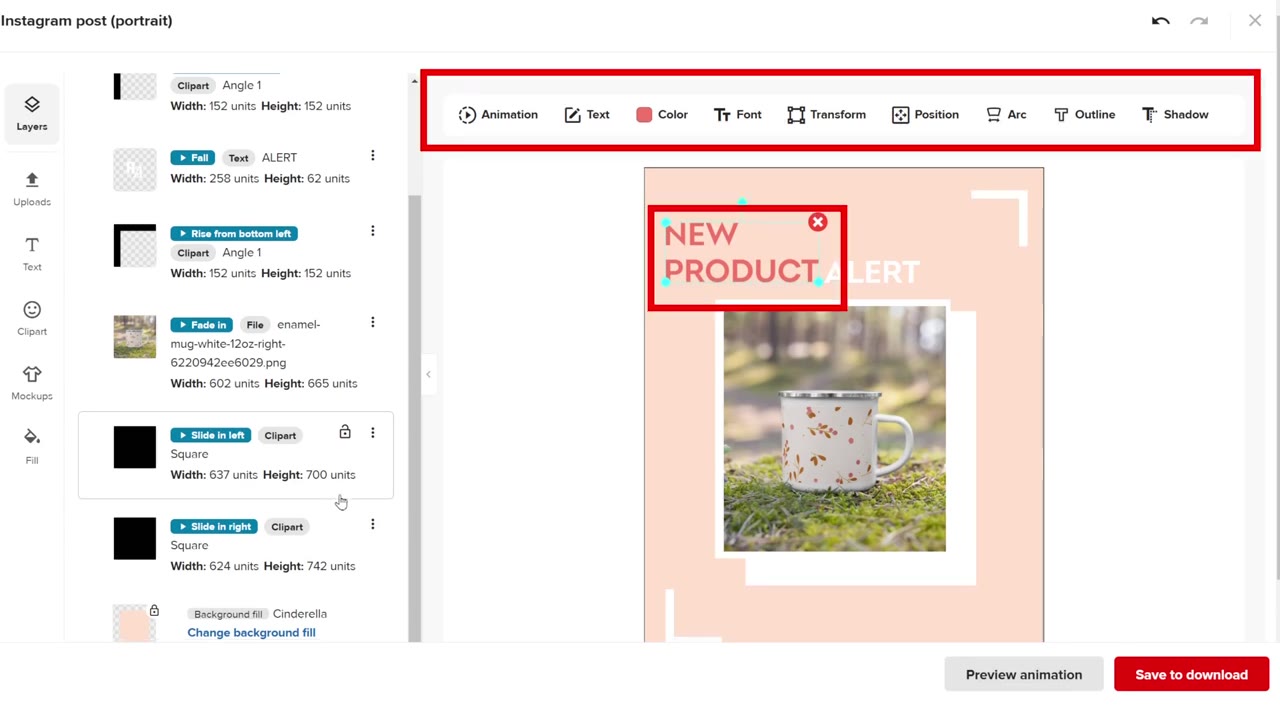
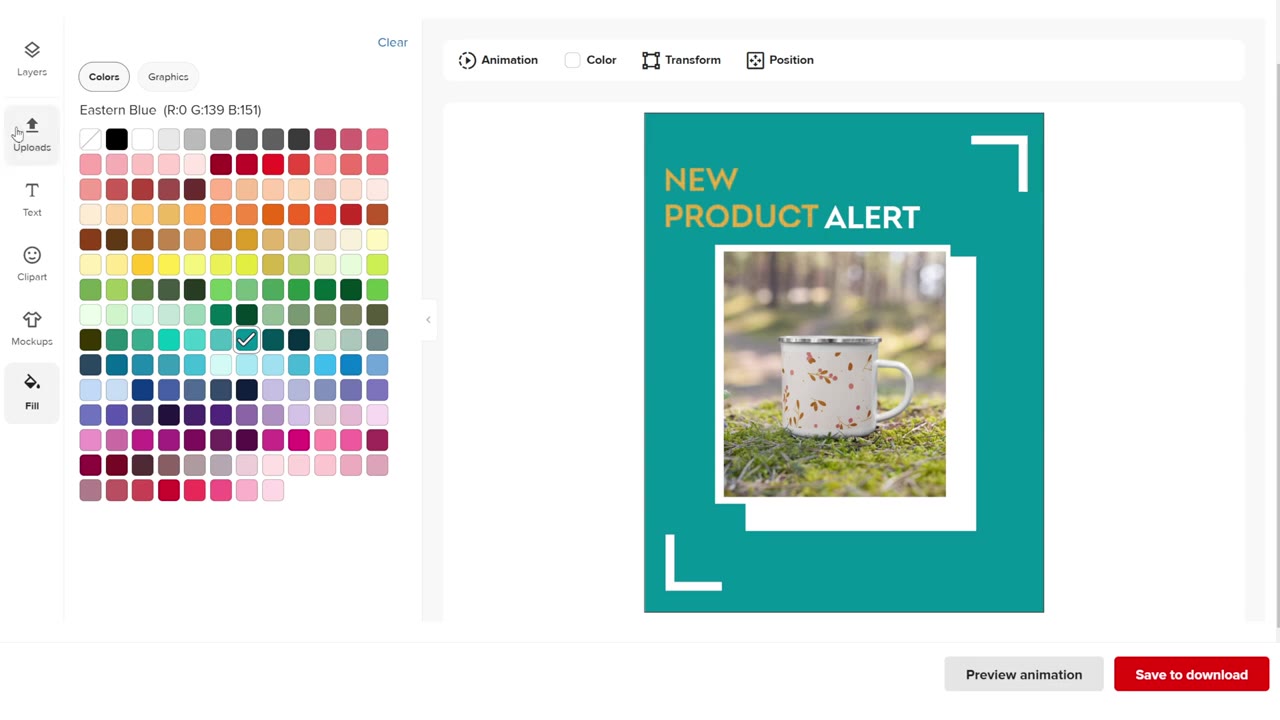
Edit the text, colors and layers
The editor works like the Printful design maker. Each element is a layer on the left. Click a layer to change its text, font, color, position or outline, and change the background color to match your brand.
Add your product mockups
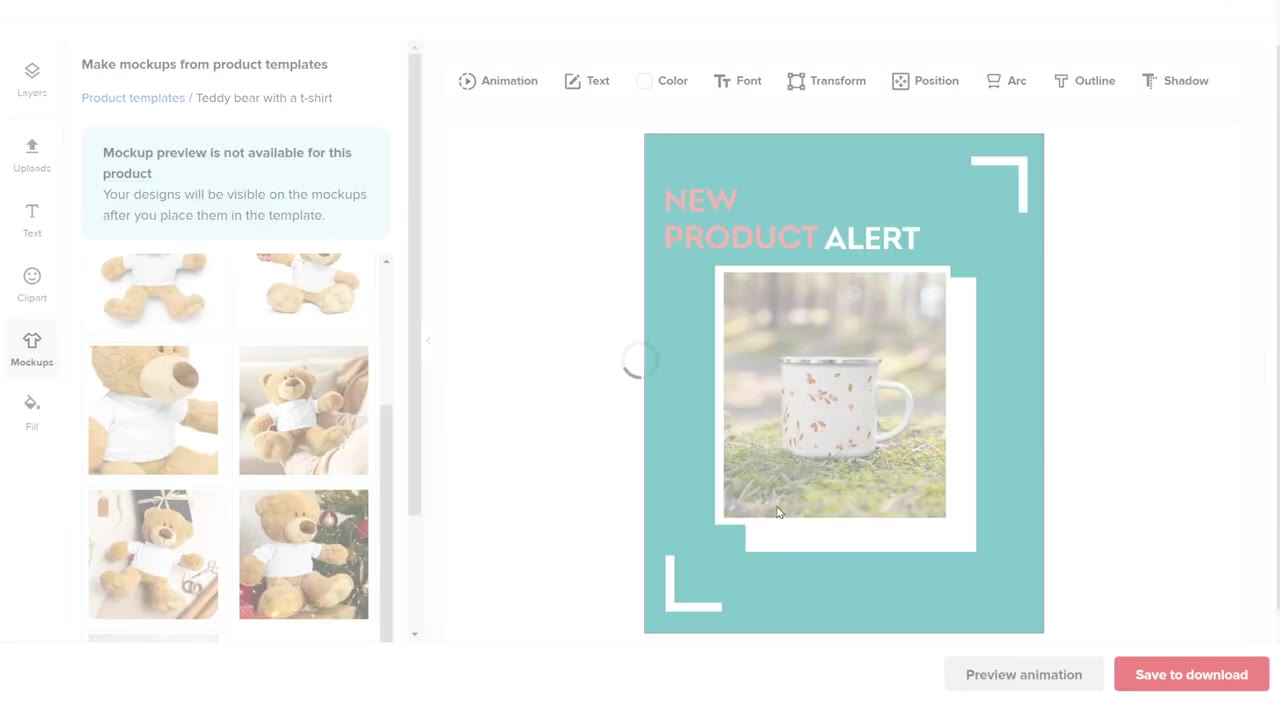
Replace the template’s image with mockups of your own products. The mockups from your product templates are available right in the editor, so you don’t need to download and upload them.
Animate the elements
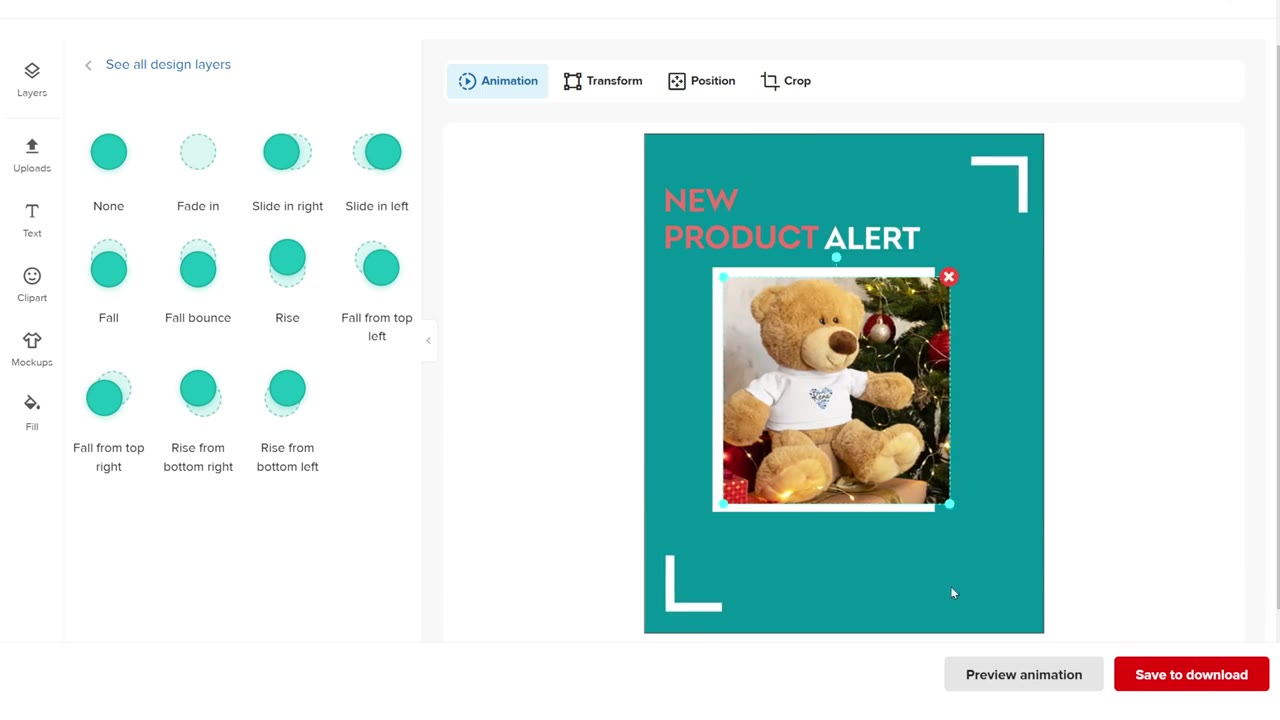
Select a layer and click Animation to choose how it enters: fade, slide from a side, bounce and more. Use Preview animation to see the result.
Download and find your promos
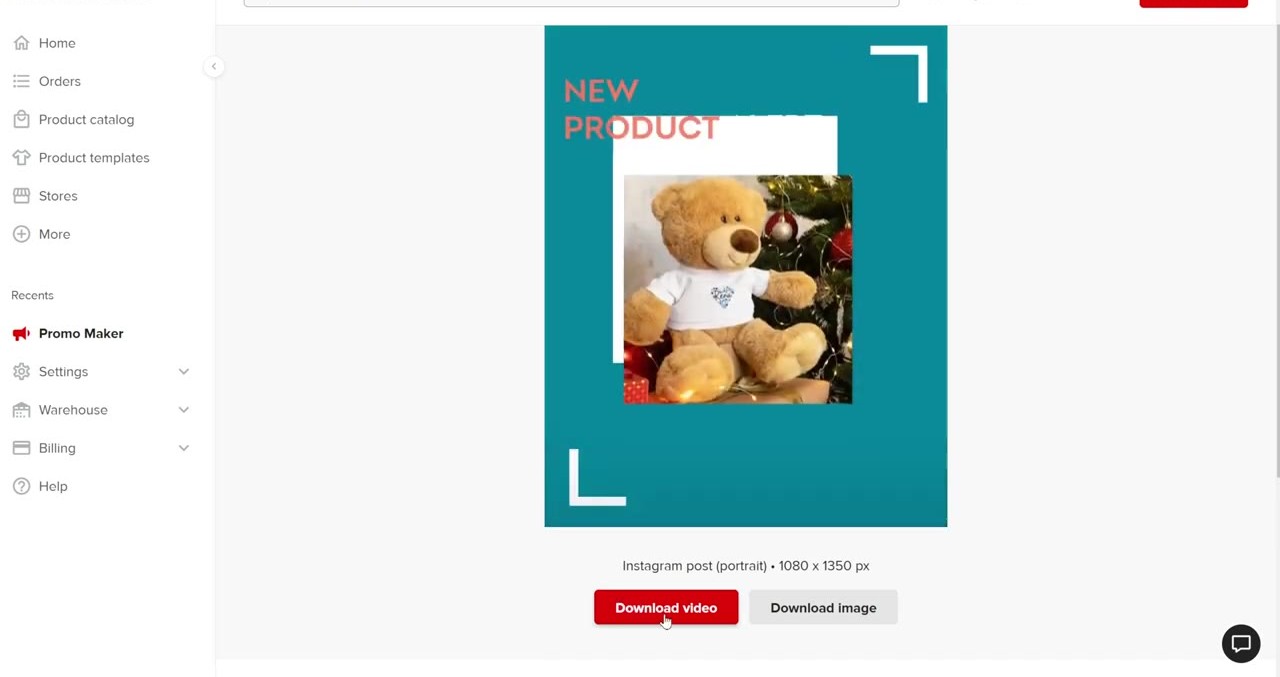
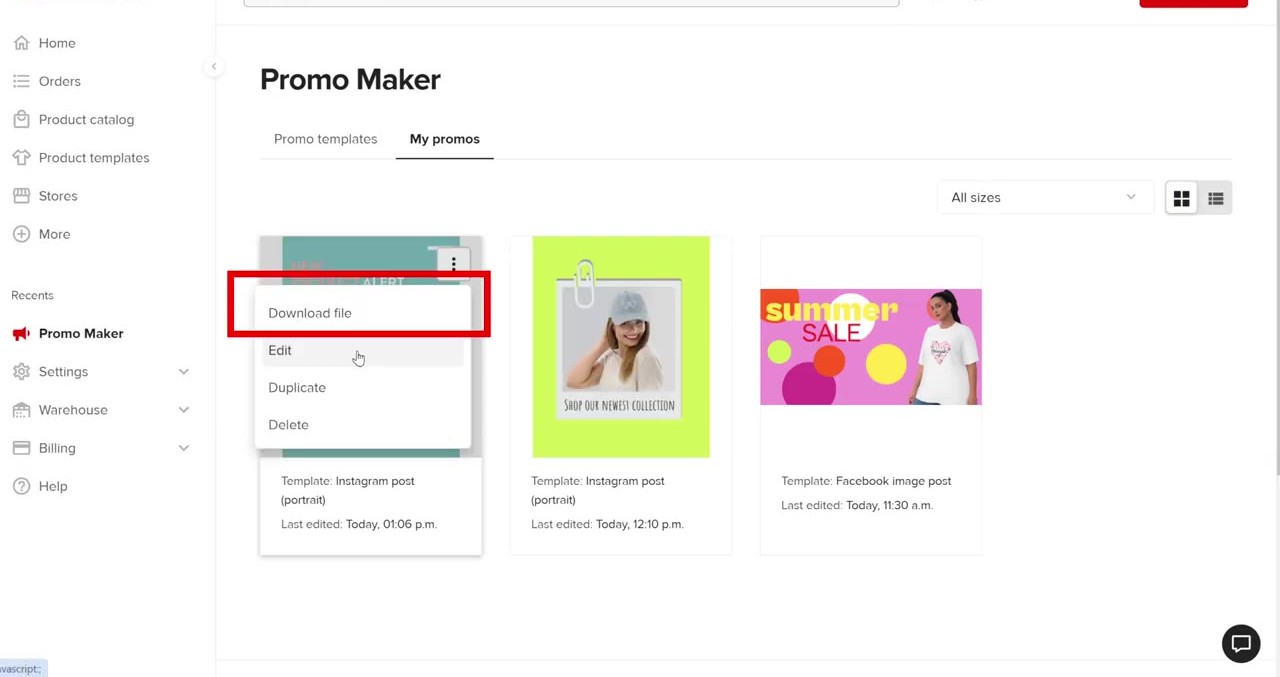
Click Save to download, then download it as a video (with the animation) or as an image. All your promos are saved under My promos, where you can download, edit, duplicate or delete them.
Is it worth using?
It’s quick and free, and the mockups are already there, which is the main advantage. You can also use it for promos of products from other print on demand companies, as long as you upload their images. For more design freedom, Canva or Adobe Express give you more templates and fonts.
More Printful guides: the Printful design tool, Printful mockups and Printful branding options.
Keep learning
This guide is part of the complete guide: Print on Demand with Printful.