How to Connect Printful to eBay and Sell Print on Demand Products
This post contains affiliate links. If you sign up through them, I may earn a commission at no extra cost to you.
You can sell Printful products on eBay without holding any inventory. When an order comes in, Printful prints it and ships it to your customer. Here is how to connect the two. Don’t have a Printful account yet? Sign up for free here.
Step 1: An eBay account
If you don’t have one, go to eBay, click My eBay and create an account (you can use a Google account). eBay confirms your email and phone with a code and asks for your address. You don’t need to open an eBay store: in My eBay > Selling you can already list items.
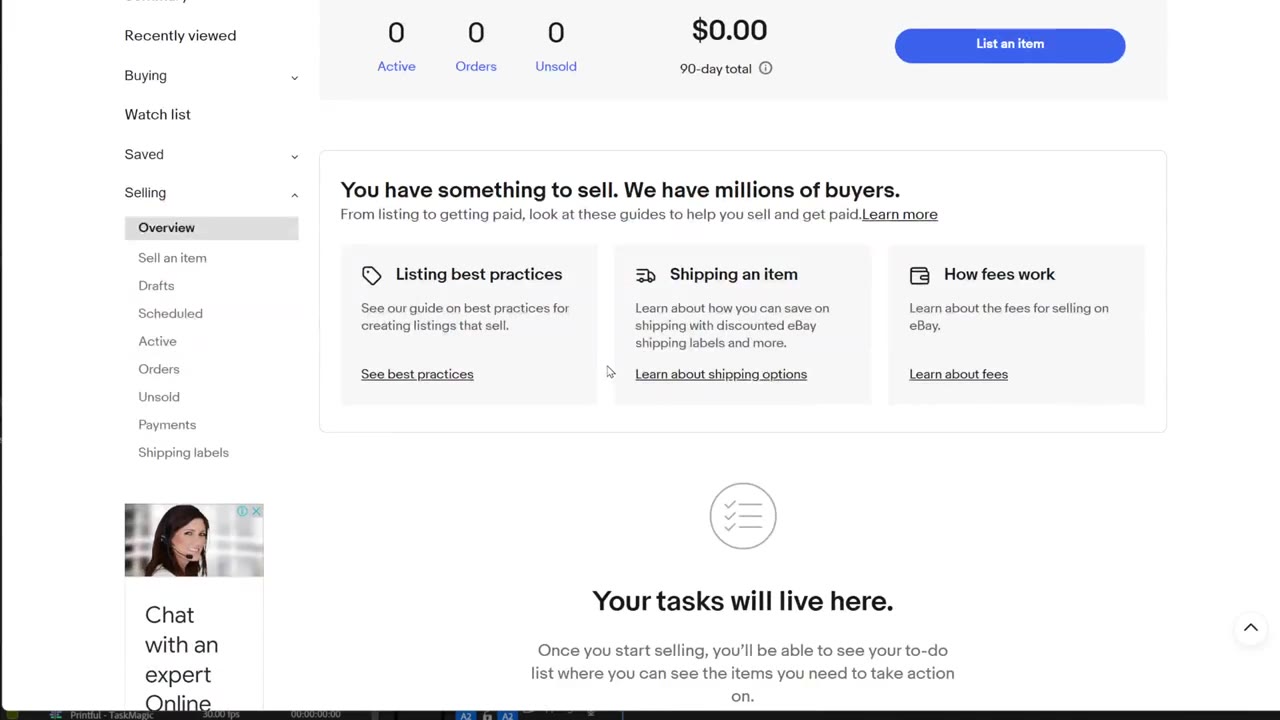
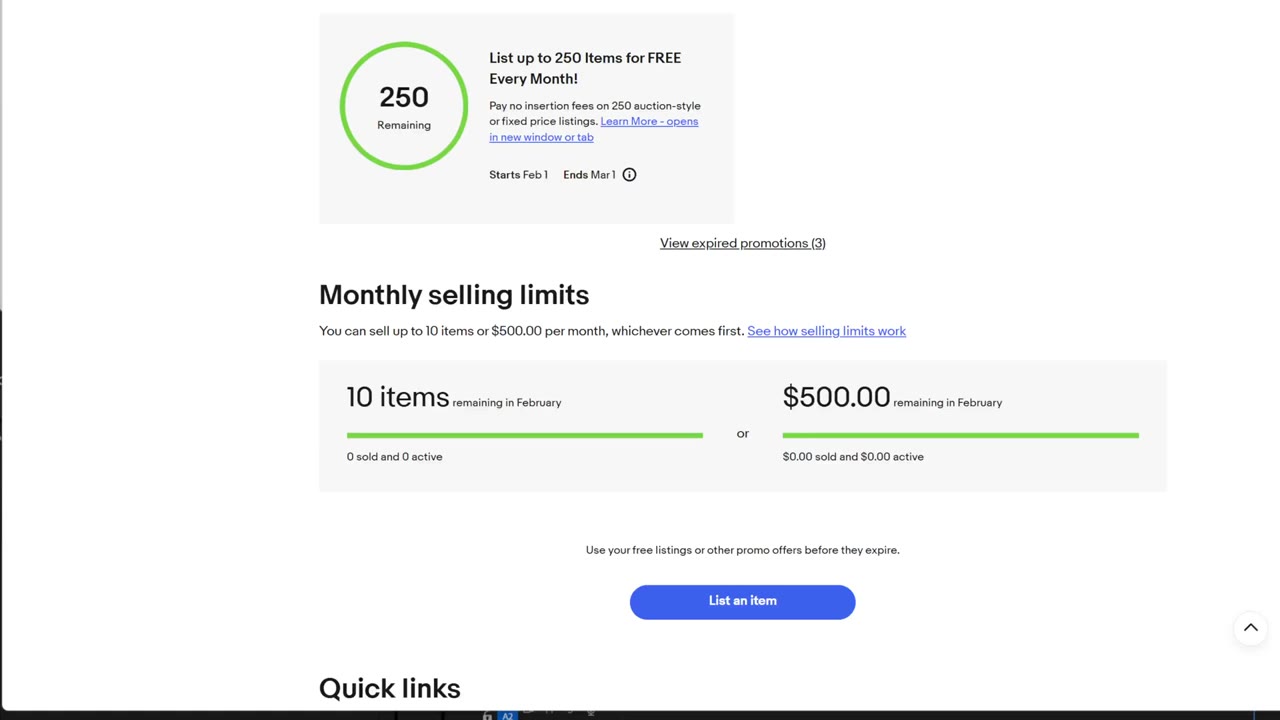
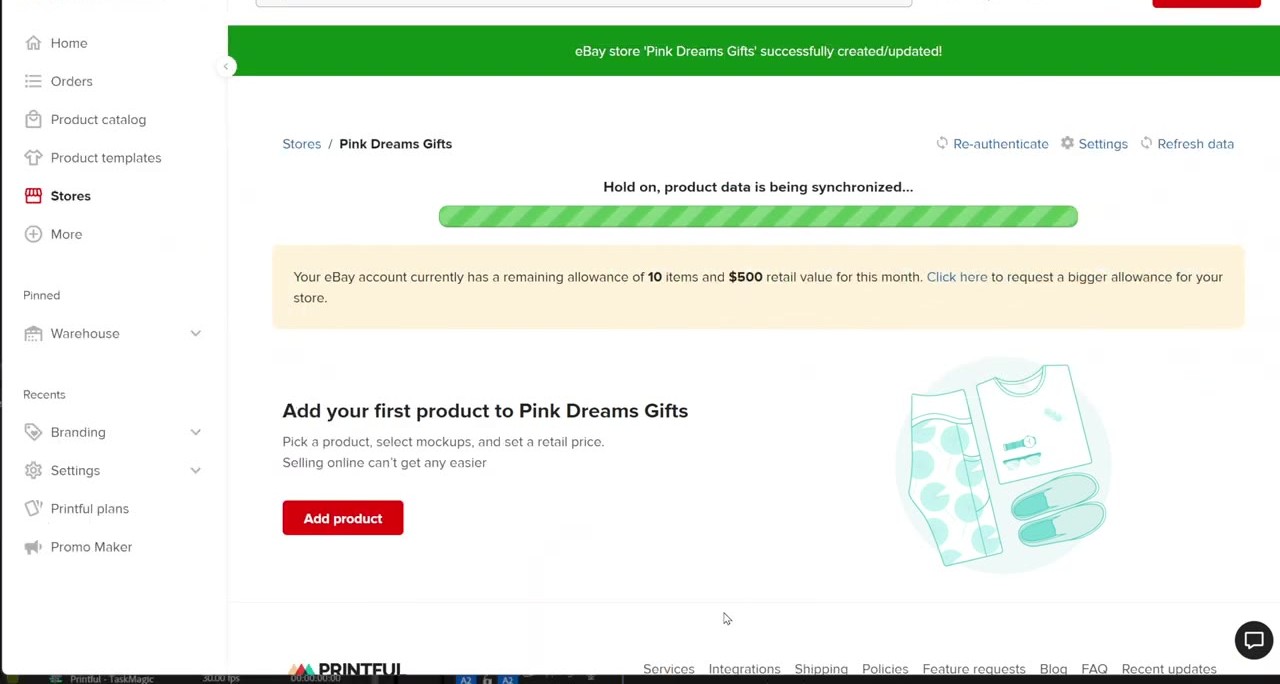
New sellers have a monthly limit, shown in the video as 10 items or 500 USD in sales. eBay does this to prevent fraud, and the limit grows over time.
Step 2: Connect eBay in Printful
In Printful, open Stores and click to connect a new store, then choose eBay from the platform list.
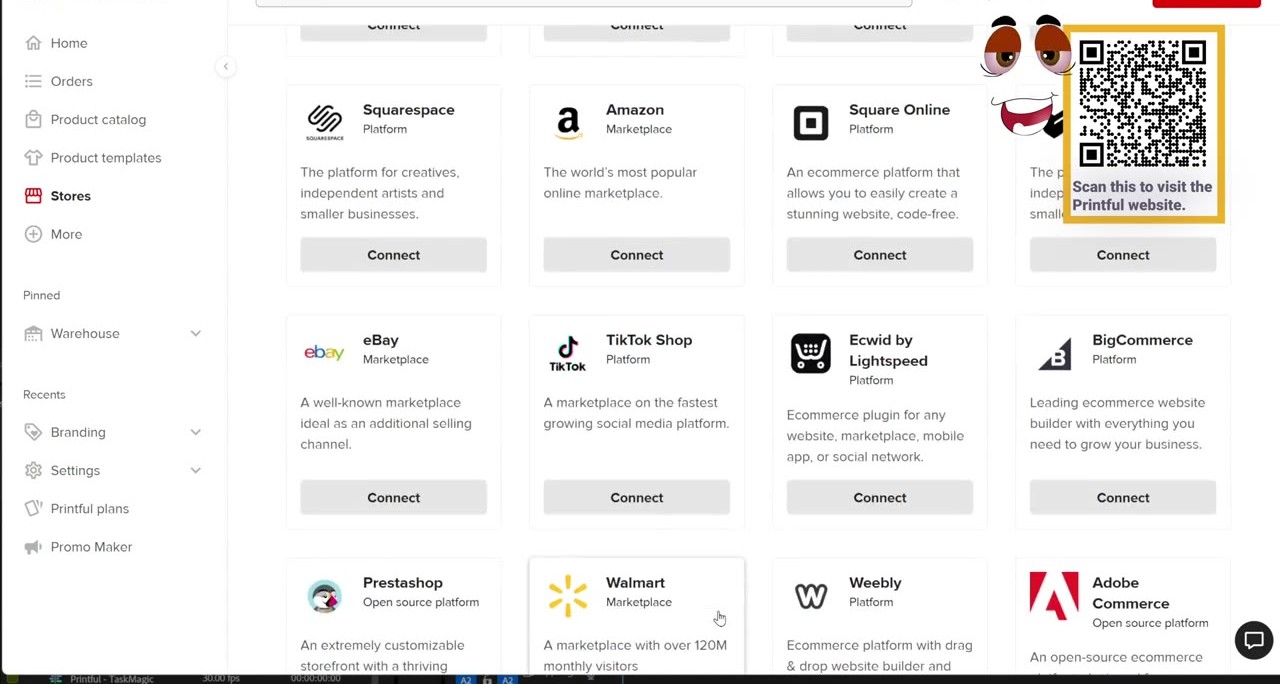
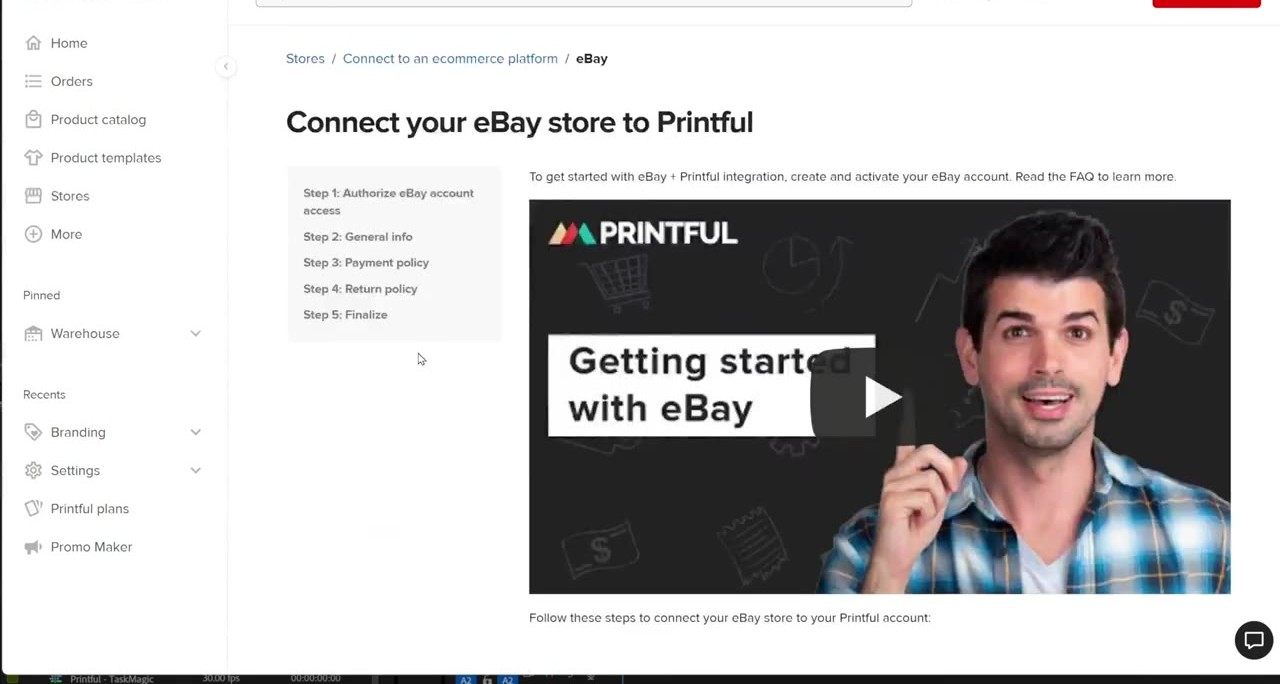
The connection has a few steps. First, click the red button to authorize your eBay account and confirm.
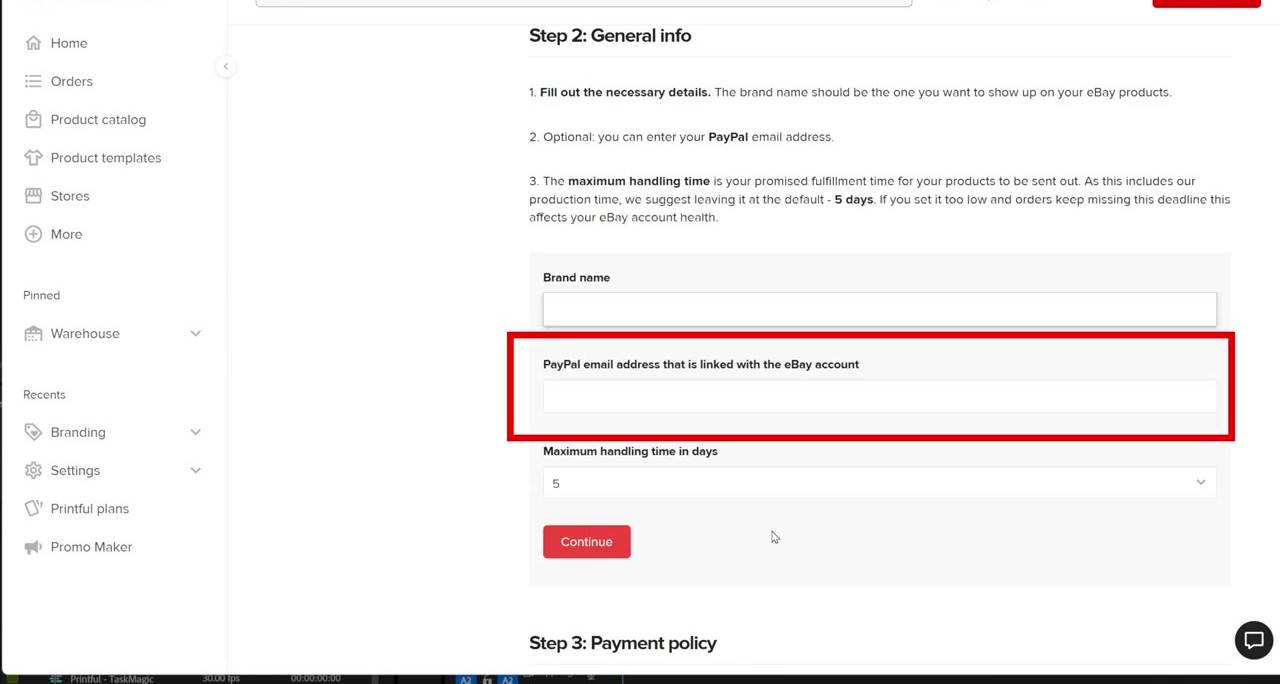
Then fill in the general info: a brand name (anything you like), the PayPal email linked to your eBay account, and the handling time. The suggested handling time is fine.
Next, choose the payment and return policies. You can use the default eBay and Printful policies and change them later in your eBay account, or enter the name of your own policy. Wait a minute while the store syncs.
What’s different when you add products for eBay
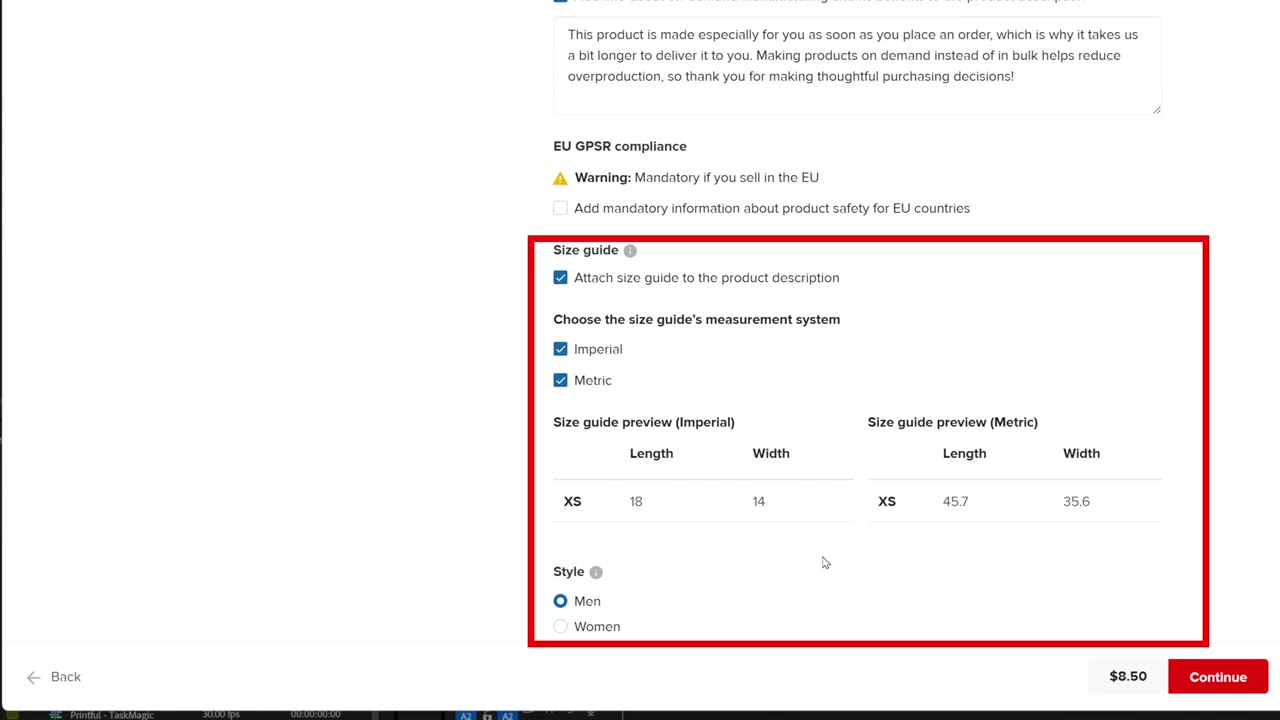
You create products the same way as for any store. The title and description are the same, but eBay products have a few extra fields, including the EU product safety (GPSR) information, which matters if you sell to EU customers, and size chart options.
Learn the design maker in the Printful design tool guide, and price your products with the free Printful profit calculator.
Keep learning
This guide is part of the complete guide: Print on Demand with Printful.