Skip to content
Tools for content creators
  • About
  • GuidesExpand
    • Print on Demand with Printful
    • YouTube Channel
    • Make Money as a Creator
    • Books on Amazon KDP
    • Pinterest and Social Media
    • Canva and Design
  • Free ToolsExpand
    • YouTube Channel Checklist
    • Printful Profit Calculator
    • Printful Product Checklist
    • Series Bible Template
  • Recommended Tools
  • YouTube
Tools for content creators
Home / Tools for content creators - Page 3

Tools for content creators

How to Format Your Book in AI WriteBook: Size, Layout, Pages and Cover
Artificial Intelligence Tools for content creators

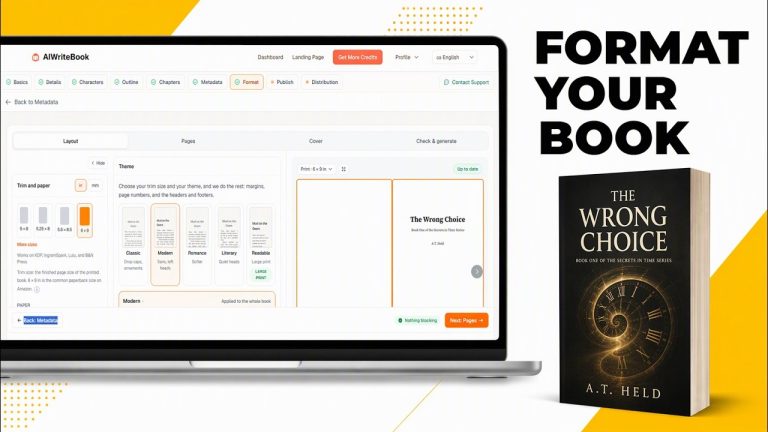
How to Format Your Book in AI WriteBook: Size, Layout, Pages and Cover

AI WriteBook’s Format tab lets you choose the book size, paper, margins, templates and fonts, design special pages, build a full wrap cover with the spine and back, and export the final files. Here’s how each tab works.

Read More How to Format Your Book in AI WriteBook: Size, Layout, Pages and CoverContinue

Finding Book Niches and Competitors With AI WriteBook's Research Tools
Artificial Intelligence Tools for content creators

Finding Book Niches and Competitors With AI WriteBook’s Research Tools

How to use What’s Trending, Niche Finder and Competitor Research in AI WriteBook to find a book topic, spot underserved niches and see who you compete with, and how much each tool costs in credits.

Read More Finding Book Niches and Competitors With AI WriteBook’s Research ToolsContinue

How to Sell More Books on KDP With AI WriteBook's Publishing Tools
Artificial Intelligence Tools for content creators

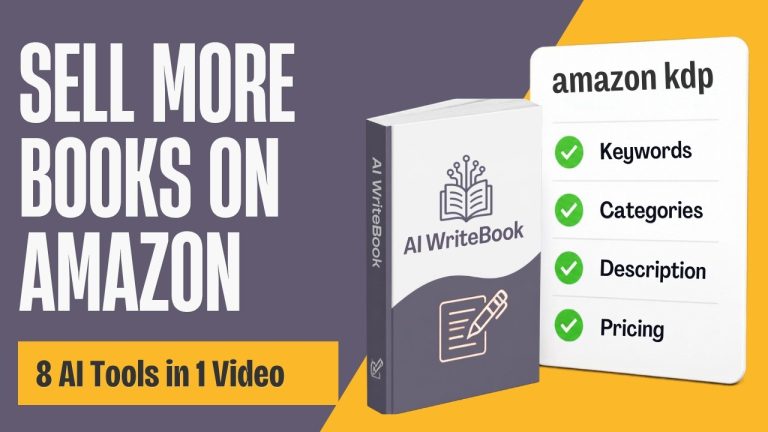
How to Sell More Books on KDP With AI WriteBook’s Publishing Tools

All 8 KDP Publishing tools in AI WriteBook: keywords, categories, blurb, royalty calculator, author bio, A+ Content, back matter and copyright page. How each one works, what it costs and what to do with the result on KDP.

Read More How to Sell More Books on KDP With AI WriteBook’s Publishing ToolsContinue

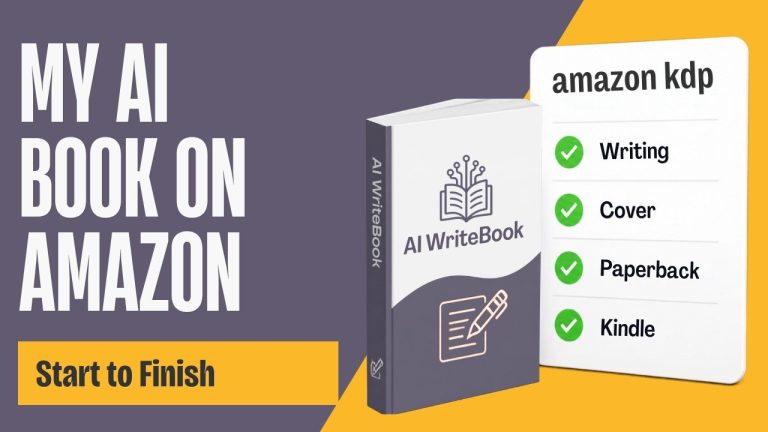
I Made a Nonfiction Book With AI WriteBook and Published It on Amazon KDP (Honest Review)
Artificial Intelligence Tools for content creators

I Made a Nonfiction Book With AI WriteBook and Published It on Amazon KDP (Honest Review)

A full nonfiction book made with AI WriteBook, from niche research to the cover and files, and then uploaded to Amazon KDP with its Chrome extension. What worked, what the AI got wrong, and what it cost in credits.

Read More I Made a Nonfiction Book With AI WriteBook and Published It on Amazon KDP (Honest Review)Continue

How to Cancel Your Adobe Subscription (Step by Step, 2026)
Tools for content creators

How to Cancel Your Adobe Subscription (Step by Step, 2026)

Adobe shows four steps and a few offers before it lets you cancel. Here’s every screen, where the refund appears, and what happens to your cloud files after you cancel.

Read More How to Cancel Your Adobe Subscription (Step by Step, 2026)Continue

AppSumo Refund: How to Get Your Money Back (Step by Step)
Tools for content creators

AppSumo Refund: How to Get Your Money Back (Step by Step)

AppSumo gives you 60 days to ask for a refund on any deal. Here’s exactly where the Refund button is, what AppSumo asks you, and which refund option to choose.

Read More AppSumo Refund: How to Get Your Money Back (Step by Step)Continue

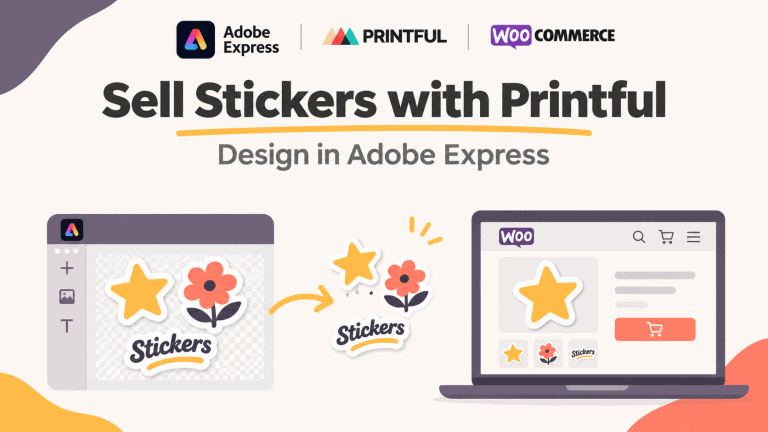
How to sell Printful stickers in WooCommerce with designs from Adobe Express
Artificial Intelligence Graphic Design Print on Demand The content game Tools for content creators

Printful Stickers: From Pencil Drawing to WooCommerce (Gemini + Adobe Express)

How I made a Kiss-Cut sticker with my book characters: coloring pencil drawings in Gemini, designing in Adobe Express with a white outline, and selling it with Printful in WooCommerce.

Read More Printful Stickers: From Pencil Drawing to WooCommerce (Gemini + Adobe Express)Continue

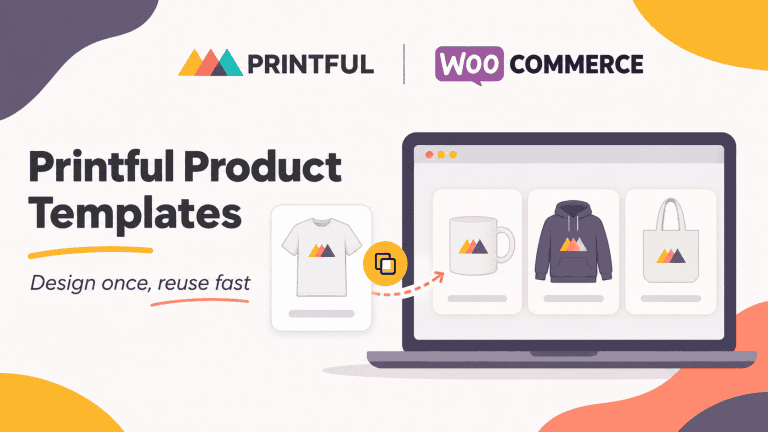
How to use Printful product templates in WooCommerce
Print on Demand The content game Tools for content creators Wordpress

How to Make a Printful Product Template and Add It to WooCommerce

Make a product in Printful without a store using a product template, then add it to your WooCommerce store with custom mockups, details and price. Step by step with screenshots.

Read More How to Make a Printful Product Template and Add It to WooCommerceContinue

How to set up Printful shipping in WooCommerce
Print on Demand The content game Tools for content creators Wordpress

Printful Shipping in WooCommerce: Charge Real Shipping Instead of Free Shipping

Why free shipping doesn’t work on a cheap product like a $5 sticker, and how to let Printful add the real shipping cost to each WooCommerce order.

Read More Printful Shipping in WooCommerce: Charge Real Shipping Instead of Free ShippingContinue

How to connect TeePublic to YouTube Shopping through Dashery
Monetization Strategies Print on Demand The content game Tools for content creators Youtube

How to Connect TeePublic to YouTube Shopping (Dashery Setup)

How to connect your TeePublic store to YouTube Shopping through Dashery, what to do when YouTube shows zero products, and the catch with products YouTube does not approve.

Read More How to Connect TeePublic to YouTube Shopping (Dashery Setup)Continue

Page navigation

Previous PagePrevious 1 2 3 4 5 6 Next PageNext
  • Privacy Policy
  • Terms Of Use
  • Disclosure

Find Me Elsewhere

  • YouTube Channel
  • My Book Series Site
  • TeePublic Store
  • Spreadshirt Store
  • Zazzle Store

© 2026 Tools for content creators

  • About
  • Guides
    • Print on Demand with Printful
    • YouTube Channel
    • Make Money as a Creator
    • Books on Amazon KDP
    • Pinterest and Social Media
    • Canva and Design
  • Free Tools
    • YouTube Channel Checklist
    • Printful Profit Calculator
    • Printful Product Checklist
    • Series Bible Template
  • Recommended Tools
  • YouTube