Skip to content
Tools for content creators
  • About
  • GuidesExpand
    • Print on Demand with Printful
    • YouTube Channel
    • Make Money as a Creator
    • Books on Amazon KDP
    • Pinterest and Social Media
    • Canva and Design
  • Free ToolsExpand
    • YouTube Channel Checklist
    • Printful Profit Calculator
    • Printful Product Checklist
    • Series Bible Template
  • Recommended Tools
  • YouTube
Tools for content creators
Home / Tools for content creators - Page 2

Tools for content creators

How to Auto-Post from Instagram to Pinterest (No Extra Apps)
Social Media Tools for content creators

How to Auto-Post from Instagram to Pinterest (No Extra Apps)

Connect Instagram to Pinterest so every new Instagram post is pinned automatically to a board, choose whether to import older posts, change the board, pause or disconnect.


Read More How to Auto-Post from Instagram to Pinterest (No Extra Apps)Continue

How Pinterest Board Sections Work: Add, Move Pins, Reorder and Merge
Social Media Tools for content creators

How Pinterest Board Sections Work: Add, Move Pins, Reorder and Merge

Split a Pinterest board into topics with sections: create a section, move one pin or many pins with Organize, reorder pins and sections, and merge two sections without losing pins.
Read More How Pinterest Board Sections Work: Add, Move Pins, Reorder and MergeContinue

Delete, Archive and Restore Pinterest Boards (and What Happens to Your Pins)
Social Media Tools for content creators

Delete, Archive and Restore Pinterest Boards (and What Happens to Your Pins)

How to delete a Pinterest board and restore it within 7 days, why archiving is the safer option, and what really happens to original and saved pins when you delete a pin or a board.
Read More Delete, Archive and Restore Pinterest Boards (and What Happens to Your Pins)Continue

How to Organize Pinterest Boards: Sort, Edit, Sections, Merge and Share
Social Media Tools for content creators

How to Organize Pinterest Boards: Sort, Edit, Sections, Merge and Share

Full control over your Pinterest boards with a business account: sort and reorder boards, edit the name and cover, add sections, move pins, merge boards and sections, and share or collaborate on a board.
Read More How to Organize Pinterest Boards: Sort, Edit, Sections, Merge and ShareContinue

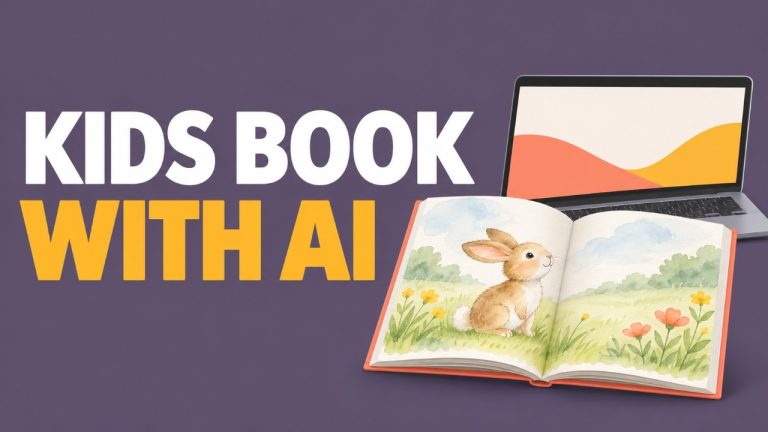
How to Write and Design a Children's Book with AI (Phygital+ and Canva)
Artificial Intelligence Tools for content creators

How to Write and Design a Children’s Book with AI (Phygital+ and Canva)

Create a short children’s book with AI from the story to the cover: consistent characters in Phygital+, the right KDP size, the page layout in Canva, extra activity pages and a cover with the KDP calculator.
Read More How to Write and Design a Children’s Book with AI (Phygital+ and Canva)Continue

Make a Read-Aloud Video of Your Kids Book in Canva (Animation, Narration and QR Code)
Artificial Intelligence Tools for content creators

Make a Read-Aloud Video of Your Kids Book in Canva (Animation, Narration and QR Code)

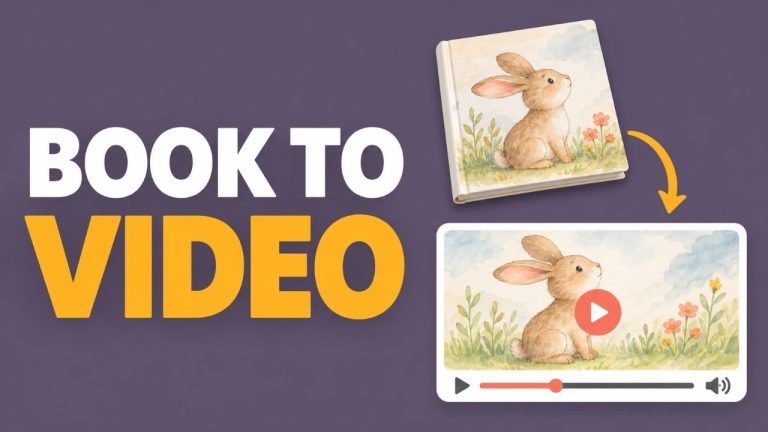
Turn your children’s book into a YouTube read-aloud video in Canva: animate the illustrations, make a character move with Magic Grab, add AI narration and music, and finish with a QR code to the book on Amazon.
Read More Make a Read-Aloud Video of Your Kids Book in Canva (Animation, Narration and QR Code)Continue

How to Upload a Kids Book to Amazon KDP: Free ISBN, Price and Publish
Artificial Intelligence Tools for content creators

How to Upload a Kids Book to Amazon KDP: Free ISBN, Price and Publish

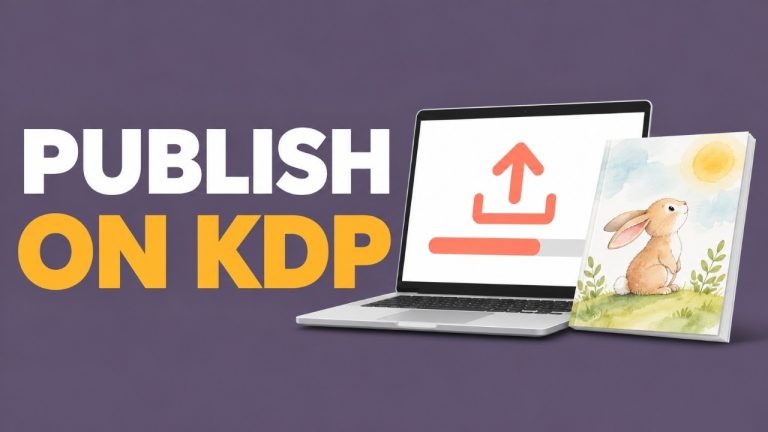
What to prepare before you upload, then every screen of the KDP paperback setup: details, categories, keywords, free ISBN, bleed, manuscript and cover upload, AI disclosure, previewer and pricing.

Read More How to Upload a Kids Book to Amazon KDP: Free ISBN, Price and PublishContinue

How to Make a KDP Paperback Cover in Canva (Cover Calculator and Template)
Artificial Intelligence Tools for content creators

How to Make a KDP Paperback Cover in Canva (Cover Calculator and Template)

Get the exact cover size from the KDP cover calculator, use the template to see the safe areas and the barcode spot, and design the front, back and spine in Canva.
Read More How to Make a KDP Paperback Cover in Canva (Cover Calculator and Template)Continue

Make Your KDP Kids Book Longer: Coloring Pages, Games and Parent Questions
Artificial Intelligence Tools for content creators

Make Your KDP Kids Book Longer: Coloring Pages, Games and Parent Questions

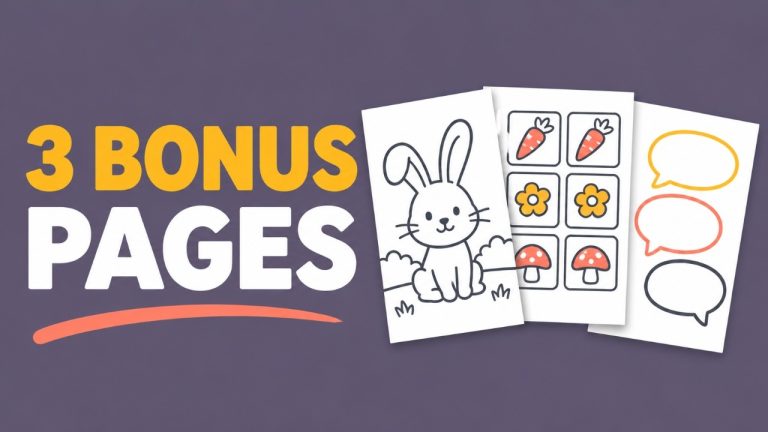
Three ways to add pages and value to a short children’s book without changing the story: questions for parents, coloring pages made with AI, and a memory card game built in Canva.
Read More Make Your KDP Kids Book Longer: Coloring Pages, Games and Parent QuestionsContinue

Can AI Really Create a Complete Book? Writing a Kids' Book With AI WriteBook
Artificial Intelligence Tools for content creators

Can AI Really Create a Complete Book? Writing a Kids’ Book With AI WriteBook

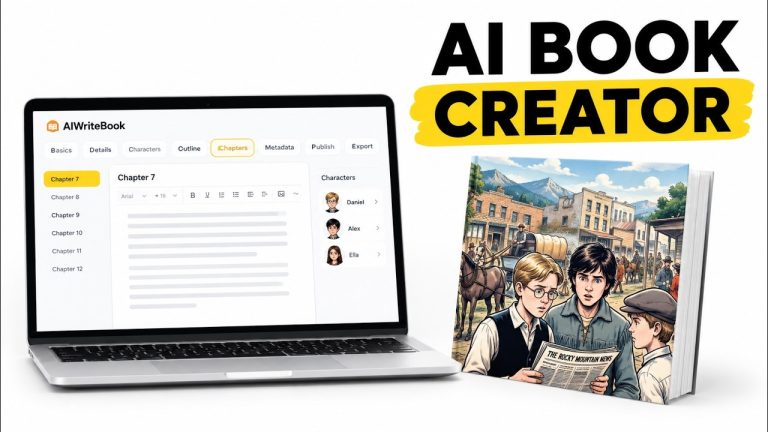
The whole AI WriteBook writing process on a real children’s book: setup, characters, outline, chapters, editing, illustrations and cover, with tips that save credits and what I still had to do outside the app.

Read More Can AI Really Create a Complete Book? Writing a Kids’ Book With AI WriteBookContinue

Page navigation

Previous PagePrevious 1 2 3 4 … 6 Next PageNext
  • Privacy Policy
  • Terms Of Use
  • Disclosure

Find Me Elsewhere

  • YouTube Channel
  • My Book Series Site
  • TeePublic Store
  • Spreadshirt Store
  • Zazzle Store

© 2026 Tools for content creators

  • About
  • Guides
    • Print on Demand with Printful
    • YouTube Channel
    • Make Money as a Creator
    • Books on Amazon KDP
    • Pinterest and Social Media
    • Canva and Design
  • Free Tools
    • YouTube Channel Checklist
    • Printful Profit Calculator
    • Printful Product Checklist
    • Series Bible Template
  • Recommended Tools
  • YouTube