Make a Read-Aloud Video of Your Kids Book in Canva (Animation, Narration and QR Code)
A video of your story on YouTube can help you sell the book. You can make it from the book illustrations in Canva, or create animated clips with an AI video tool. Here’s how to do both.
Long video or Short?
For YouTube, make a long horizontal video even if it’s short in length, because you can’t add links in the description of Shorts. You can also make a vertical Short that stops before the end and points to the full video.
Animate the illustrations in Canva
Start a video project in Canva and add all the images. If an image fills the page, right-click it and choose Detach image from background. Then click Animate. Scroll past the enter and exit animations to find photo zoom or photo up and down, which add movement. You can set the duration and when the animation plays.
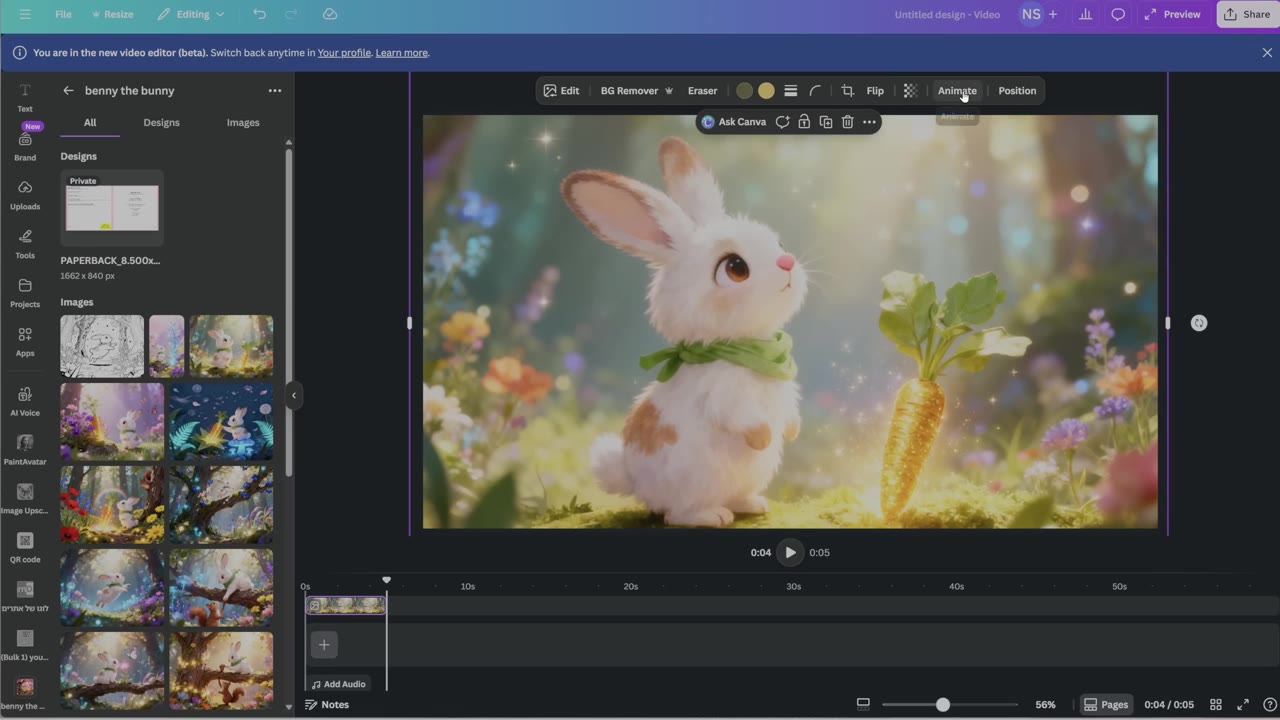
Make the character move
To make the bunny jump, click the image, click Edit and choose Magic Grab. Canva separates the character and fills the background. Move the character to its starting point, click Animate, choose Create an animation and draw the path. You can change the speed and add effects.
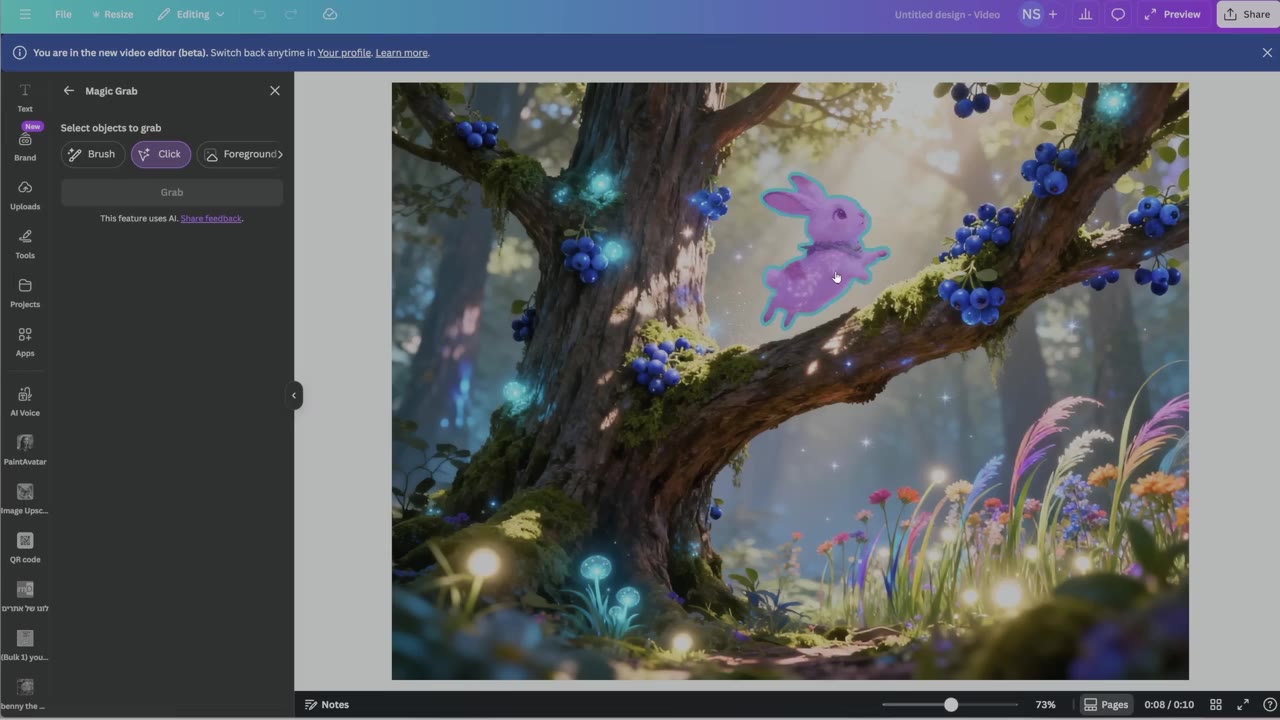
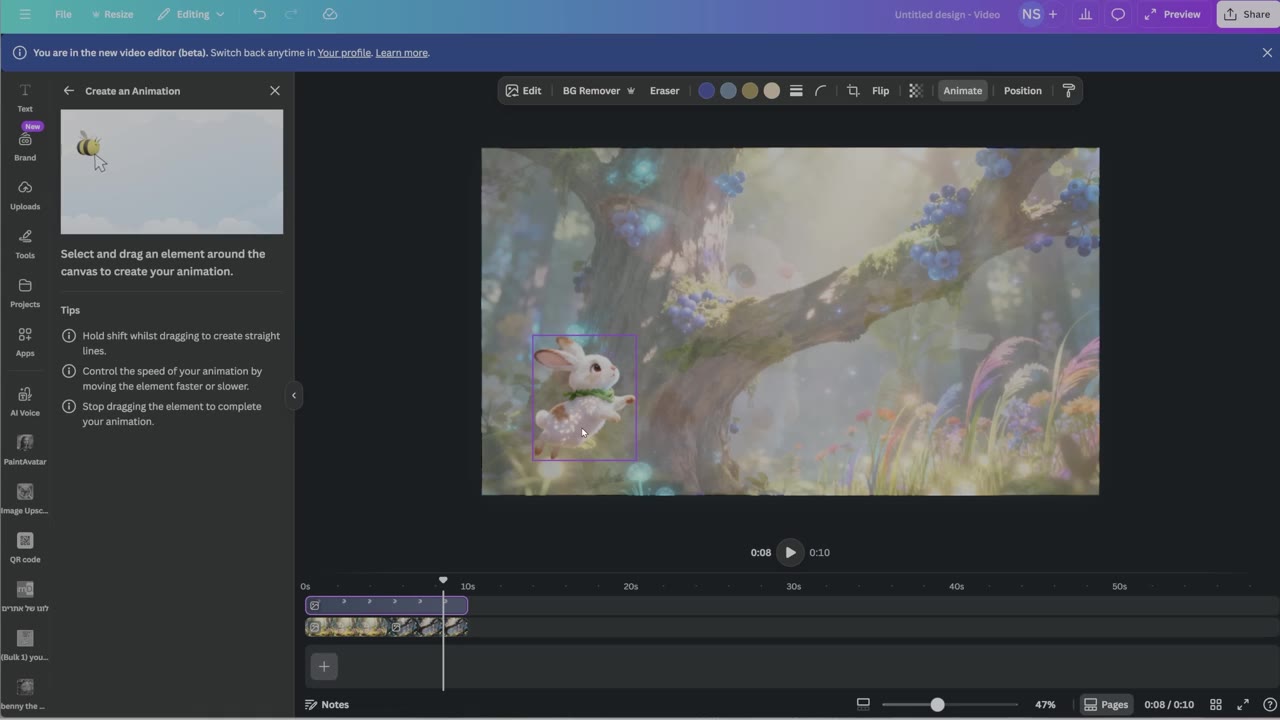
Add the narration and music
Use Canva’s AI voiceover from the side panel, another AI voice tool, or record yourself. In Canva, choose a voice, paste the first sentence, click generate and add it to the right page. Repeat for each line.
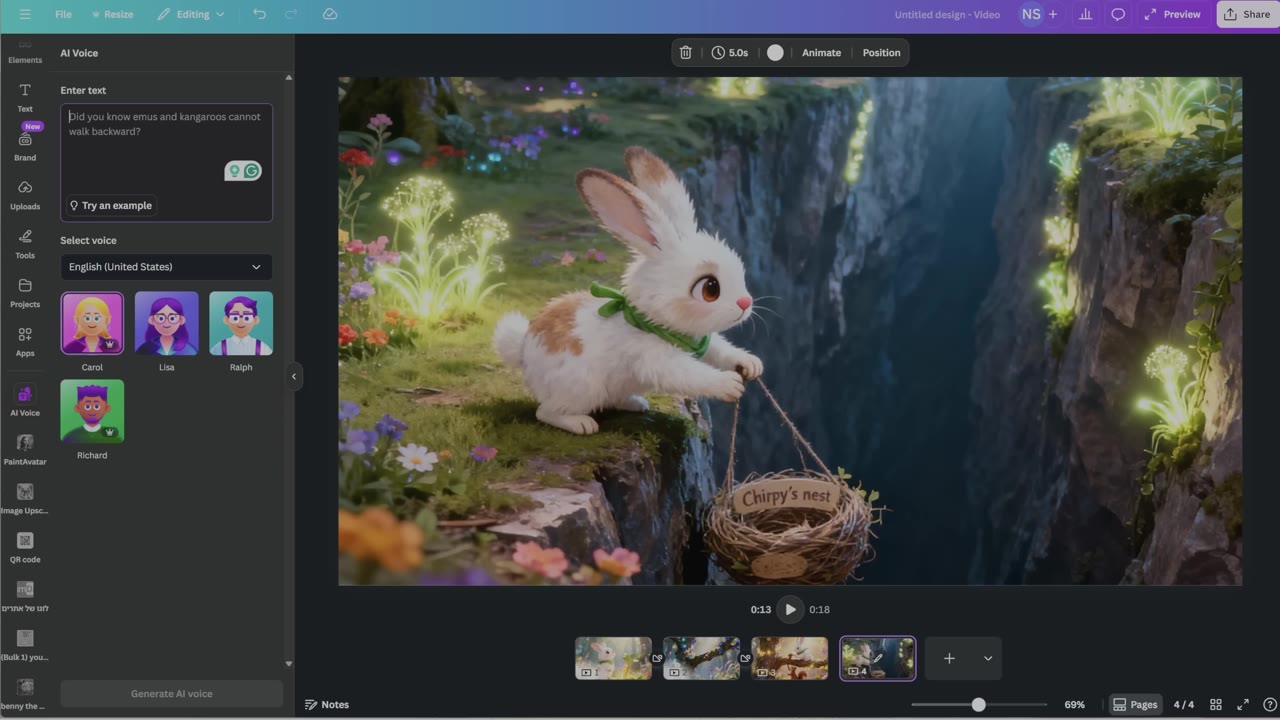
Add quiet music so kids can hear the story. Without Canva Pro, the safest free music is the YouTube Audio Library.
Add a QR code to the book
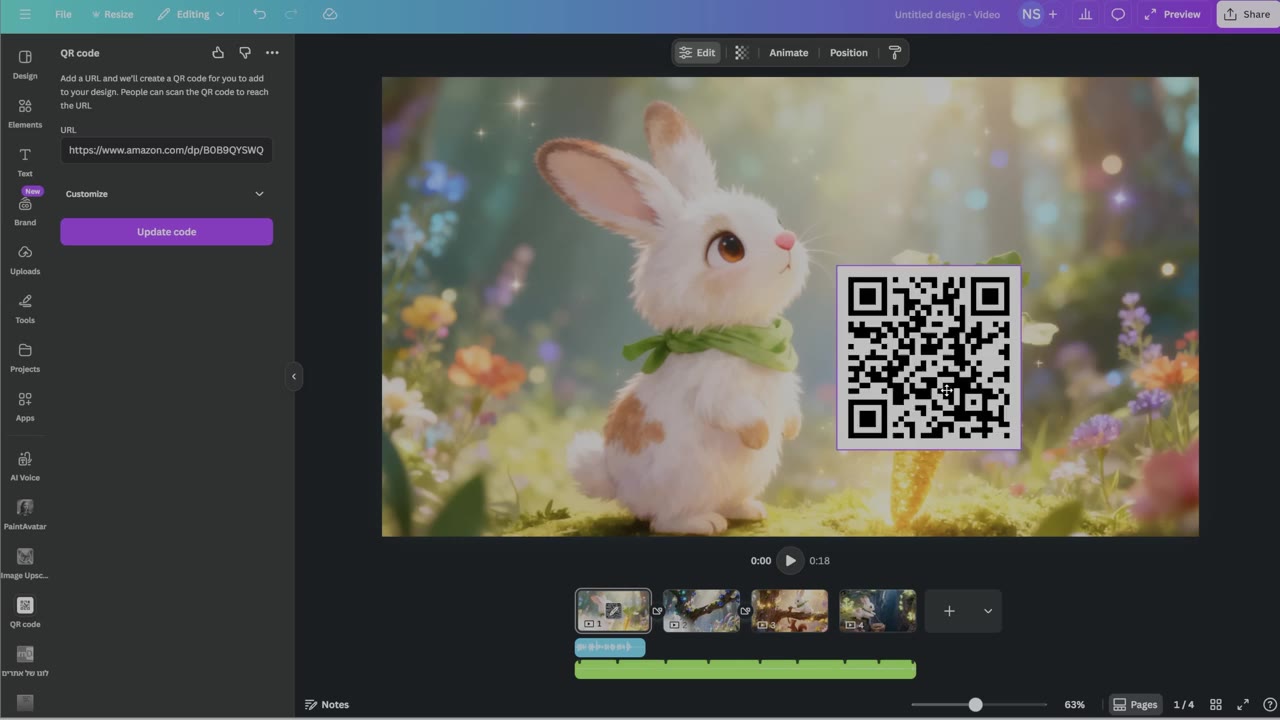
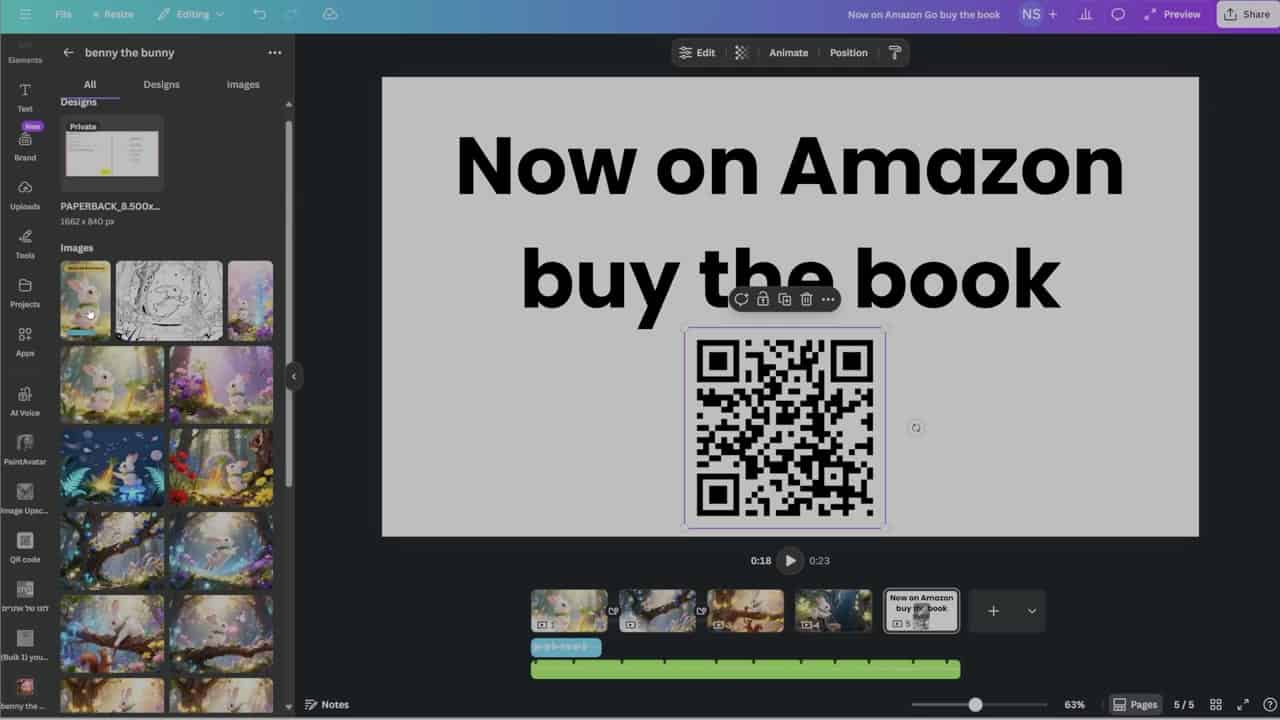
On the last page, add the book cover and a QR code to the book on Amazon. Copy the book URL from Amazon, open Apps in Canva, search for QR, choose a QR app, paste the URL and generate. Add a call to action like “Get the book on Amazon” and the book title, so people can search for it.
If your channel is monetized, you can also link the book in the end screen. You can mention the bonus pages, like coloring pages and the memory game, in the narration.
Option 2: Animated clips with AI
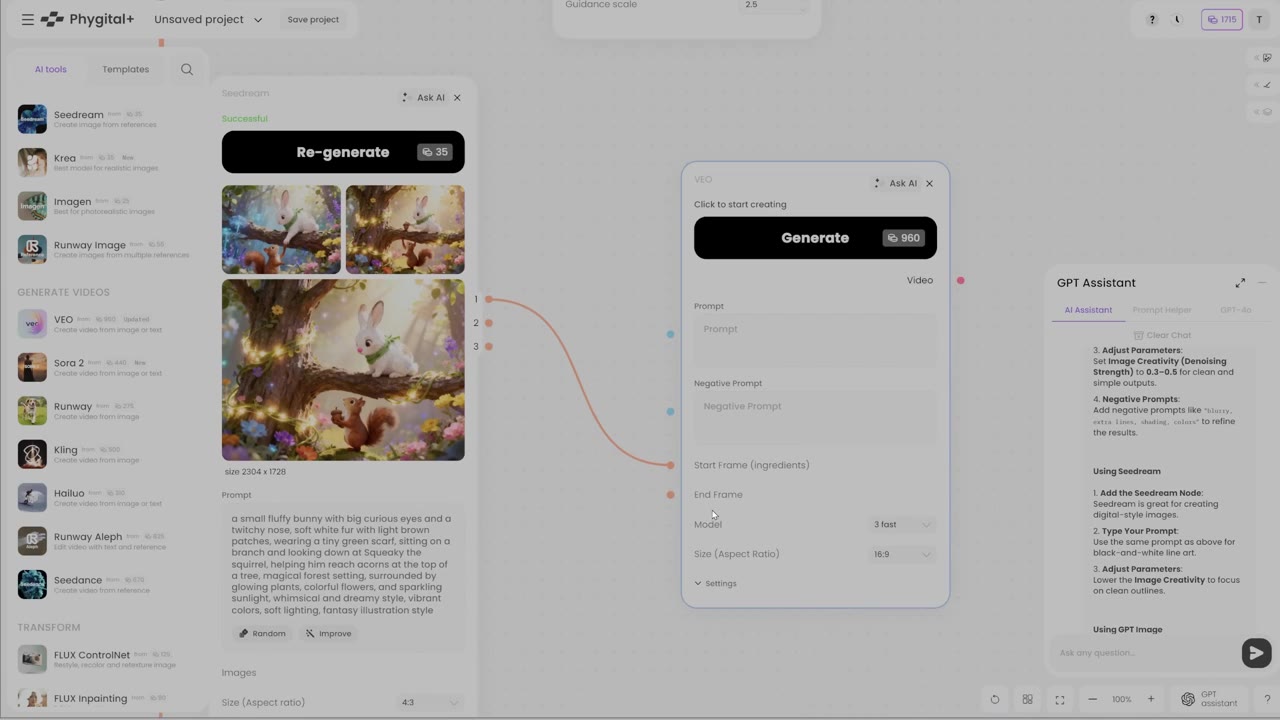
In Phygital+, add a video model, connect a book illustration with the orange dots and describe the movement or expression you want. Download the clips, upload them to Canva and add the narration, music and QR code the same way.
Make the Short version
When the horizontal video is ready, click Resize and choose vertical. Check that the character stays in the frame on every page. Upload the Short after the long video and choose the long one as the related video. Add the book link, and use the vertical video on TikTok and Instagram too.
How the book was made: how to write and design a children’s book with AI.
Keep learning
This guide is part of the complete guide: Publish Books on Amazon KDP with AI and Canva and Design Guides for Creators.