Make Your KDP Kids Book Longer: Coloring Pages, Games and Parent Questions
If your children’s book is short, or you want it to stand out, you can add pages without touching the story. Here are three ideas I added to my AI kids book, and how I made each one.
Idea 1: Questions for parents
At the end of the story, add questions a parent can ask the child about the story, to start a conversation about what it meant to them. Kids often get this in kindergarten books, and you don’t usually see it in regular books. I asked ChatGPT to write the questions. Start this section on a right-side page after the story, with a blank page before it. I added the cropped character, aligned the text to the left and used bold text and bullet points.
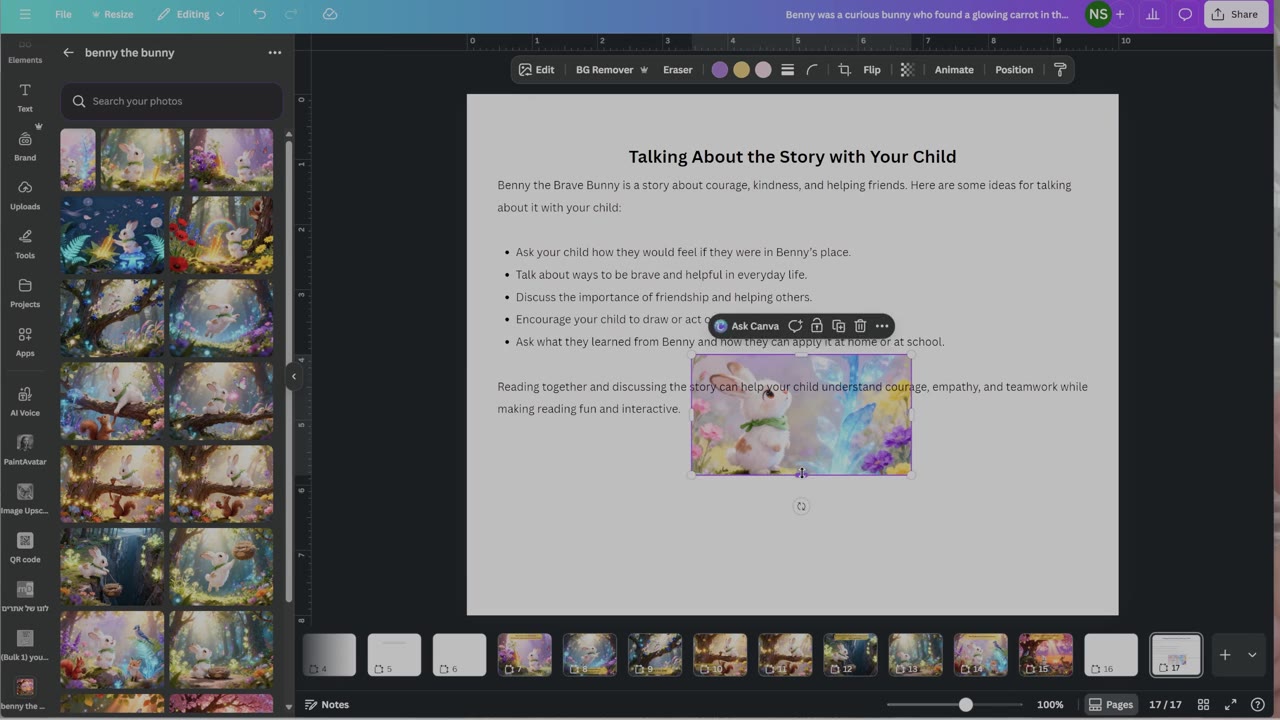
Idea 2: Coloring pages made with AI
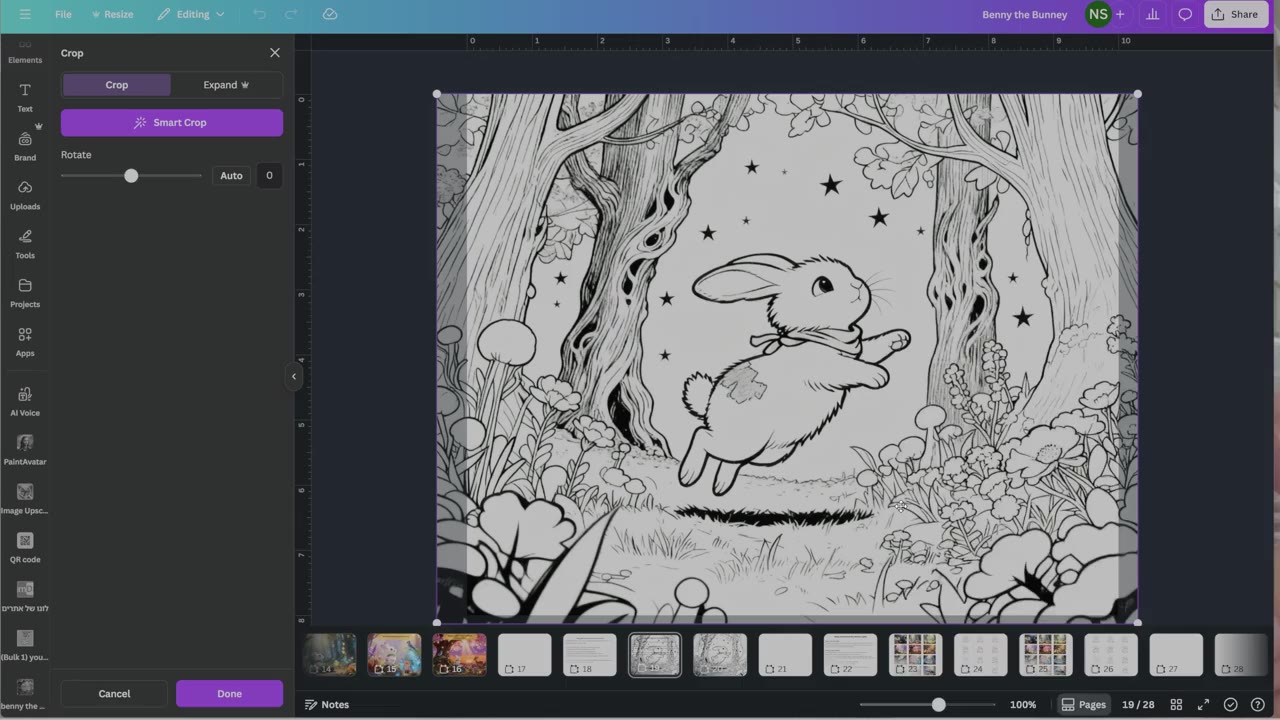
Coloring pages can almost double the page count. I tried several models in Phygital+ to turn one of the book images into a coloring page:
- Vectorizer: cheap to try, but it didn’t give a coloring page.
- Seedream with a changed seed: didn’t work.
- ChatGPT image on low quality: the first one that worked, but it felt a bit off.
- Nano Banana: okay, but not great.
- Seedream again with the new prompt and the seed untouched: this gave the most usable coloring page.
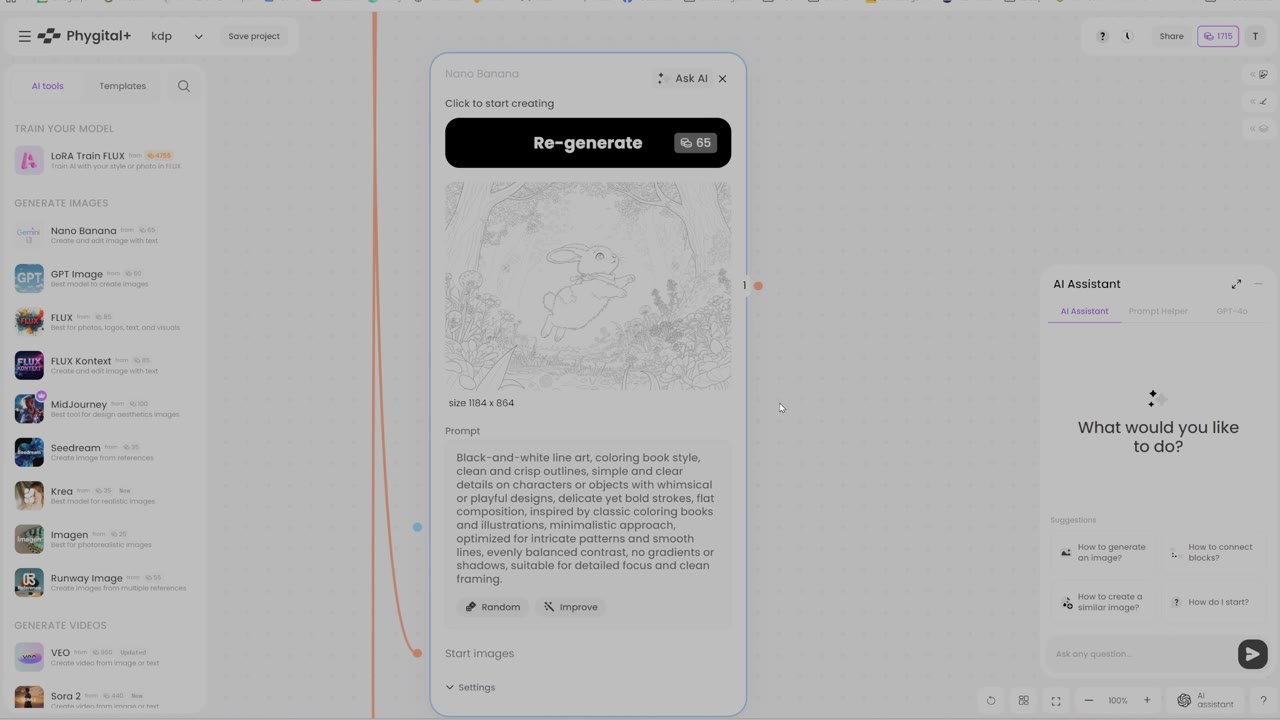
Images with a lot of detail are harder to turn into real coloring pages, so for a real book make several and pick the simplest ones.
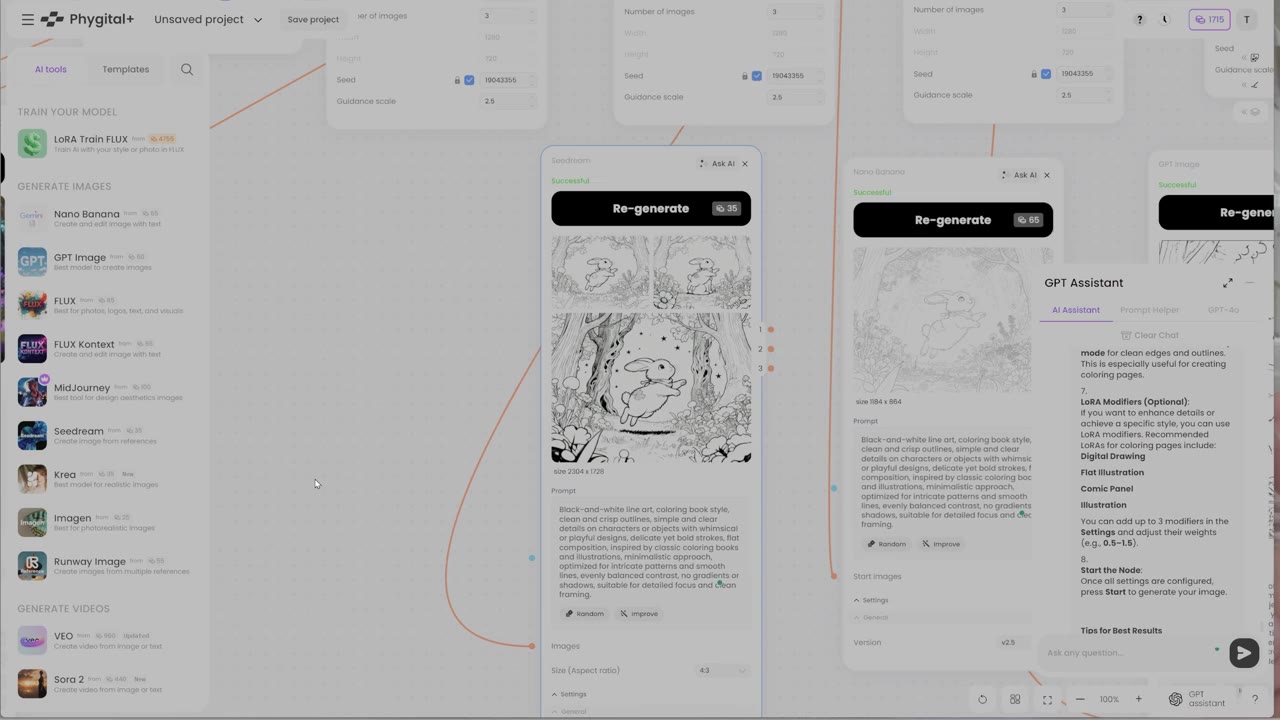
In Canva, add an instructions page and then the coloring page. Put every coloring page on its own sheet with nothing on the back, so a child can tear it out and markers that bleed through won’t ruin the next page.
Idea 3: A memory card game
A memory game is easy to build from your illustrations. Add a page on the right side and place a few images on it. Make sure they’re the same size, click Position in the top menu, select all the images and click Tidy up. Then duplicate the page, so there are two of each card to match.
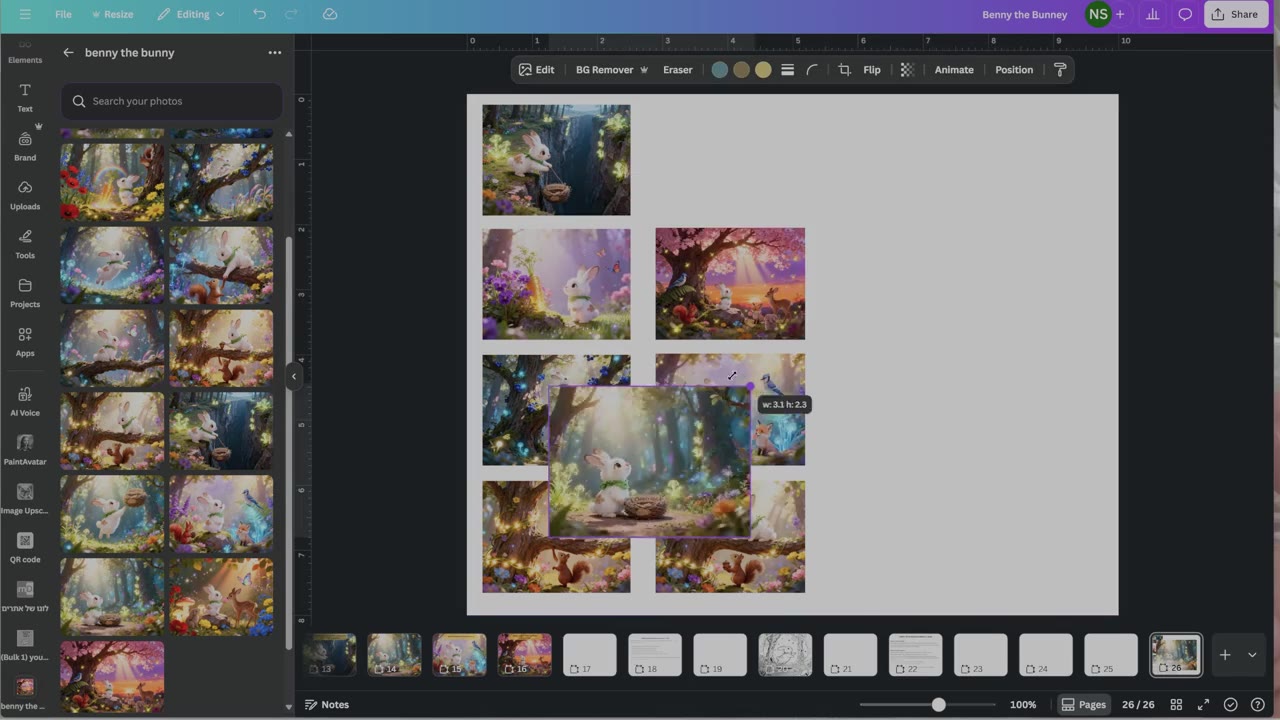
Keep the game pages separate so they’re easy to cut, put a cute black and white image on the back, and add a page with game instructions written by ChatGPT, so readers understand why the cards are there.
The whole book process is in how to write and design a children’s book with AI.
Keep learning
This guide is part of the complete guide: Publish Books on Amazon KDP with AI.